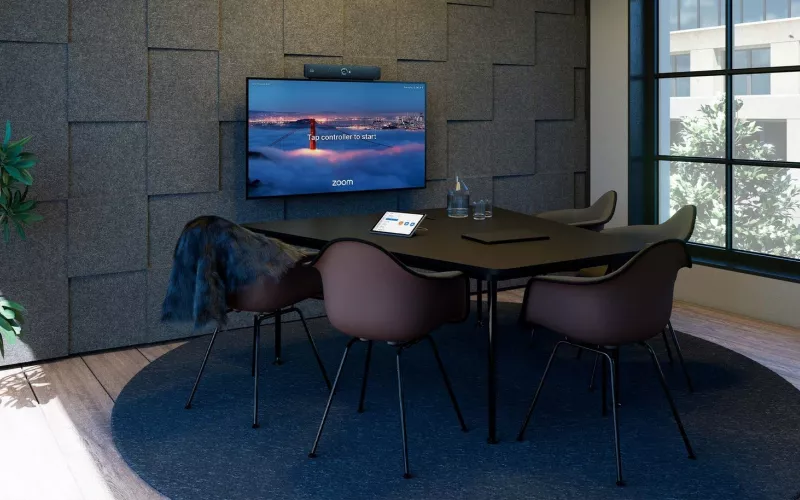
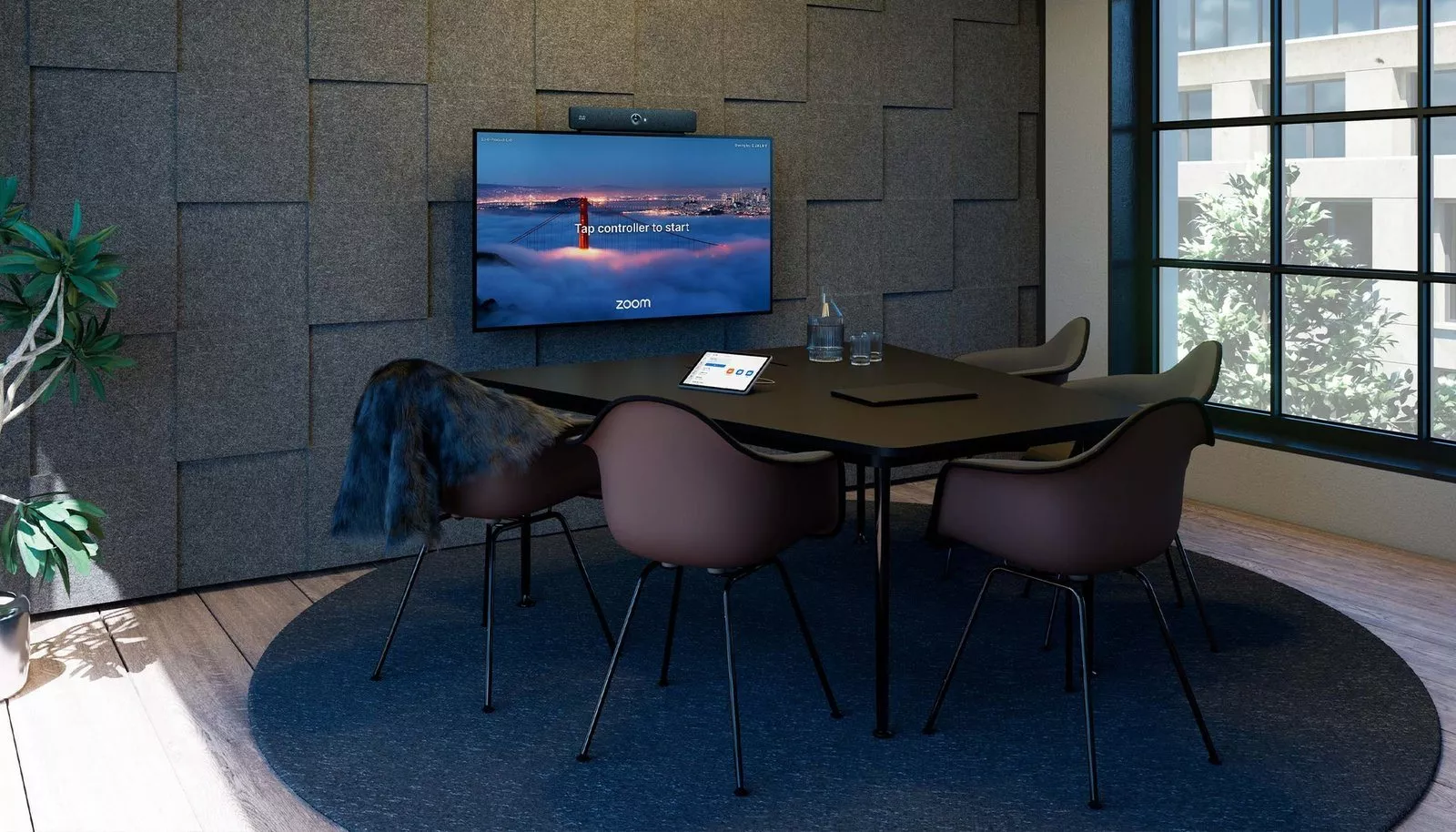
On 2 November 2026 Cisco announced that native Zoom Rooms on Cisco collaboration devices is generally available, starting with the October 2026 RoomOS release, so the Cisco Room Bar, Room Bar Pro, Room Kit EQ, Room Kit EQX, Room Kit Pro G2, Desk Pro G2 and Board Pro G3 can now run as true Zoom Rooms. For London offices that have standardised on Zoom, it means Cisco hardware is now a straight choice for a Zoom room rather than a workaround, provided the device runs RoomOS 26.10 or later and has a Zoom Rooms licence.
Product image: Cisco.
- Cisco announced general availability of Zoom Rooms on Cisco devices on the Webex blog on 2 November 2026.
- It needs RoomOS 26.10 or later, a Zoom Rooms licence and registration to Cisco's Control Hub, Cisco says.
- The devices named are the Room Bar, Room Bar Pro, Room Kit EQ, Room Kit EQX, Room Kit Pro G2 and first generation Room Kit Pro, Desk Pro G2 and first generation Desk Pro, and Board Pro G3.
- Cisco's own help page says it is not supported on RoomOS 11.
- To switch an existing device to Zoom Rooms, Cisco's product page says the device is factory reset and Zoom Rooms is chosen in the onboarding wizard.
What Cisco announced about Zoom Rooms on Cisco
The news came in a post on the Webex blog by Morten Gunnerud, Lead Product Manager at Cisco, titled "Zoom Rooms Is Now Generally Available on Cisco Collaboration Devices: What This Means for You". Cisco describes the result as making its devices "the perfect choice for organizations that have standardized on Zoom". The story also appeared on AV Interactive on 3 November 2026 under the headline "Cisco makes native Zoom Rooms experience GA on devices".
The point is that the device itself becomes a Zoom Room. It shows the Zoom Rooms home screen and meeting experience, it is managed in the Zoom Admin Portal like any other Zoom Room, and it keeps Cisco's on device camera and audio processing. Cisco lists framing, speaker following, multi camera support, adaptive beamforming and noise removal among the features it brings to the Zoom Rooms experience.
This is different from Zoom for Cisco Rooms, which Cisco made available earlier in 2026. That option runs the Zoom Meetings app inside the normal Cisco RoomOS interface, in a guest mode that needs no Zoom subscription for the device or a signed in mode with a Zoom Rooms licence. Both options now exist side by side.
Which Cisco devices are covered
| Room type | Cisco device |
|---|---|
| Huddle space or small room | Room Bar |
| Medium room | Room Bar Pro |
| Desk or one person office | Desk Pro G2 (and the first generation Desk Pro) |
| Room with a touch board | Board Pro G3 |
| Modular room | Room Kit EQ, Room Kit Pro G2 (and the first generation Room Kit Pro) |
| Integrated room kit | Room Kit EQX |
Cisco's product page says the first and second generation Board Pro "will also support" Zoom Rooms, so at the time of writing we would treat older boards as coming later rather than ready now. Where a Room Navigator touch panel is used, Cisco's requirements page lists only the 4GB models.
Who this affects in London
Zoom first offices. Firms in the City, Shoreditch and the West End that run Zoom across the business can now pick Cisco cameras, bars and boards for new rooms and manage them alongside the rest of their Zoom estate.
Offices with Cisco rooms and a move to Zoom. If the business already owns supported Cisco devices and is moving its meetings to Zoom, those rooms may not need new hardware. They do need RoomOS 26.10, a Zoom Rooms licence per room and a factory reset to change mode.
Mixed estates. Cisco's product page says the same device still supports Webex meetings natively, with Microsoft Teams joined over SIP and Google Meet through a WebRTC guest join. That helps where a London office hosts on Zoom but is invited to the other platforms by clients.
What to check before you convert or buy
- Software version. Check every device is on RoomOS 26.10 or later. Devices still on RoomOS 11 are not supported.
- Licences. Each room needs a Zoom Rooms licence. If you only need to join Zoom meetings as a guest, Zoom for Cisco Rooms may be enough.
- The reset. Changing an existing Cisco device to Zoom Rooms means a factory reset. Plan it out of hours and record any custom settings, panels or macros first.
- Known limits. Cisco's known issues page, last updated on 21 October 2026, says Smart Gallery framing is not available in Zoom Rooms mode and that only sources connected directly to the device can be shared. Check these against how each room is used.
- Network access. Cisco says the device needs network access to both Cisco and Zoom services, so firewall rules may need updating.
Our walk through of Cisco's Google Meet support covers the same devices from another angle, and our post on Q-SYS Zoom Rooms certification shows another route for larger Zoom rooms.
How Zoom Rooms on Cisco fits a London meeting room
For a typical London office floor, the Room Bar suits the small rooms and booths, the Room Bar Pro the medium sized rooms Cisco designed it for, and the Room Kit EQ or Room Kit Pro G2 the boardrooms where cameras, ceiling microphones and two screens are designed in. The choice of platform does not change the basics: the camera has to see every seat, the microphones have to reach every seat, and the room needs a wired network point and power where the bar or codec sits.
What does change is who manages what. Cisco says device health, alerts and remote diagnostics sit in an expanded dashboard in the Zoom Admin Portal, while the device stays registered to Control Hub. Whoever looks after your Zoom tenant should be part of the plan from the start.
1Install designs, supplies and installs meeting rooms and video conferencing systems across London. See our meeting rooms page, our process, and our maintenance and support plans, or price a room with the commercial quote builder.
Questions we are often asked
Is Zoom Rooms on Cisco devices available now?
Yes. Cisco says native Zoom Rooms is generally available from the October 2026 RoomOS release, and it announced this on 2 November 2026.
Which RoomOS version do I need for Zoom Rooms on Cisco?
RoomOS 26.10 or later. Cisco's requirements page says it is not supported on RoomOS 11.
Do I need a Zoom Rooms licence?
Yes, for native Zoom Rooms. Cisco lists a Zoom Rooms licence as a requirement alongside registration to Control Hub.
Can a Cisco Zoom Room still join Teams meetings?
Yes. Cisco's product page says the device supports Microsoft Teams interoperability over SIP and Google Meet through a WebRTC guest join, as well as native Webex meetings.
Can I convert a Cisco Room Bar I already own?
Yes, if it runs RoomOS 26.10 or later. Cisco says the device is factory reset and Zoom Rooms is chosen in the onboarding wizard.
Book a consultation or call our head office on 01344 937999 (London office 0208 064 0196).
- Log in to post comments