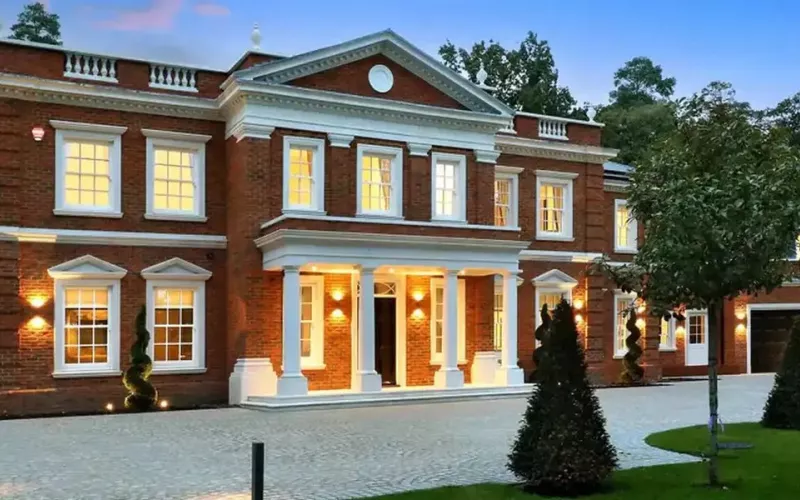
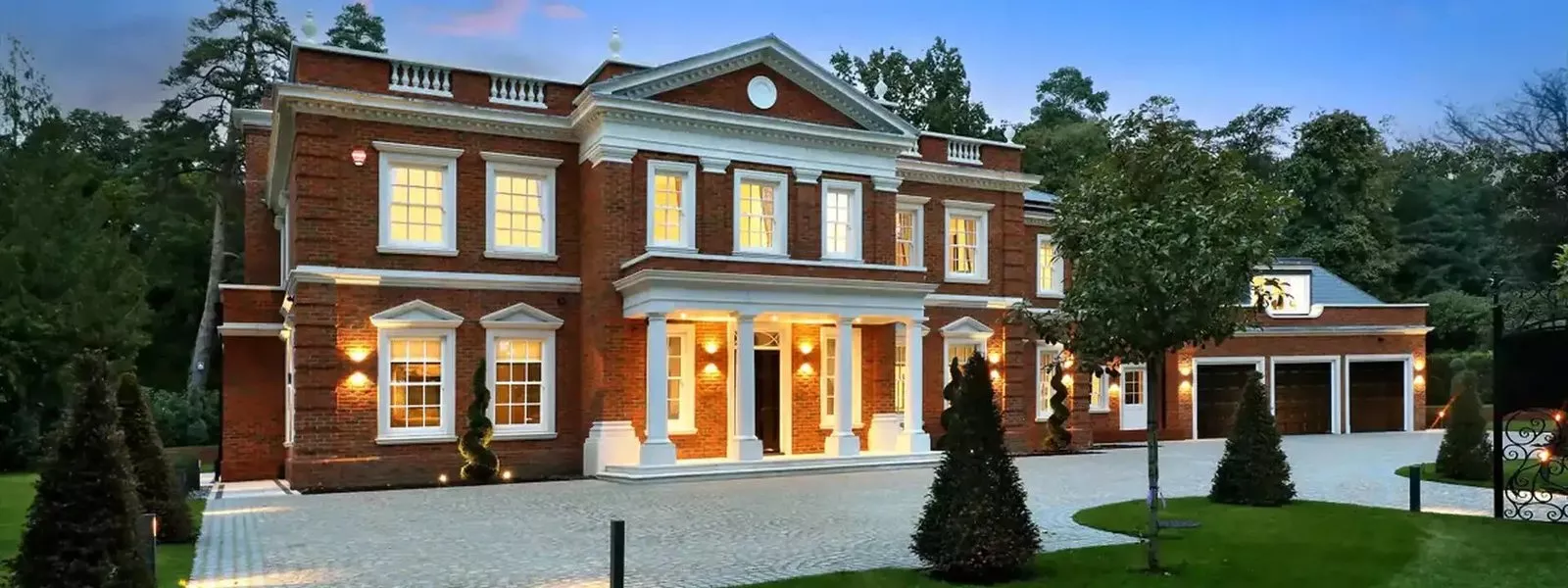
A London home usually needs one of its security cameras at every door and gate people can reach, plus one for any drive, garden or side return: typically one or two for a flat, three or four for a terrace and five or more for a detached house. Count the ways in, cover each once with a clear view, and keep every camera pointed at your own property.
Camera kits are sold in fours and eights, which is why so many homes end up with cameras on the wrong walls and gaps where it matters. A better way is to walk round the outside and list every point where someone could reach the house, then decide what each camera has to see. This plan works for most London property types, from a mansion block flat to a detached house in its own grounds.
Start with the ways in
Before choosing any equipment, note down:
- Every external door, including French doors, bi-folds and the door to a garage.
- Side returns and passages, and the gates at the end of them.
- The front path, the drive or parking space, and any rear access from a lane or mews.
- Garden rooms, studios and sheds where valuables are kept.
Each item on that list needs to be seen clearly by at least one camera. That is the number you are aiming for.
Security cameras by London property type
| Property | Typical cameras | Usual positions |
|---|---|---|
| Flat with its own front door | 1 | A video doorbell or door camera, if the building's managing agent allows it |
| Garden flat or maisonette | 2 | Front door and garden or rear door |
| Victorian or Edwardian terrace | 3 to 4 | Front door, side return, rear doors, garden |
| Semi-detached with a drive | 4 to 5 | Front door, drive, side gate, rear doors, garden |
| Detached house with gates | 6 or more | Gates, drive, each door, garage, garden room, rear |
These are starting points from our own surveys. A corner plot, a rear mews or a large garden will add to them.
What each camera should see
- Front door. A face height view of whoever is at the door, ideally from a video doorbell or door station so you can talk to them.
- Drive or parking. A wider view of the car and the approach.
- Side return. A view down the passage towards the gate, which is often the quietest way into a terrace.
- Rear doors. Bi-folds and French doors are a common target, so one camera usually watches them directly.
- Garden and outbuildings. A high camera can cover the garden and a garden room together.
The ICO's advice on aiming your cameras
The Information Commissioner's Office page on home CCTV systems says that, where possible, owners should position cameras to capture only their own property. If a camera or smart doorbell records beyond your boundary, such as the street, a neighbour's property or a shared hallway, data protection law applies, and the ICO lists what you are then expected to do:
- Have a clear reason for recording.
- Capture no more than you need, including whether audio is recorded at all.
- Put up a sign showing CCTV is in operation.
- Store footage securely and delete it regularly or automatically.
- Use filters or privacy blockers where possible.
- Respond to people who ask for footage they appear in.
In a London street, where the pavement is a few steps from the front door and neighbours' windows are close, that guidance shapes almost every camera position. Lens choice, mounting height and privacy masking let us cover the door without filming the road.
Talking to neighbours before a camera goes up also helps. The ICO's page suggests that people worried about a neighbour's camera start by asking why it is there and what it records, so showing them the view on your phone often settles the question before it becomes a dispute.
Flats and shared buildings
The ICO gives a door camera that also covers a shared hallway as an example where the rules apply. In a block of flats, check the lease and speak to the managing agent before fitting anything to a communal wall or corridor. A door entry upgrade for the whole building is often a better answer than individual cameras.
Wired, recorded and connected
- Wired where you can. A single network cable powers the camera and carries its picture, so there are no batteries and no Wi-Fi drop outs. Our security wiring guide explains what to run during building work.
- A recorder indoors. Footage is kept in the house and viewed on your phone through an app.
- Linked to the rest of the house. The door camera can appear on a touch screen, and lights can switch on with movement. Our guide to smart locks and video doorbells and our home automation in London page show how it fits together.
- A network that copes. Several cameras streaming at once need a properly designed network, covered on our Wi-Fi installation in London page.
Questions we are often asked
Is a video doorbell enough for a London flat?
For a flat with one front door it often is, provided the building allows it and it does not record the shared corridor more than it needs to.
Do I need a sign for my home CCTV?
If your cameras record beyond your own property, the ICO says you should put up signage showing CCTV is in operation.
Should my cameras record sound?
The ICO asks owners to think about whether they need audio at all. For most homes, video alone is enough and is less intrusive for neighbours and passers by.
How many security cameras is too many?
When two cameras show the same area, or one mostly shows the street, you have too many in that spot. Cover each way in once, clearly.
Can new cameras work with my existing smart home?
Usually. Camera views and door calls can often be shown on existing Crestron and Control4 touch screens and apps.
If you would like a camera plan for your London home, we will walk the property with you and mark where each camera should go. Ongoing checks and updates are available through 1Install Care.
Book a consultation or call our head office on 01344 937999 (London office 0208 064 0196).
- Log in to post comments