Your property's technology command centre. Always in your pocket.
Every 1Install client receives a private, secure Client Portal. From the day your project is accepted to many years after handover, it holds everything about the technology in your home: what was installed, where, how it was configured, how it has been maintained and who is looking after it.
No hunting through old emails, WhatsApp messages or folders when something matters. One login, on any device.
Installing the system is only the beginning
A premium smart home is a long term relationship. The portal is how we keep our promise that the knowledge behind your system never walks out of the door with an engineer. Everything our team knows about your property is recorded against it, and you can see it too.
From accepted proposal to finished installation
The portal starts working for you long before handover. Once you accept your interactive proposal, your project, documents and payments live in the same place.
Quotes, upgrades and projects in one place
See every proposal we have prepared for you, whether it is sent, accepted or awaiting a decision, together with its value. Active projects show a progress bar and start date, so you know where your installation stands without having to ask.
- Open any proposal in its full interactive form
- Follow active projects as they progress
- Future upgrades and change orders kept with the property
Clear, organised billing
Deposit and stage invoices, service plan renewals and any additional works are listed in one place with their status, so your accounts team or property manager always has what they need.
Property files
Plans, backups and documentation
Floor plans, network documents, system backups and project records are kept with the property. At handover we add your as built information, cable schedules and configuration backups, so any future engineer starts with the full picture.
A complete record of what we built
Handover at 1Install is more than a walkthrough. We demonstrate every system, set up the people who need access, and populate your portal so the knowledge stays with the house.
We know exactly what is installed
Key equipment is recorded against your property with its location, deployment status and warranty. When you call us, our engineers are not asking which router, video matrix or remote you own. We already have the system record, which means faster answers and faster fixes.
Important details, kept private and together
Wi-Fi networks, control system accounts and other property specific credentials are held in your secure technology record. Passwords stay hidden until you choose to reveal them, and only you and our team can see them.
Decide who sees what
Homes are run by more than one person. Invite family members, a property manager, an estate office or a PA, and give each of them the right level of access. A property manager might see billing and documents only, while the primary contact has full access.
Help written for your home, not a generic manual
We publish how to guides for the systems in your property, written by our own team. When you want to change a scene, add a music service or reset a remote, the answer is a few taps away. And if you would rather talk to someone, live chat with the 1Install team is built into the same screen.
Support you can see, track and trust
Paired with 1Install Care, the portal becomes the front door to our support operation across the UK.
One click fixes without waiting for an engineer
Supported systems report their status directly into the portal, so you can see that your control system is online and when it last checked in. Where configured, approved recovery actions such as rebooting the equipment rack or resetting the Wi-Fi can be run with a single click, and every action is logged.
This is where 1Install is different. You are not simply given a telephone number; you are given visibility and tools for your own technology.
Log it. Track it. Know who is dealing with it.
Raise a support request in seconds and follow it through to completion. Each ticket shows whether it is open, in progress or closed, across every property on your account.
Report a problem, follow the fix
Small problems should not disappear into an inbox. Flickering garden lighting, an unresponsive gate keypad or a television with no signal can be reported, assigned to our field team and followed through to resolution.
Your complete service history
Booked maintenance visits, completed visit reports and signed off checklists are recorded against the property. Years later the history is still there, which is invaluable for insurers, facilities teams and future buyers.
Got another idea? Send it straight to us.
Another television, garden audio, more CCTV, a lighting change or a full upgrade: describe what you have in mind and submit it from your account. You can follow the request from review through to a new interactive proposal.
Every screen, at a glance
Click any screen to enlarge it, then use the arrows to step through the tour.
Everything available through the Client Portal
| Area | What it gives you |
|---|---|
| Overview | A summary of your property, open items and anything that needs your attention. |
| Invoices and payments | Project, stage and service invoices with their status. |
| Support tickets | Raise and track support requests across every property on your account. |
| Service reports | Booked visits, visit outcomes and signed off maintenance reports. |
| Issues | Report a fault or minor adjustment and follow it to resolution. |
| Proposals | Every interactive proposal, change order and sales order. |
| Projects | Active installation projects and their progress. |
| Smart home | Live system status and approved one click recovery actions. |
| Assets | Your equipment register with locations and warranty status. |
| Property files | Plans, backups, cable schedules and project documents. |
| Property credentials | Network and system credentials, hidden until you reveal them. |
| Request a project | Send us your next idea and follow its progress. |
| User guides | How to guides for the systems in your home. |
| Account | Your details, sign in security and who has access. |
| Live chat | Talk to the 1Install team directly. |
Screens shown use a demonstration property. Remote status, monitoring and recovery actions depend on the equipment installed and your 1Install Care plan.
The Client Portal, explained
Who gets a Client Portal account?
Every 1Install client. Your account is created when your project is accepted and stays with you after handover.
I own more than one property. Do I need separate logins?
No. All of your properties can sit under one account, each with its own records, files and support history.
Is my information secure?
The portal uses a private, secure login and credentials remain hidden until you choose to reveal them. Only you, the people you invite and the 1Install team can see your property's information.
Can my property manager use it?
Yes. Invite them from the Account page and choose their access level, for example billing and documents only.
Do I need 1Install Care to use the portal?
No, every client has portal access. 1Install Care adds priority support, remote monitoring, an annual health check and preferential rates, all delivered through the same portal.
One team from first conversation to lifelong care
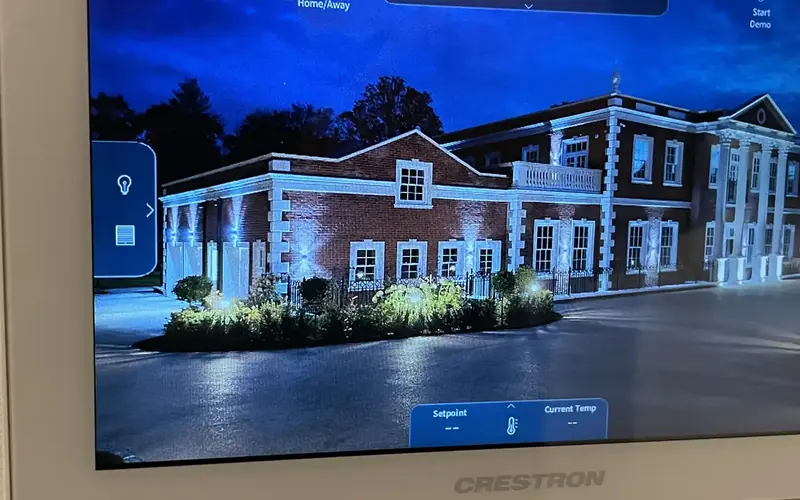 DesignInteractive ProposalsA live, room by room proposal you can shape yourself, with prices that update as you choose.
 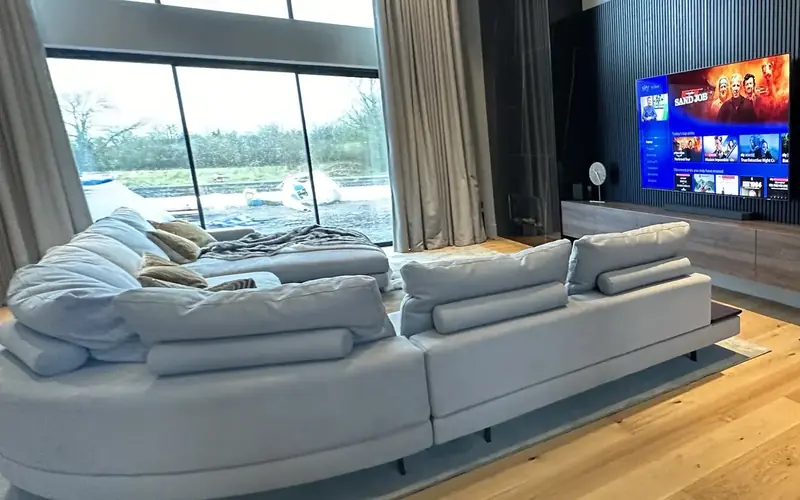 HandoverThe 1Install Client PortalYour property's technology record, support and documents, in one secure place.
 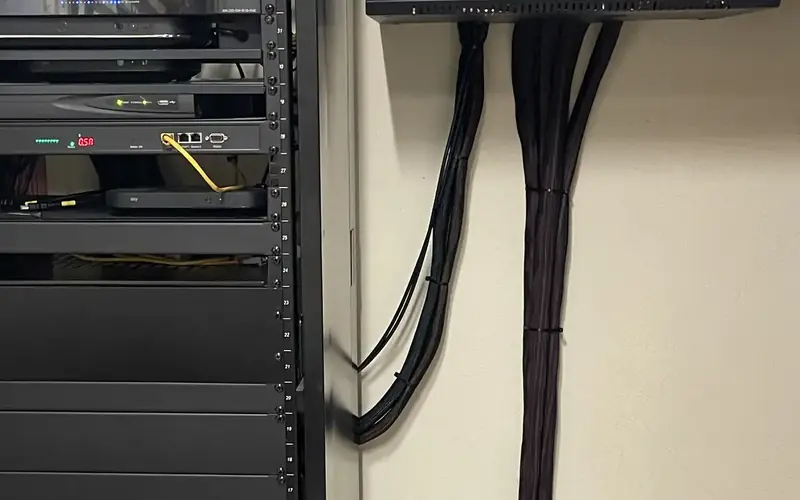 Aftercare1Install CarePriority support, remote monitoring and an annual health check for your system.
 Technology with a team, and a record, behind it
Speak to us about your home and see how the 1Install Client Portal and 1Install Care keep your system documented, supported and performing.