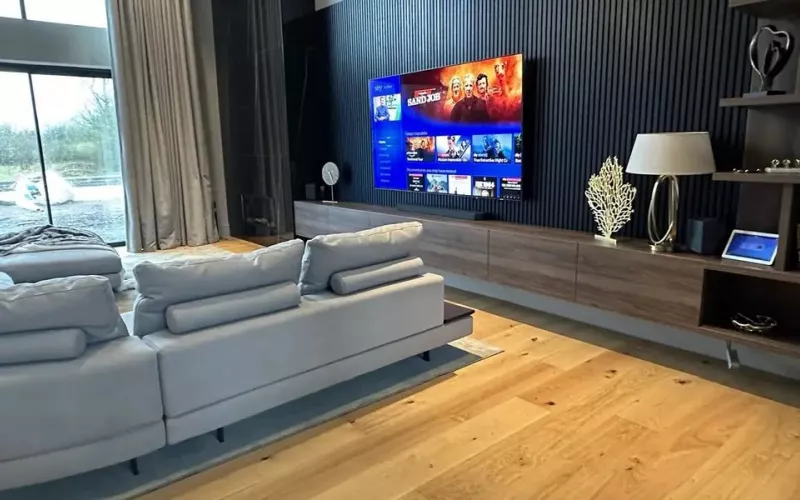
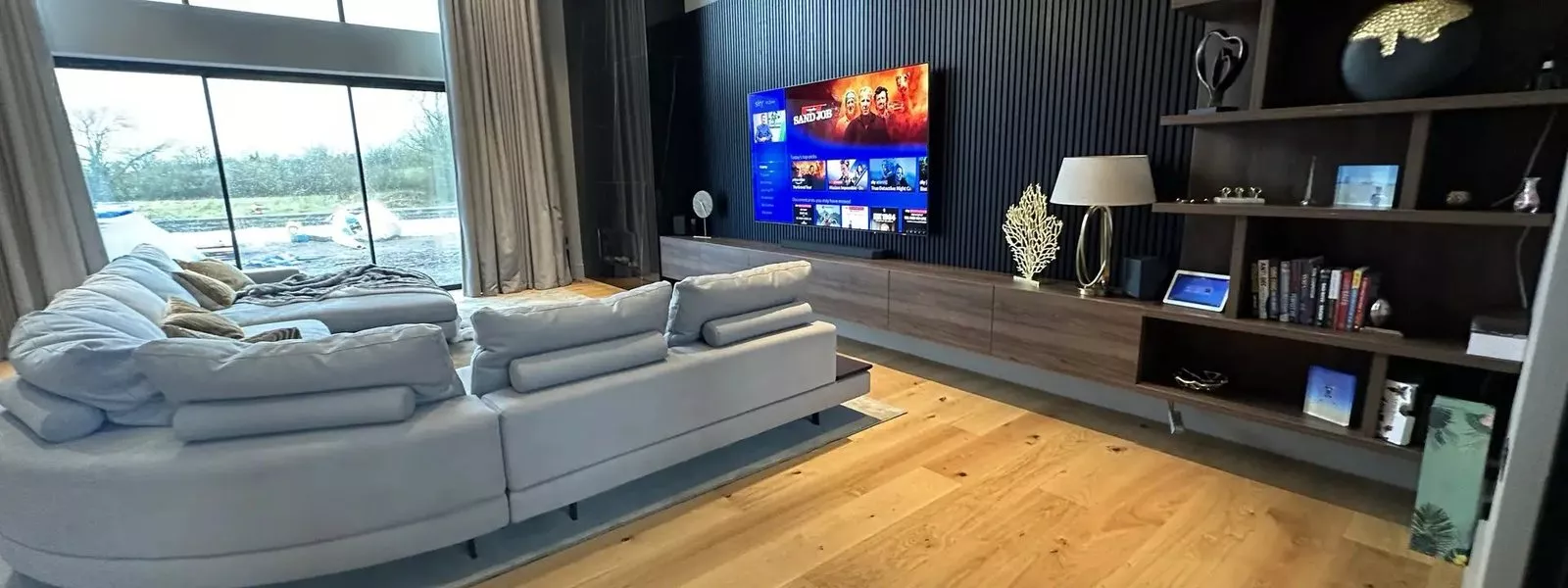
The best TV wiring for a new London home sends every screen back to one rack: power and a back box behind each TV, network cables and an aerial feed to that rack, and the boxes themselves out of sight. On a tall townhouse or a house with a basement, that rack is what keeps four or five floors of screens simple to run and easy to change. All of it has to be decided before the walls are boarded, which is why TV points belong in the first fix drawings.
Building your own house in London rarely means a big open site. It is more often a tight infill plot, a rebuild behind a retained facade, or a narrow house stacked over several storeys with a basement dug out underneath. Each of those changes how the cables travel, so this guide follows the questions we are asked on London self builds.
Plan the TV wiring before the walls close
Start with a list: which rooms will have a TV now, which might have one later, and which screens need to show the same thing. A living room, a kitchen, the main bedroom and a basement den are the usual set, with children's rooms and a home office close behind. Mark each one on the drawings with its height, then place a back box exactly where the screen will hide it. Our first fix wiring guide for London self builds shows how this fits into the rest of the cabling.
What goes behind each screen
| Item | Main living space | Bedroom or kitchen |
|---|---|---|
| Power behind the screen | Double socket | Double socket |
| Cat6 cables to the rack | Two or three | One or two |
| Aerial coax to the rack | Yes | Yes, if live channels are wanted |
| Conduit to low level | Yes | Useful |
| Soundbar or speaker cables | Yes | Optional |
| Fixing for the bracket | Ply or noggins in stud walls | Ply or noggins in stud walls |
The Cat6 cables do most of the work. One gives the TV a wired network connection for streaming, and the other carries the picture from the rack, so a spare is worth its small cost.
Freeview, satellite and streaming
Most London households now stream most of what they watch, but live channels still matter, and an aerial is the cheapest way to get them on every screen. Run a coax cable from the roof space to the rack while the roof is open, and from the rack to each TV. Freeview's own guidance is to always use a qualified aerial installer, who will know the local conditions, and that matters in a city where tall buildings around you can affect the signal. If you want a satellite service, agree the dish position early, because planning rules and a party wall can limit where it goes.
A central rack on a tall house
In a narrow house over several floors, the rack is usually in the basement plant room or in a cupboard on a middle floor, and every TV cable rises or falls to it through a service riser. Plan that riser on the drawings: a boxed out void beside the stairs, with enough room for the network, aerial, speaker and lighting cables and spare space for later. Where cables pass through a floor between storeys, the holes need sealing to keep the fire separation intact, so agree the details with your builder and building control before first fix.
The set top box, the streaming device and the games console then live in the rack, and HDMI extenders send the picture to each screen over Cat6. Nothing sits on a shelf under the TV, and one source can feed any room. For a whole house of screens and sound, see our page on home automation in London.
Media walls and basement dens
London living rooms often have a media wall: a built out wall with the TV flush in a recess, joinery either side and lighting along the edges. The joiner needs the exact screen size, bracket and cable positions before they build, plus a way for warm air to escape from behind the screen. A basement den or cinema room takes this further, with the screen, speakers and seating planned together. Our home cinema installation in London page explains what goes into a dedicated room.
Who does the work
On most self builds your electrician pulls the TV wiring to our drawings, and we fit the screens, extenders and sources and set everything up at second fix. Our founder, Kieran McGuire, is an electrician, so the drawings and cable schedules we provide through our survey and design service are written for the people who will follow them on site. For sound around the screen, see our speaker wiring guide for London self builds, and for streaming in every room, our Wi-Fi installation in London.
Questions we are often asked
Where should the rack go in a London house?
A basement plant room is ideal if you have one; otherwise a ventilated cupboard on a middle floor keeps the cable runs shorter. It needs power, airflow and room to grow.
Do I need an aerial if I mostly stream?
We still recommend one. It gives live channels on every screen even when the broadband is down, and the cable is easy to run while the roof is open.
Can the TV box live in the rack?
Yes. HDMI extenders send the picture over Cat6 from the rack to the screen, so the TV hangs on the wall with nothing beside or below it.
How high should a TV back box be?
It depends on the screen size and the seating, so fix the screen height first and then place the back box where the screen will cover it completely.
Can I add a TV in a room later?
If you run Cat6, aerial cable and power to a labelled back box at first fix, yes. Without them, adding a screen later means chasing walls.
Book a consultation or call our head office on 01344 937999 (London office 0208 064 0196).
- Log in to post comments