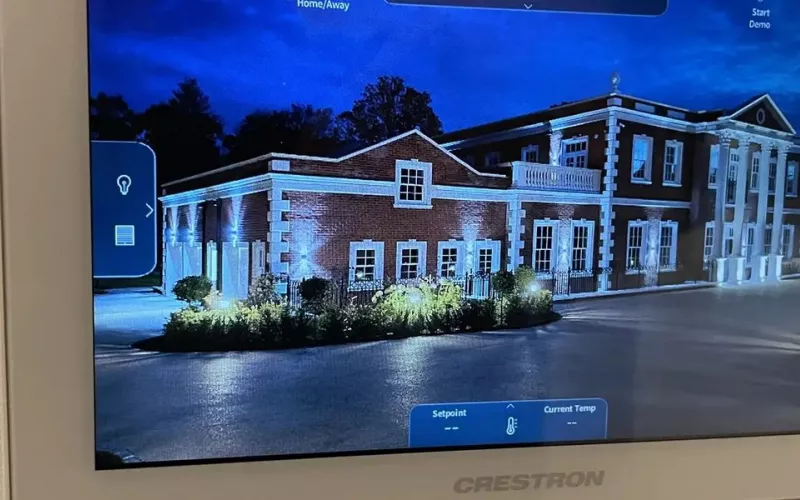
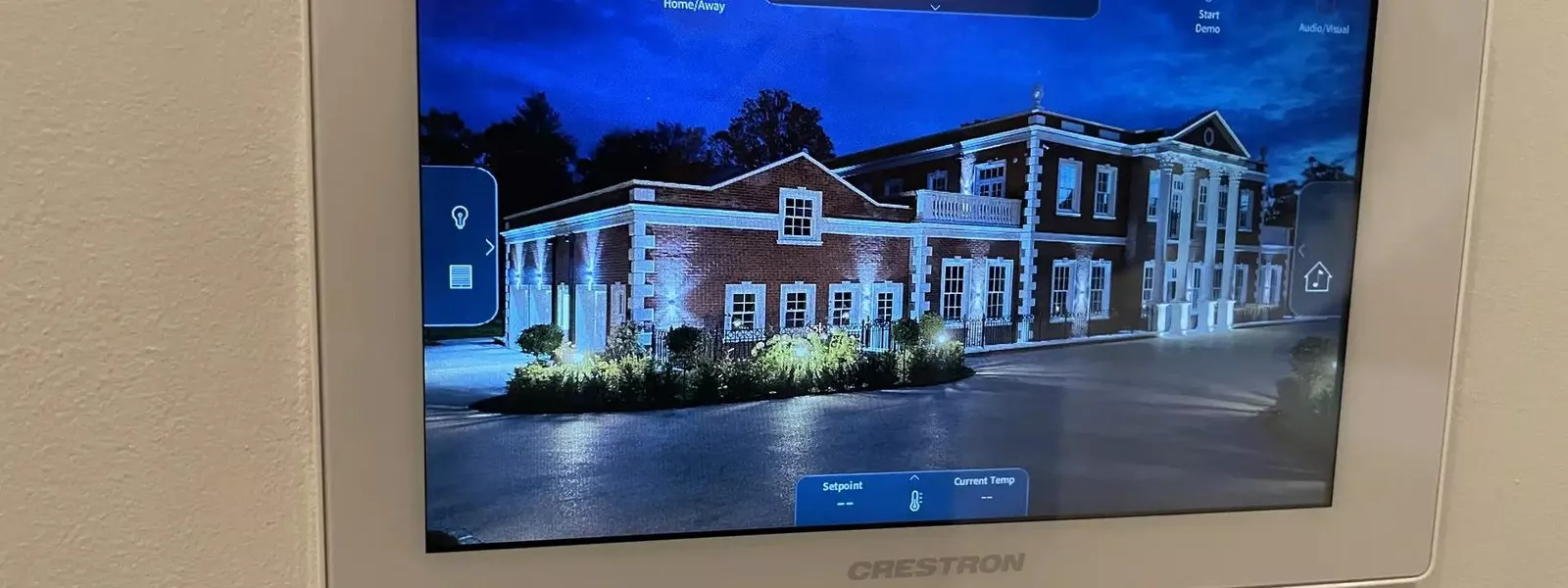
The Crestron TSW-1580 is a new 15 inch touch screen and the biggest member of the 80 Series. It gives London boardrooms, lecture theatres and larger homes a single, clearly readable control point for AV, lighting, shading and climate.
Crestron revealed the panel on 2 October 2026. The 80 Series launched in January with 8 and 10 inch screens; this larger model takes the same platform and simply gives users far more space. Here is a plain summary of the announcement, the rooms where we would specify one, and the groundwork that makes the installation straightforward.
The TSW-1580 in brief
Crestron calls it the latest addition to the 80 Series. It is a wall mount panel with a high resolution 15 inch capacitive display, and the company says it uses its quickest processor to date. Underneath, it is built on Microsoft's Device Ecosystem Platform (MDEP).
| Feature | What it does for the user |
|---|---|
| Radar proximity sensing | The screen wakes as a person walks up to it |
| Ambient light sensor | Brightness follows the light in the room |
| Far field microphones | Built into the panel |
| PoE power, Ethernet and Wi-Fi | One network cable supplies power and data, with wireless as an option |
| Black or white finish | Matches the 8 and 10 inch models |
| Wall, tabletop or VESA mounting | Fixed and tilting table kits are listed alongside the wall mount |
| XiO Cloud, 802.1X and Active Directory | Central setup and management that suits corporate IT teams |
Commercial panels are programmed in Crestron Construct, and Crestron points to zero touch provisioning through XiO Cloud as a way to cut time on site when many rooms are fitted together. You can read the original announcement on the Crestron website.
Where it fits in a London workplace
Crestron's own list of target rooms starts with large spaces: executive boardrooms, university lecture halls, big classrooms and command and control rooms. These are rooms where an 8 or 10 inch panel can feel small, especially to a presenter who uses the room once a month.
- Boardrooms. One screen at the head of the table to join a Teams call, choose a source, set the lights and close the blinds. Our Teams Rooms installation work often pairs a room system with a Crestron panel like this.
- Training rooms and lecture theatres. A big panel at the lectern means clear labels for hybrid teaching, camera presets and audio.
- Multi room rollouts. Power over Ethernet means no separate mains supply at each panel, and remote provisioning keeps a floor by floor rollout quick and consistent.
For full room design, from displays and microphones to control, see our AV installation in London page.
And in a London home
Crestron also names selected residential projects, and the panel is already supported in Crestron Home. Version 4.12 of Crestron Home OS, released on 22 September 2026, lists the TSW-1580 among its newly supported devices. That is the same update that brought Multiview, explained in our Multiview article.
In a house, a 15 inch screen makes most sense as a central "home base": a family kitchen, a main hallway or a lower ground floor media space. Residential Systems, reporting Crestron's autumn plans, noted that the bigger screen allows controls to be displayed larger, which helps with accessibility. Grandparents, guests and anyone who finds small buttons fiddly will notice the difference. Elsewhere in the house we would still fit keypads, which remain the quickest way to set a scene. Our home automation in London page explains how we plan a full system.
Choosing between 8, 10 and 15 inches
All three sizes share the 80 Series design and features, so the choice is mostly about the room. Residential Systems describes the whole range as having radar proximity sensing, automatic brightness and improved microphones and speakers for intercom calls, and reports that a future firmware update will let the 8, 10 and 15 inch models be turned to portrait. As a rule of thumb, we would use:
- 8 inch for bedrooms, studies and small meeting rooms.
- 10 inch for living rooms, media rooms and medium meeting spaces.
- 15 inch for the main control point of a large home, a boardroom or a teaching space.
Mixing sizes is normal. Every panel shows the same system, so the interface feels familiar wherever someone picks it up.
Availability
Crestron's post does not state a shipping date. In its CEDIA Expo preview, Residential Systems listed the 15 inch model as expected in October 2026. We will confirm stock and lead times when we quote.
Getting the groundwork right
The panel itself is quick to fit. The work that matters happens before it arrives:
- Cabling. A network cable from the panel position back to a PoE switch. In a refurbishment this is best agreed at first fix.
- Power budget. The switch must have enough PoE capacity for the panel and other powered devices.
- Position. We check height, sight lines and glare, and whether a wall mount or a table kit suits the room.
- Software. In homes, the processor needs Crestron Home 4.12 or later. In offices, the room programme and XiO Cloud account need to be ready.
- IT sign off. For corporate networks, agree 802.1X and Active Directory settings with the IT team early.
Our process page shows how we take a project from survey to handover, and 1Install Care keeps panels and processors updated afterwards.
Questions we are often asked
Is the TSW-1580 for homes or offices?
Both. Crestron aims it mainly at boardrooms, lecture halls and control rooms, and also mentions selected residential projects. Crestron Home 4.12 already supports it.
Will it work with my existing Crestron panels?
Yes. On a Crestron Home system it simply joins the existing screens and keypads once the processor is on 4.12 or later. On a commercial system it is added to the room programme.
Do I need an electrician to add a socket for it?
Not usually. It takes power over the network cable, so a single data cable to a PoE switch is enough.
Can it sit on a meeting table?
Yes. Crestron lists fixed and tilting tabletop kits for it, as well as VESA mounting.
What colours does it come in?
Black or white.
What will it cost to install?
It depends on cabling and on the state of the system, so we price after a survey. Our smart home cost guide explains how our visits are charged, and our Crestron page covers the wider platform.
Book a consultation or call our London office on 0208 064 0196 or our head office on 01344 937999.
- Log in to post comments