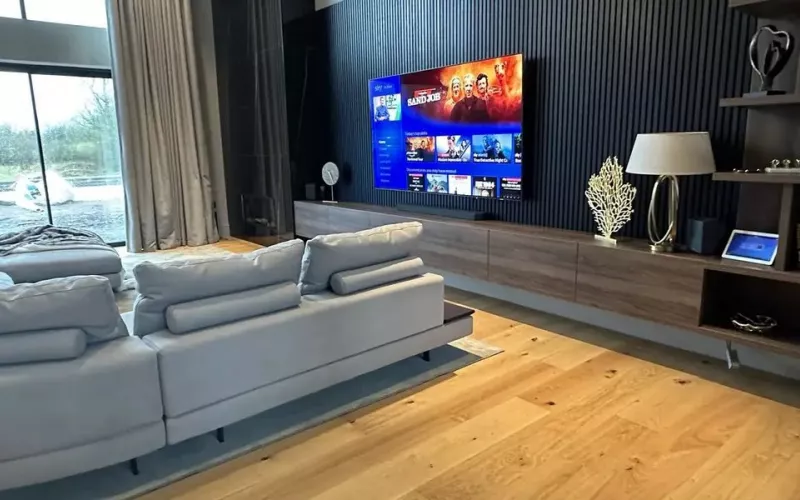
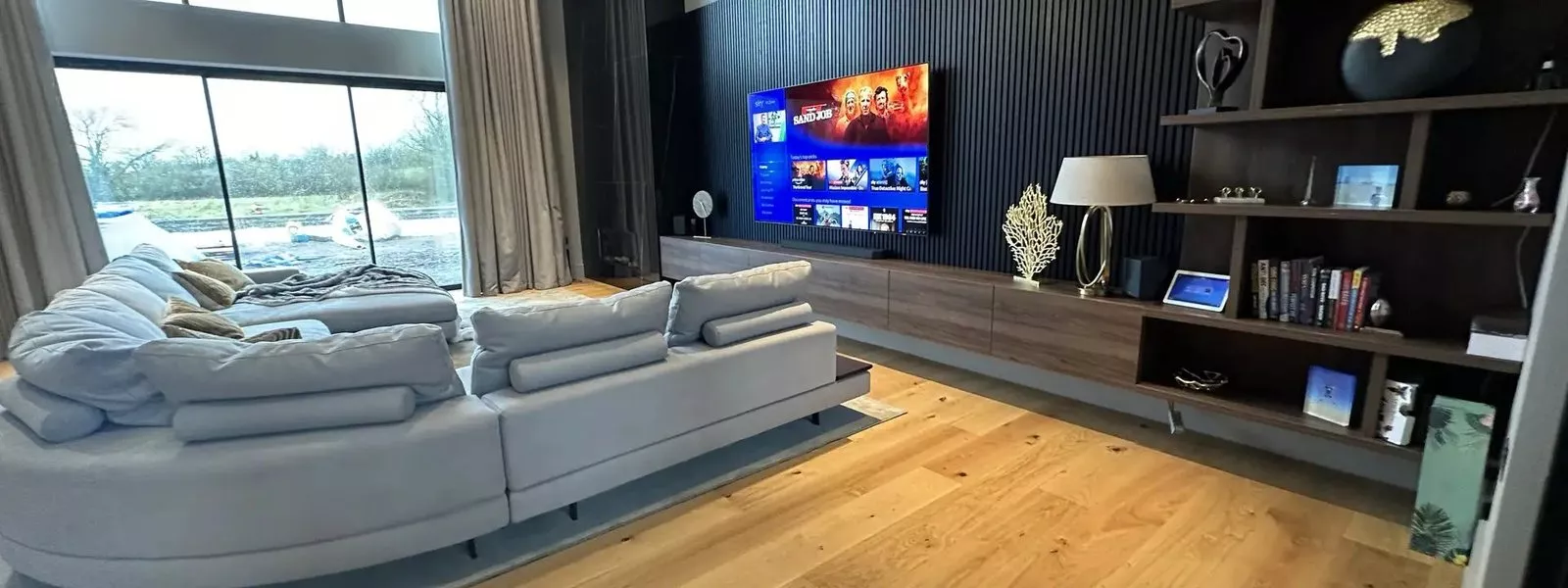
One screen, up to six pictures. Crestron's latest update to Crestron Home adds Multiview, which puts up to six video sources on a single TV in 18 preset layouts, recalled from a touch screen or the Crestron Home app. For London homes with a media room, a family kitchen or a basement cinema, it is one of the most practical updates Crestron has made for everyday viewing.
Multiview came to Crestron Home in OS 4.12, released in September 2026, and it runs on Crestron's DM NVX video distribution. Here is what it does, what it needs, and how we add it to new and existing Crestron systems across London.
Multiview in plain English
Normally a TV shows one input at a time. Multiview shows several at once and arranges them for you: a small picture over a large one, two pictures side by side, four in a grid, or layouts with up to six sources. Crestron includes 18 layouts, and each can be saved as a scene and brought back with one tap.
The combining is done by the DM NVX endpoint behind the screen, so the TV itself needs nothing special, just an HDMI input. Video runs at up to 4K60. Sound comes from one picture at a time, and you choose which: tap a different picture and the audio moves with it.
Where it earns its place
- Sport: two or three games on one screen on a busy afternoon, with the commentary from whichever one you care about.
- Peace of mind: the front door or garden camera in a corner of the screen during a film, so you can see who is at the door without stopping the film.
- Family rooms: the news on one side and a games console or streaming box on the other.
- Busy mornings: a workout, the headlines and a camera view together on the kitchen TV.
Layouts behave like any other Crestron Home scene, so they can sit inside bigger ones. A "Game night" scene can set the lights, close the blinds and bring the TV up in a four picture layout, all from one button.
What you need
The latest Crestron Home
Multiview is part of Crestron Home OS 4.12. The same release adds support for the new 15 inch 80 Series touch screen, Crestron's largest home touch screen, and the Cameo dual dimmer. We can tell you which version your processor runs and plan the update.
A DM NVX endpoint behind the screen
Each screen that shows Multiview needs a DM-NVX-384 or a DM-NVX-385 behind it. Your sources, such as TV boxes, streaming players, games consoles and the camera recorder, connect to the DM NVX system in the rack, and DM NVX sends them over the network to any screen in the house.
The DM-NVX-385 is Crestron's residential model. It carries 7.1 surround sound, including Dolby Atmos and DTS:X soundtracks, and can downmix surround sound to stereo, so one source can feed a cinema room and a kitchen at the same time.
A properly set up network
According to Crestron, a standard 1 gigabit network is enough for DM NVX Multiview. The switches still need to be set up for video, with good cabling to each screen, so we check the network during the survey rather than take it on trust.
Set up in Configure Pro
Multiview is configured in Crestron's Configure Pro, the professional tool for Crestron Home, with no custom programming. That keeps set up time down, and layouts can be changed later without starting again.
Adding it to an existing Crestron Home system
If your home already has Crestron Home and DM NVX, adding Multiview usually means an update to OS 4.12 and, where needed, a DM-NVX-384 or DM-NVX-385 at the screens you want it on. If your video still runs through older switching, Multiview is a good reason to move the main rooms to DM NVX. If you are not sure what you have, a survey will tell you.
Designing it into a new home or renovation
In London townhouses and apartments, space for equipment is often tight. DM NVX lets every source live in one rack or cupboard and feed every screen over the network, so there are no boxes under the TV. We plan a network point and a DM NVX endpoint behind each main screen, decide the TV positions around how the family watches, and tie it into lighting, blinds and multi room audio. Multiview also suits a home cinema in London, where the main screen can double as a sports wall.
How we deliver it
We design, install and support Crestron Home systems across London, and Multiview follows our usual process:
- Survey: screens, sources, network and rack, and how you like to watch.
- Design and price: the DM NVX endpoints, switches and layouts, with a fixed price.
- Installation: fitting, testing and the Crestron Home update.
- Handover: your layouts and scenes built in Configure Pro, and a walk through for the whole family.
Afterwards, 1Install Care keeps the system updated and supported. You can read more about our Crestron installations and home automation in London, or see how Crestron compares with other systems in our home automation comparison.
Questions we are often asked
Will Multiview work with my TV?
If it has an HDMI input, yes. The DM-NVX-384 or DM-NVX-385 behind the screen builds the layout, so the TV only ever receives one picture.
How many sources can be on screen at once?
Up to six, depending on the layout. There are 18 layouts, including picture in picture, side by side, a four picture grid and six picture views.
Can I hear more than one source?
One at a time. You pick the picture you want to hear on the touch screen or in the app, and the sound follows your choice.
Can Multiview be added to a system you did not install?
Often, yes. We regularly take over Crestron systems installed by other companies. If it runs Crestron Home and DM NVX, it is usually an update plus the right endpoint at each screen; older systems need a survey first.
Will I need a new network?
Not necessarily. DM NVX Multiview runs on a standard 1 gigabit network, as long as the switches are set up for video. We check the network during the survey and explain anything that needs changing.
What does it cost?
It depends on the number of screens and sources and what is already installed. After a survey you get a fixed price proposal, and our smart home cost guide explains how we price projects.
If you would like Multiview in your home, tell us about your screens and what you like to watch, and we will show you what it can do.
Book a consultation or call our London office on 0208 064 0196 or our head office on 01344 937999.
- Log in to post comments