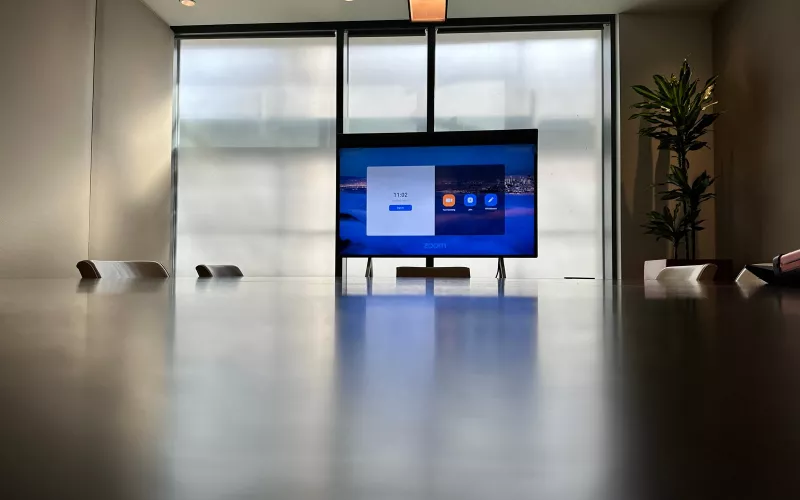
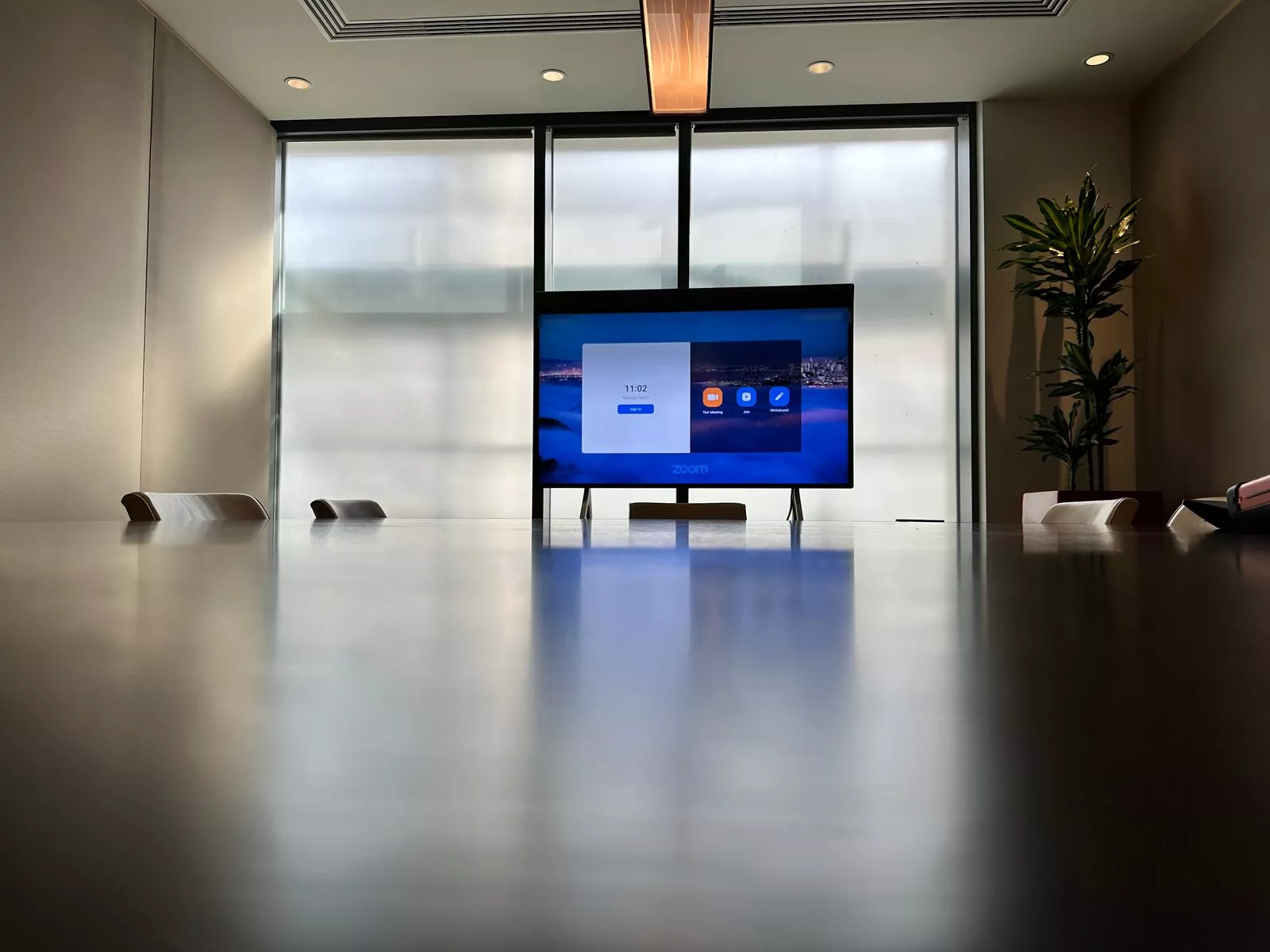
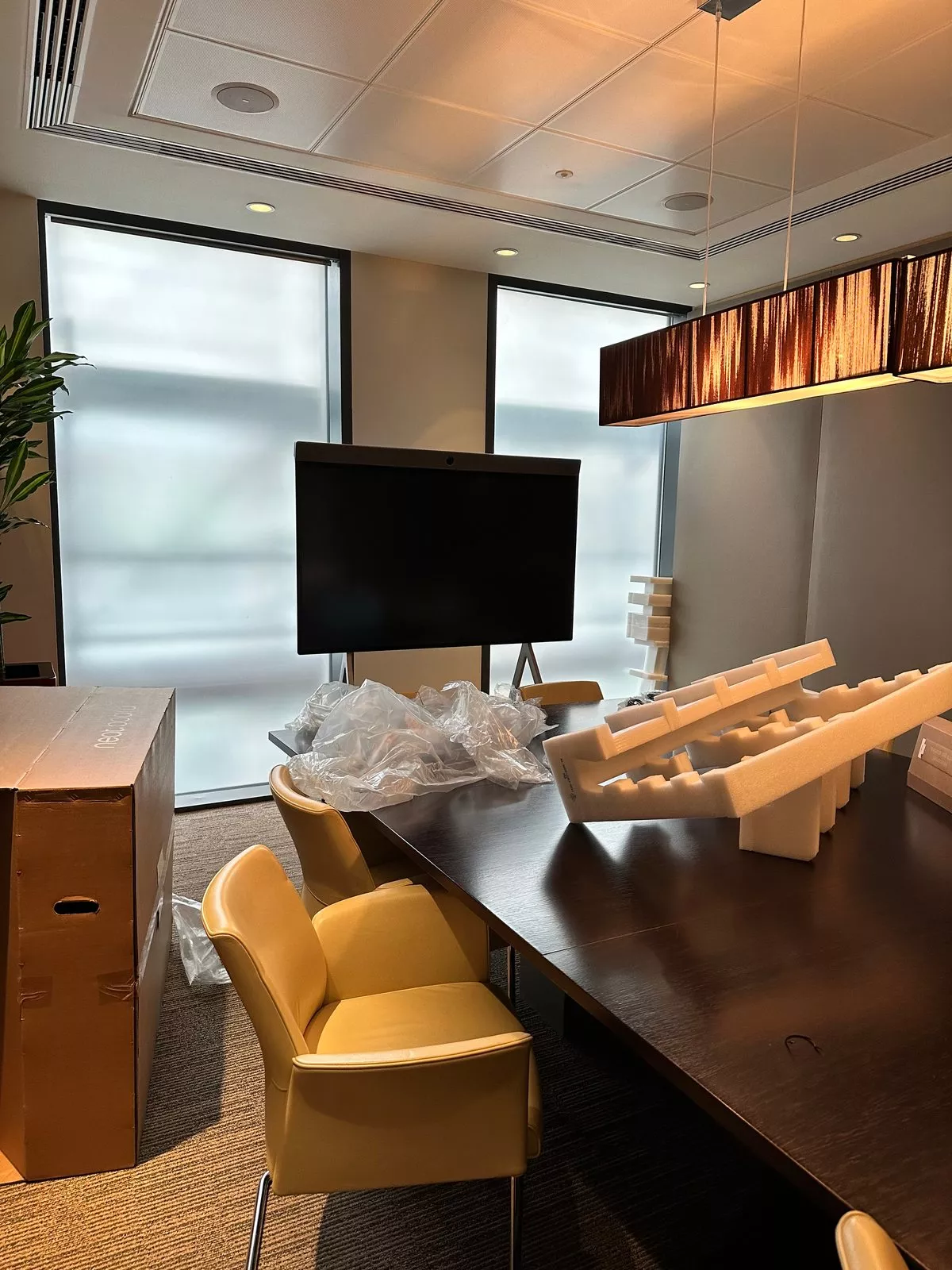
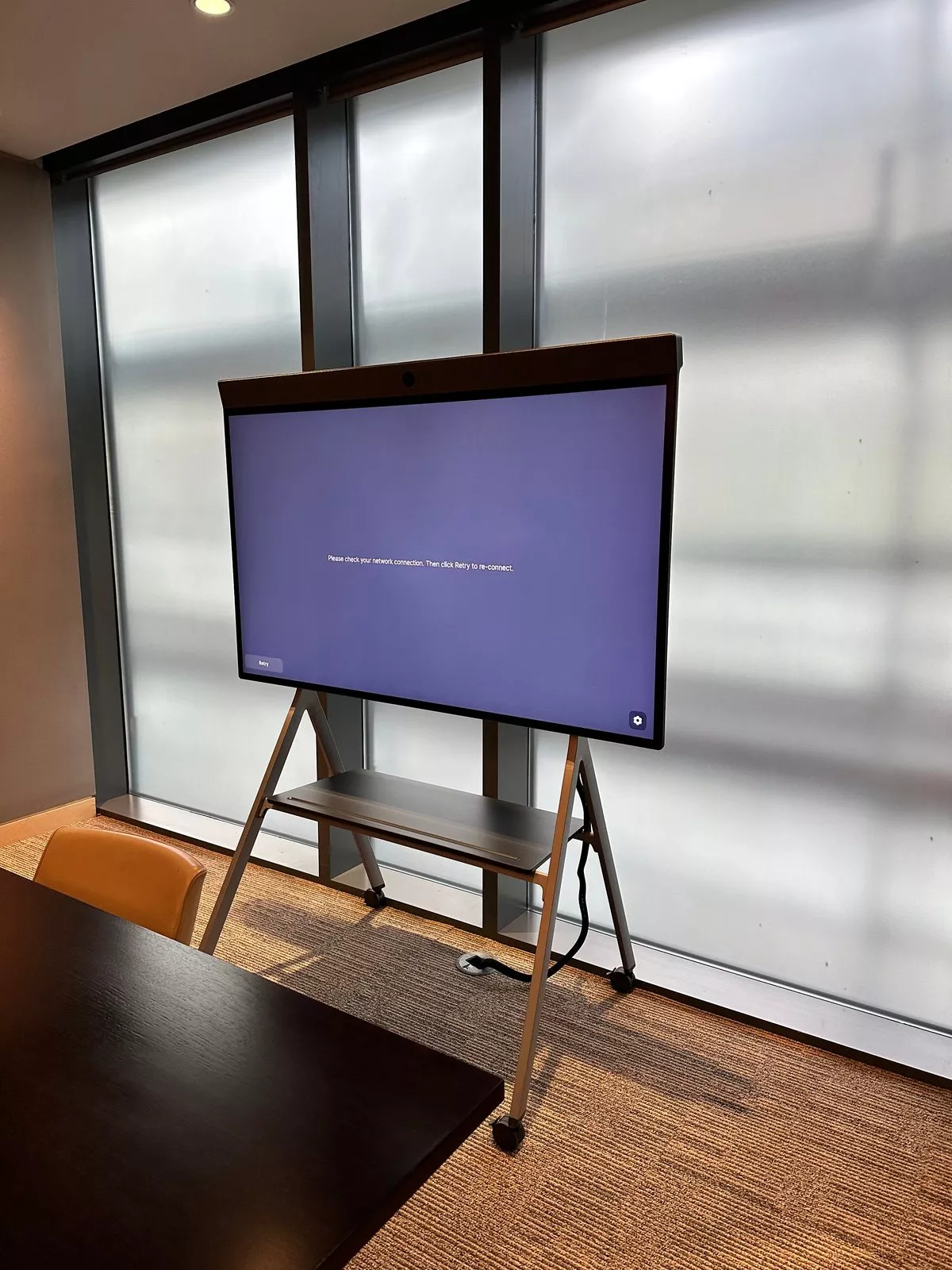
A Neat Board installation is mostly about the hours before anyone sees the screen: where the stand goes, how the cable reaches it and which updates run before the first meeting. These photos, taken over two days in February 2023, show one boardroom from the moment the board was unpacked to the moment the Zoom Rooms home screen appeared.
The kit in this boardroom
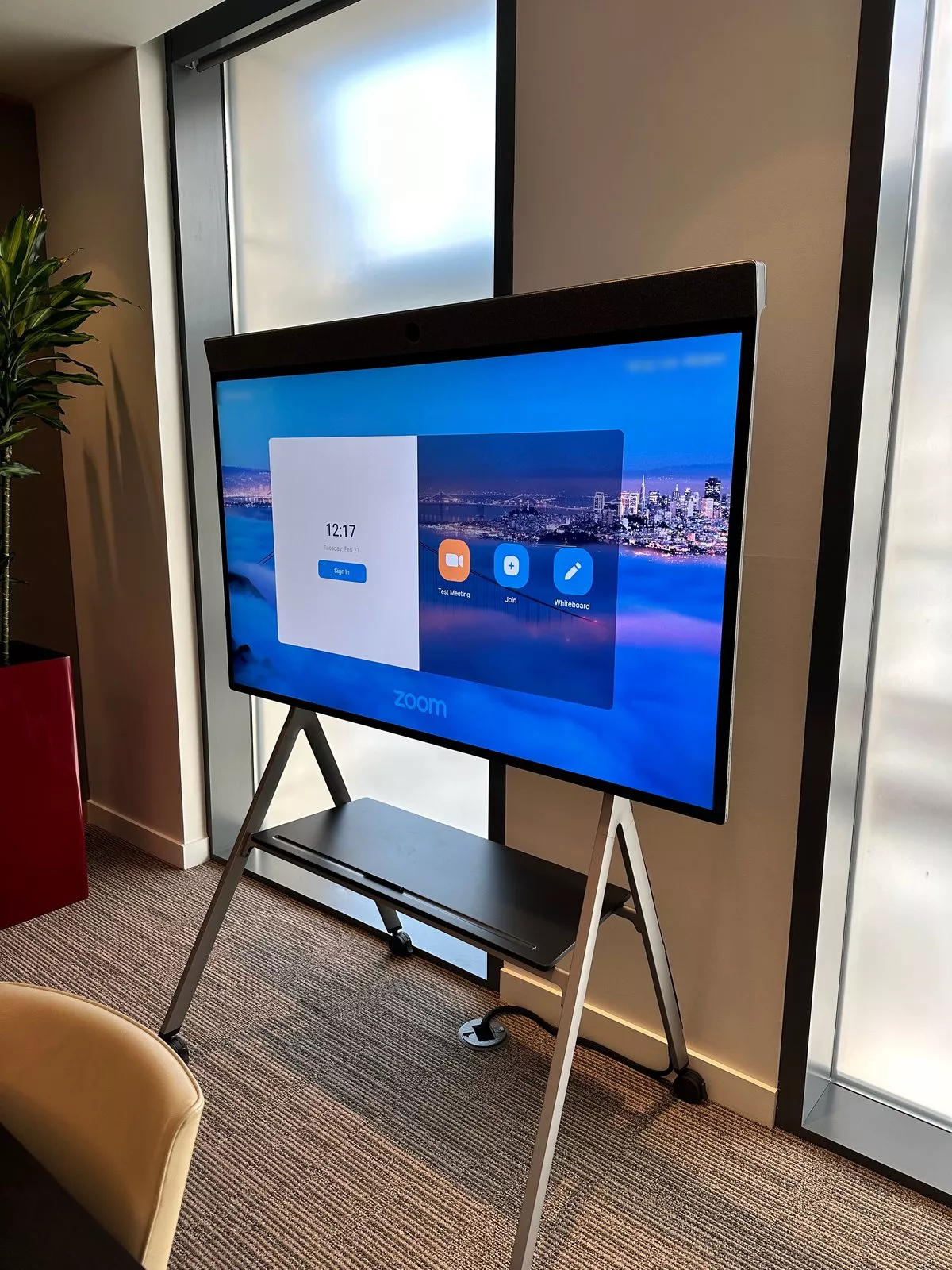
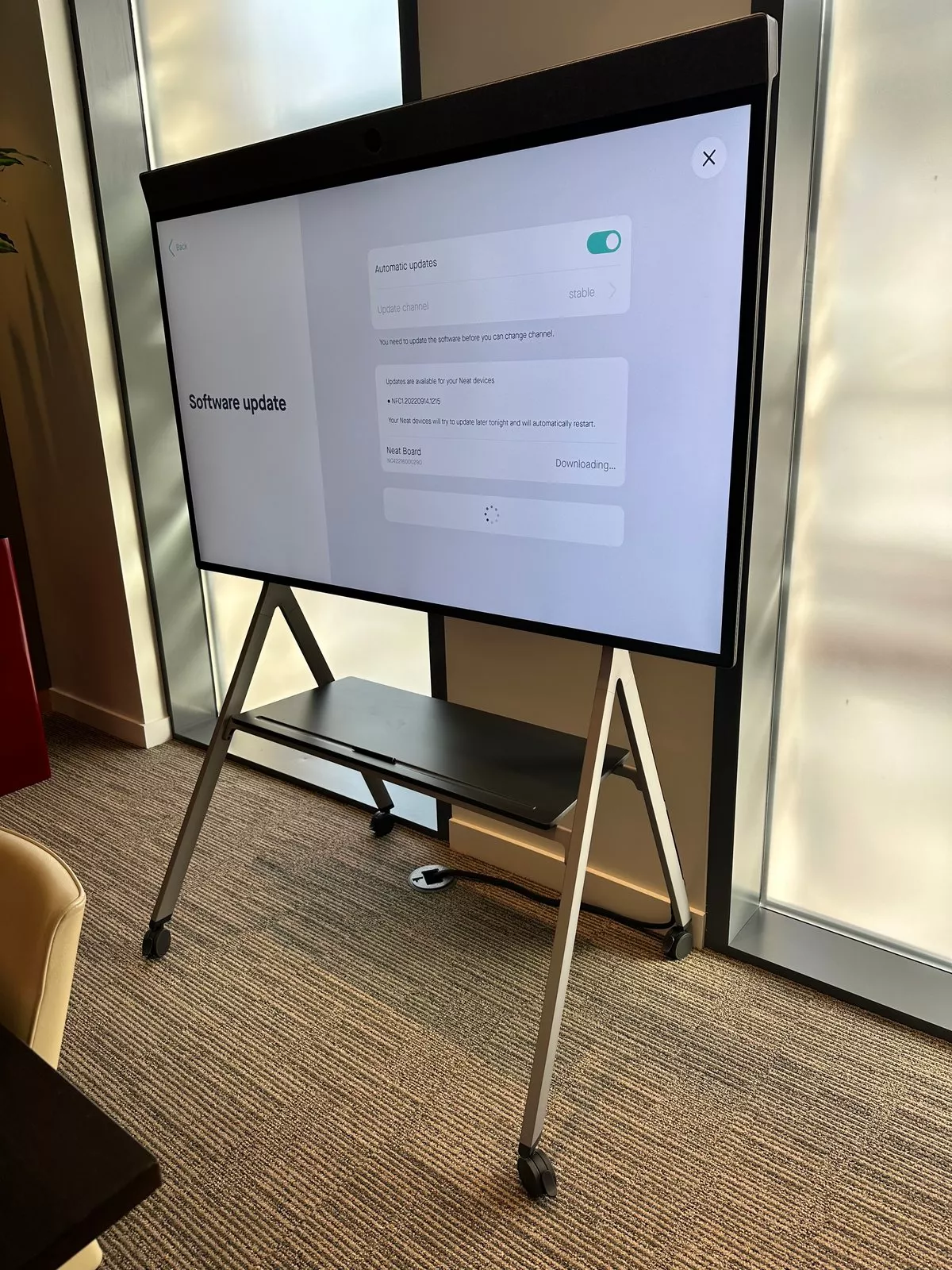
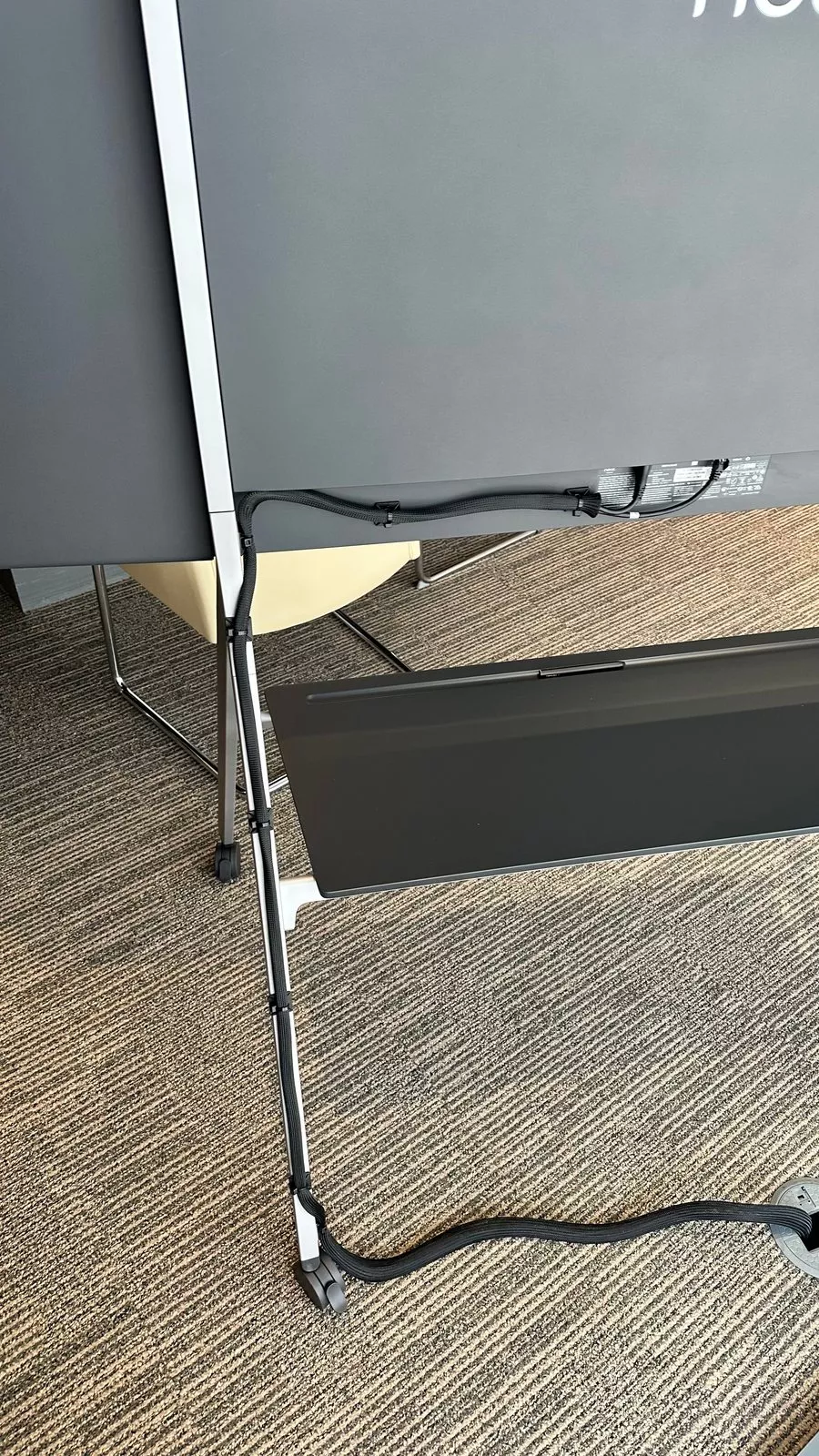
- One Neat Board, mounted on a floor stand with castors and a shelf.
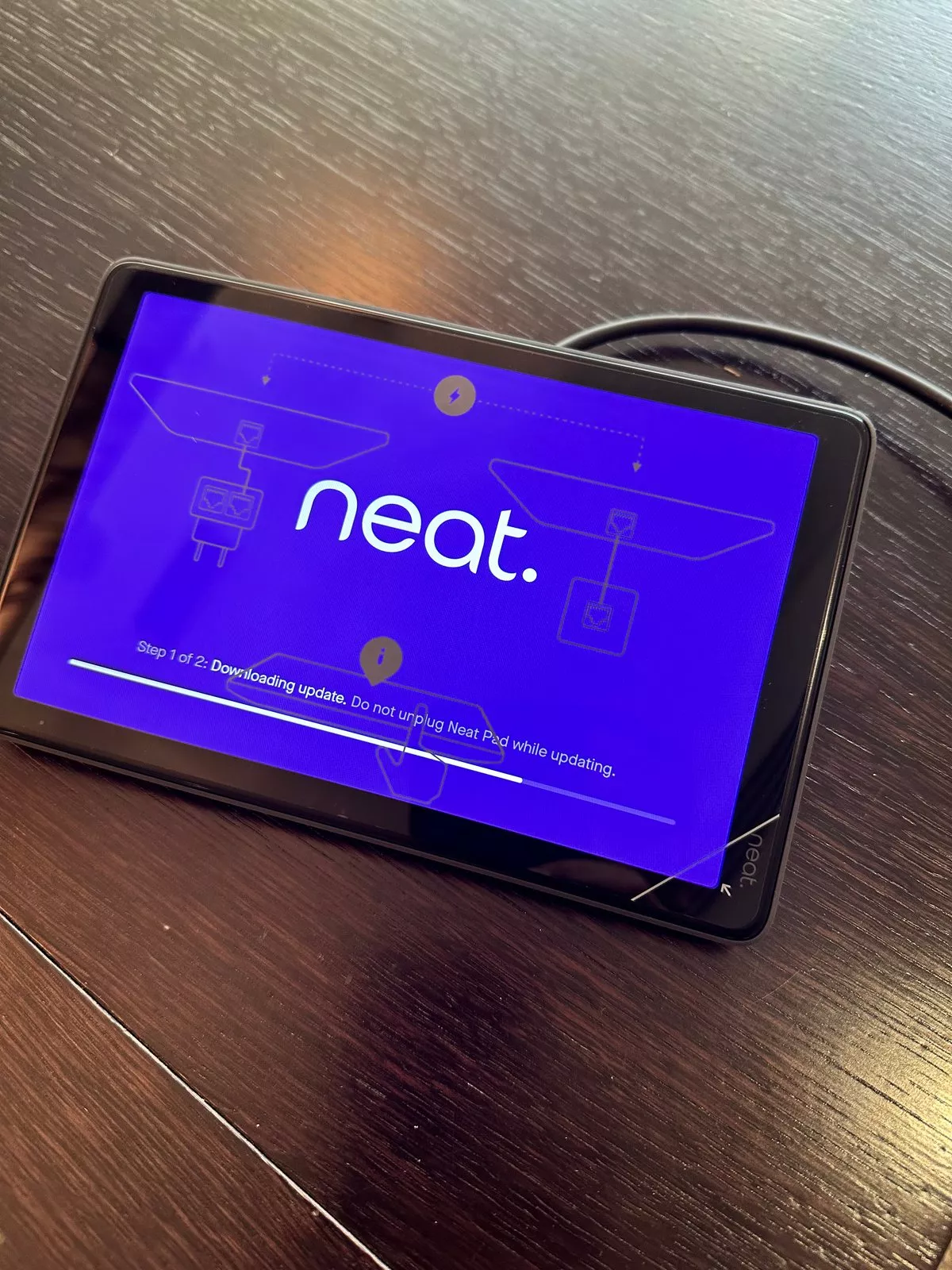
- One Neat Pad touch controller on the table.
- Zoom Rooms as the meeting platform, with test meeting, join and whiteboard buttons on its home screen.
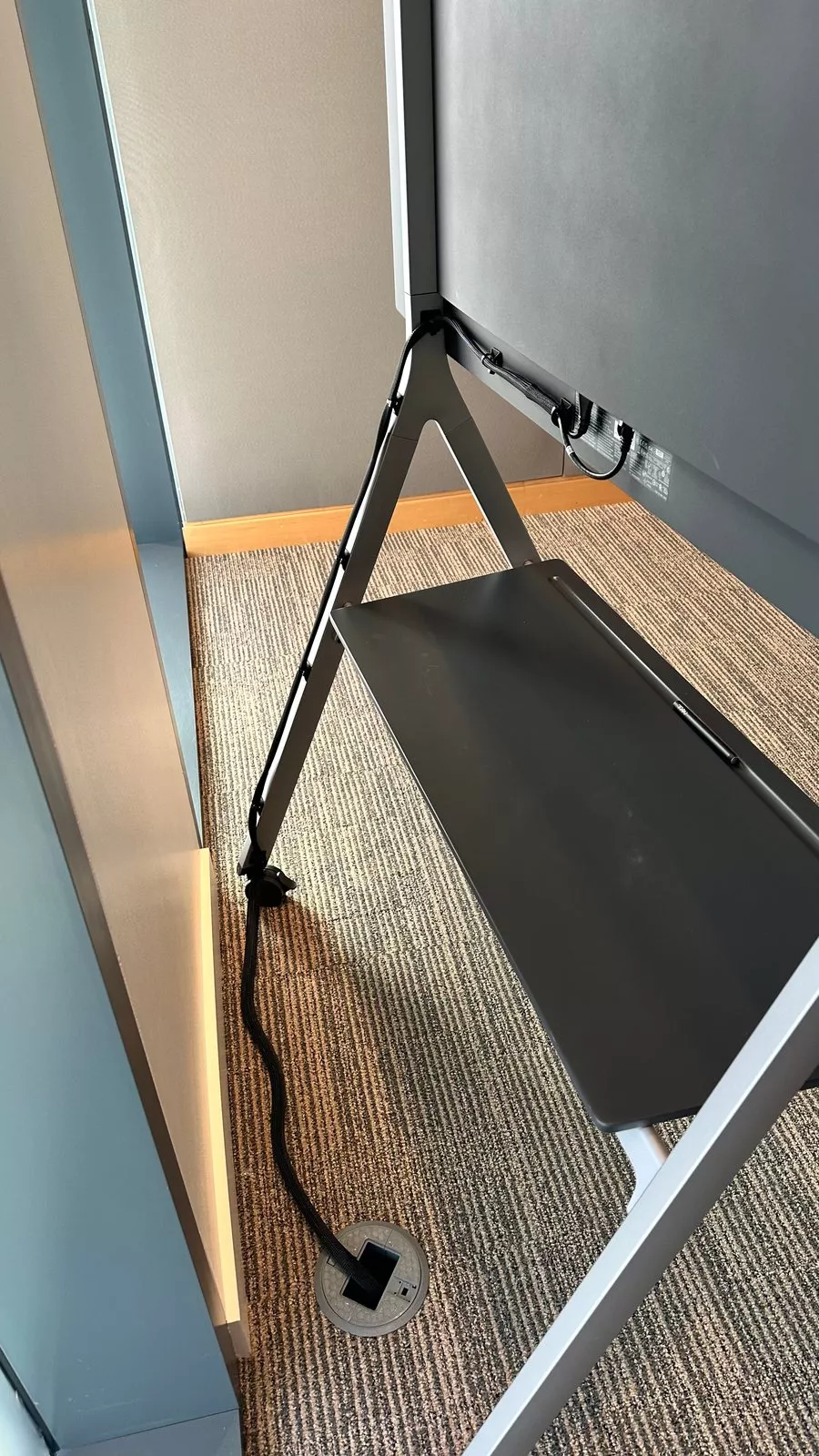
- A floor box near the stand, fed by a cable in a black sleeve.
Neat explains how its devices run Zoom Rooms on its Zoom page.
Why the board stands rather than hangs
A wheeled stand lets the board sit at the head of a long, dark timber table without any fixings in the wall, and it can be moved when the room is cleaned or rearranged. The price of that freedom is a single tidy cable route, which here runs down the leg of the stand in a sleeve to a floor box, so the carpet stays clear.
Updates come first
When the board was switched on for the first time it asked for its network connection to be checked, so the network came before anything else. The next day both the Neat Pad and the board were busy updating their software, with automatic updates switched on for the future. Only after that did the room show the Zoom Rooms home screen, waiting for its account to be signed in.
Planning a Neat Board installation for a London office
- Pick the spot first, then plan the floor box or wall outlet to suit it.
- Check that the network port is live and can reach the meeting service before delivery day.
- Leave time for updates on both the board and the pad.
- Decide which platform the room will run: Neat devices work with Zoom, Microsoft Teams and Google Meet.
Our article on the Neat Teams certified devices covers the newest boards and pads, and our video conferencing, conference room and Teams Room installation in London pages cover the rest.
Photos from the two days
More finished rooms are in the Gallery.
Thinking about a Neat Board?
Send us a sketch of the room and tell us which platform your team uses, and we will plan the rest. Book a consultation, or call our London office on 0208 064 0196.
- Log in to post comments