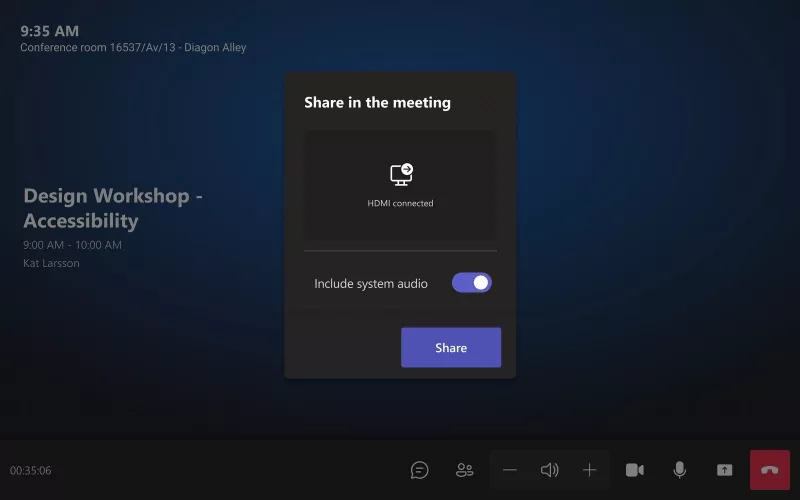
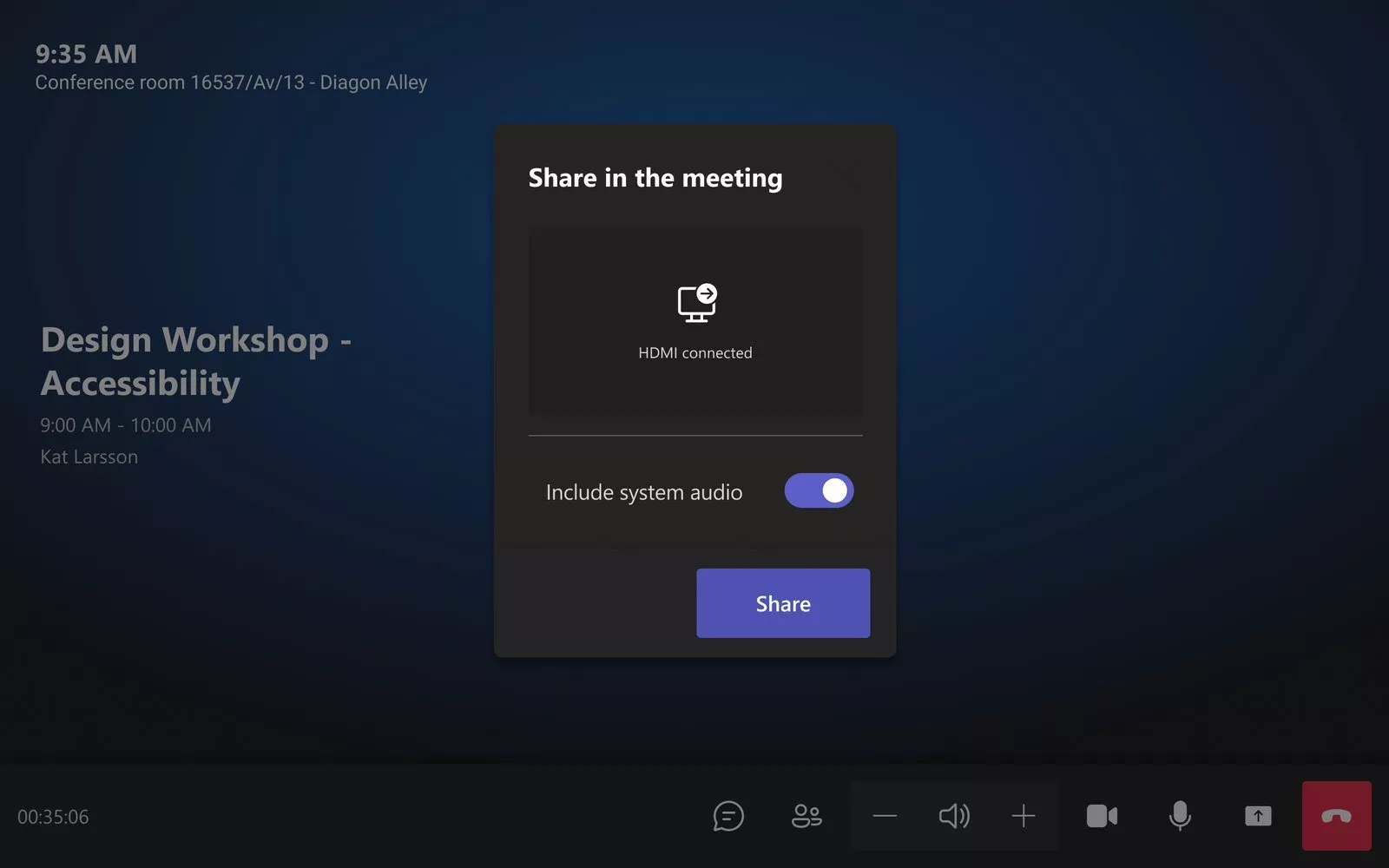
On 20 October 2026 Microsoft announced Cross-Platform Meeting Connect, joint work with Zoom to improve how a Microsoft Teams Room joins a Zoom meeting, and a Zoom Room a Teams meeting, with HDMI laptop sharing, a two screen layout, synced mute and end call, and video up to 1080p. For London offices that host clients on one platform and get invited on the other, it should narrow the gap between a guest join and a normal meeting, and Zoom expects it in the first half of 2027.
Product image: Microsoft.
- Microsoft announced Cross-Platform Meeting Connect on the Microsoft Teams Blog on 20 October 2026.
- It builds on Direct Guest Join, which Microsoft says will allow Teams Rooms to join Zoom meetings and Zoom Rooms to join Teams meetings.
- The planned features are HDMI content sharing, a participant roster, read only meeting chat, synced mute, unmute and end call, a two display layout and video up to 1080p.
- Zoom's Zoomtopia 2026 announcement of the same day gives the timing as expected in the first half of 2027.
- Microsoft says a guest meeting will still differ from a native one, and that not every enhancement will reach every platform.
What Microsoft and Zoom announced about Cross-Platform Meeting Connect
The announcement came in a post on the Microsoft Teams Blog titled "Cross-Platform Meeting Connect: Great in-room meeting experiences across Teams and Zoom". Microsoft opens with a scene most London offices will recognise: the team is in a Teams Room for a project review, but the customer has sent a Zoom invitation. The point of the work is that people should not lose the room's cameras, microphones and screens just because the meeting is on the other platform.
Microsoft describes Direct Guest Join as the foundation and Cross-Platform Meeting Connect as the layer on top. It lists these planned improvements:
- Sharing from the room. Plug a laptop into the room's HDMI input and share it straight into the meeting, and see content that other people share.
- A participant roster. The list of who is in the meeting shows on the room display and updates as people join and leave.
- Read only chat. The meeting chat can be shown beside the video and hidden again. The room can read it but cannot send messages.
- Synced room controls. The room's buttons and touch console stay in step with the meeting, starting with mute, unmute and end call.
- Two screens and HD video. In a room with two displays, content goes on one and the gallery on the other. Microsoft says video can go up to 1080p for a Teams meeting on Zoom Rooms, depending on the platform's policies, the room device and the network.
Microsoft gives no date. Zoom's Zoomtopia 2026 news of the same day lists HDMI content sharing, dual display support, 1080p video, participant rosters and read only meeting chat, and says the connectivity is expected in the first half of 2027. The story also appeared on AV Interactive on 27 October 2026 under the headline "Teams Rooms and Zoom Rooms to offer improved interop".
How it compares with a guest join today
Microsoft's Learn page on third party meetings sets out what Direct Guest Join can do from a Teams Room at the time of writing. The table below puts that next to what Microsoft has announced. The right hand column is planned, not shipping.
| In the room | Direct Guest Join today | Cross-Platform Meeting Connect (planned) |
|---|---|---|
| Share a laptop over HDMI | Not available | Planned |
| Front of room displays | One | Two, content on one and people on the other |
| Video quality | Up to 720p at 30 frames a second | Up to 1080p for a Teams meeting on Zoom Rooms |
| Microphone mute sync | Not available | Mute, unmute and end call first |
In practice, the first three rows are the ones people notice. Today a London boardroom with two screens drops to one when it joins a Zoom call as a guest, and anyone who needs to show slides has to find another way to share them, often by joining from their own laptop as well.
Who this affects in London
Firms that sell to clients on the other platform. Law firms, agencies, consultancies and property businesses in the City and the West End are often on Teams internally and invited to Zoom by clients, or the other way round. These are the rooms that will gain most.
Offices that standardised on one platform. If every room is a Teams Room, this does not mean buying Zoom hardware. The work is about letting the room you already have behave properly in the other platform's meeting.
Rooms with two screens. A dual display Teams Room is the room that loses most in a guest join today, so it has most to gain from the planned layout.
What London offices should plan now
Nothing needs buying today, and none of this has a release date from Microsoft, so we would not change a room design on the strength of it alone. A few things are worth checking while rooms are being planned or refreshed:
- Keep the HDMI input at the table. Some offices removed table cables when they moved to wireless sharing. HDMI sharing into a guest meeting needs that input in place.
- Think about a second screen. If a room is being fitted now, a second display or the wall space and cabling for one keeps the two screen layout open.
- Check the network. Microsoft ties 1080p to the room device and the network, and its Learn page says a guest join needs direct internet access with firewalls and web filters letting the traffic through without authentication.
- Turn on Direct Guest Join if you have not already. It is the foundation Microsoft names, and it works with Teams Rooms Basic or Pro according to Microsoft's Learn page.
- Write down which rooms meet clients. Those rooms are the ones to test first when the features arrive.
Our guide to Microsoft Teams Rooms for London offices covers room sizes and licences, and our Teams Room installation in London page explains how we design, supply and install them.
How Cross-Platform Meeting Connect fits a London meeting room
The features Microsoft lists are room features: an HDMI input, a touch console, one or two screens and the room's own camera and microphones. That means the quality of the room itself still decides how good a cross platform call feels. A well placed camera, microphones that cover every seat and a sensible screen size matter as much on a Zoom guest call as on a Teams call.
For most meeting rooms, the practical steps are the same as for any refresh: a certified room system, a clean table connection, a wired network point for the room device and a support plan so firmware and updates are kept current. When Microsoft and Zoom ship the features, a room that is already up to date is far more likely to get them on day one. Our maintenance and support plans cover that, and you can price a room with our commercial quote builder.
For more on room systems, see our video conferencing page. 1Install designs, supplies and installs meeting rooms, Teams Rooms and video conferencing systems for offices across London.
Questions we are often asked
What is Cross-Platform Meeting Connect?
It is joint work between Microsoft and Zoom, announced on 20 October 2026, to give a Teams Room in a Zoom meeting, or a Zoom Room in a Teams meeting, a fuller room experience than a basic guest join.
Can a Teams Room join a Zoom meeting today?
Yes. Direct Guest Join already lets a Teams Room join a Zoom meeting as a guest, but Microsoft's Learn page lists HDMI sharing as not available and video at up to 720p.
When will Cross-Platform Meeting Connect be available?
Zoom expects it in the first half of 2027. Microsoft's announcement does not give a date.
Will I be able to share my laptop over HDMI into a Zoom meeting from a Teams Room?
That is the plan. HDMI sharing is one of the features Microsoft lists for Cross-Platform Meeting Connect.
Do I need to buy new hardware for Cross-Platform Meeting Connect?
Not according to anything announced so far. Microsoft says each feature will depend on support from both the room system and the meeting platform, so check with us before replacing anything.
Book a consultation or call our head office on 01344 937999 (London office 0208 064 0196).
- Log in to post comments