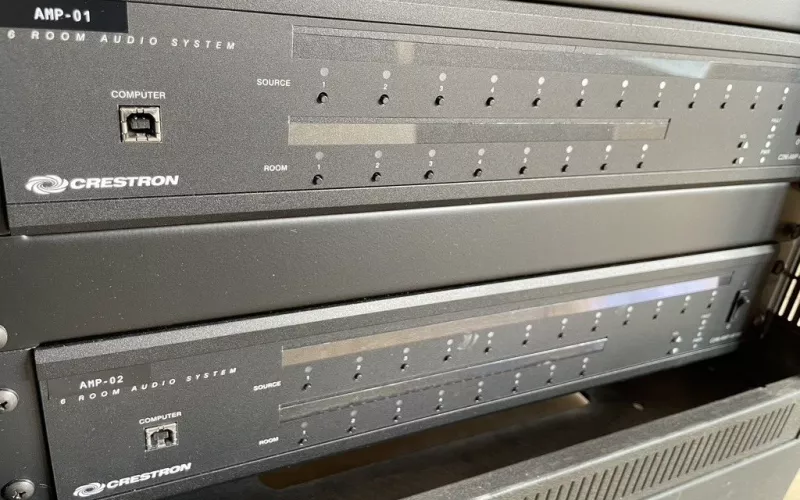
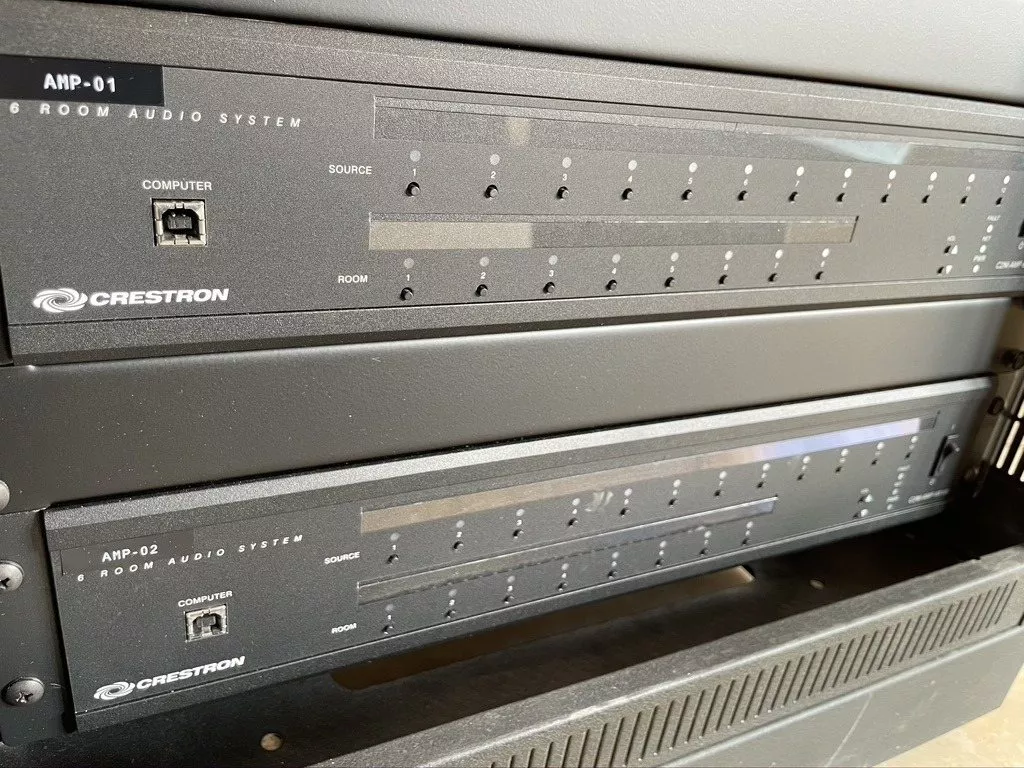
A Crestron upgrade moves an older Crestron system onto Crestron Home, usually without new wiring. The old processor is swapped for a Crestron Home processor, the lighting, audio and keypads that Crestron Home supports stay where they are, and the house is set up again room by room, as the photos from this finished job show.
Crestron systems fitted ten or fifteen years ago often reach the same point: panels that have become sluggish or gone dark, an installer nobody can reach and a programme file that has vanished. We upgrade older Crestron systems to Crestron Home for homes across London and the Home Counties, keeping as much of the existing hardware and wiring as we can. The house in these photos is not named.
Older Crestron and Crestron Home: the difference that matters
An older Crestron system, on a 2-Series, 3-Series or Prodigy processor, runs bespoke code written for its house. That works until something needs changing: then you need a Crestron programmer, the original code and hardware Crestron no longer makes. Crestron Home is set up through configuration instead of code, and it needs one of Crestron's Crestron Home processors: CP4-R, MC4-R, DIN-AP4-R or PC4-R. Crestron's own Crestron Home page says its Configure Pro software is now the primary configuration tool for every Crestron Home project, and our post on Configure Pro explains what that means for a homeowner.
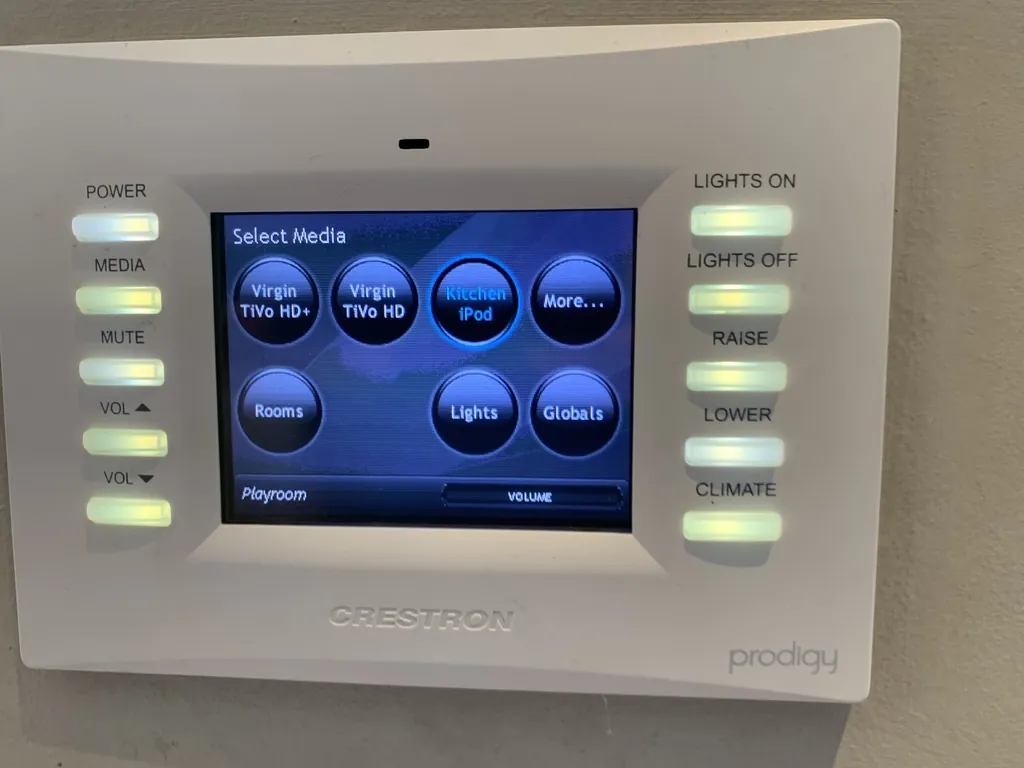
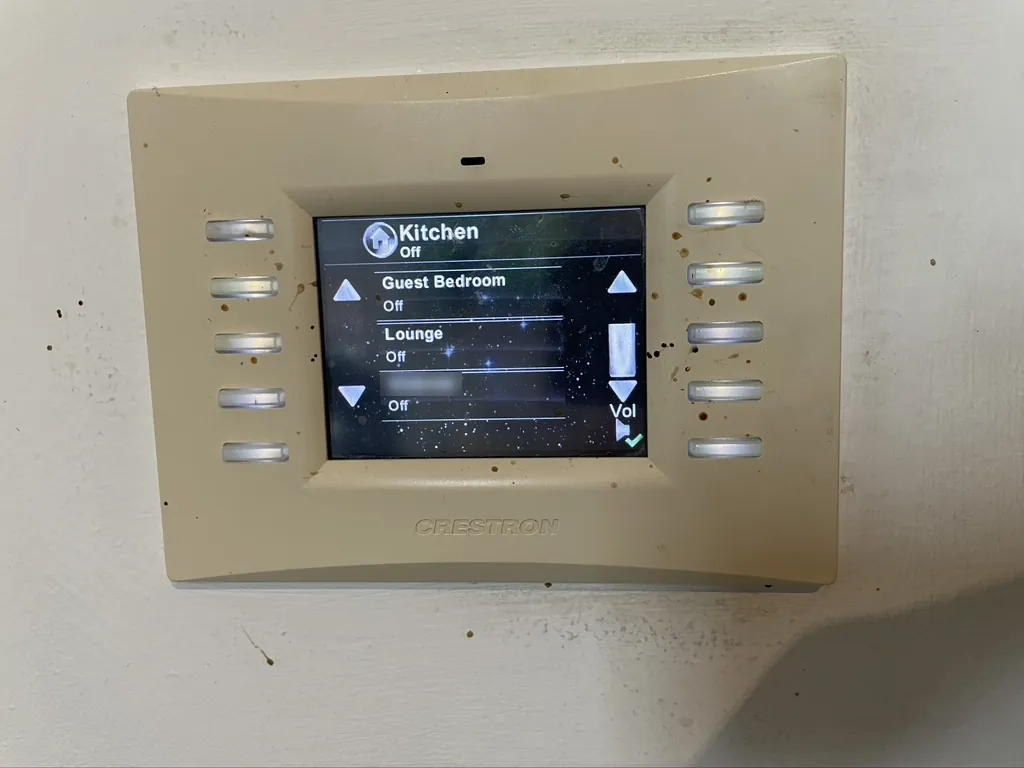
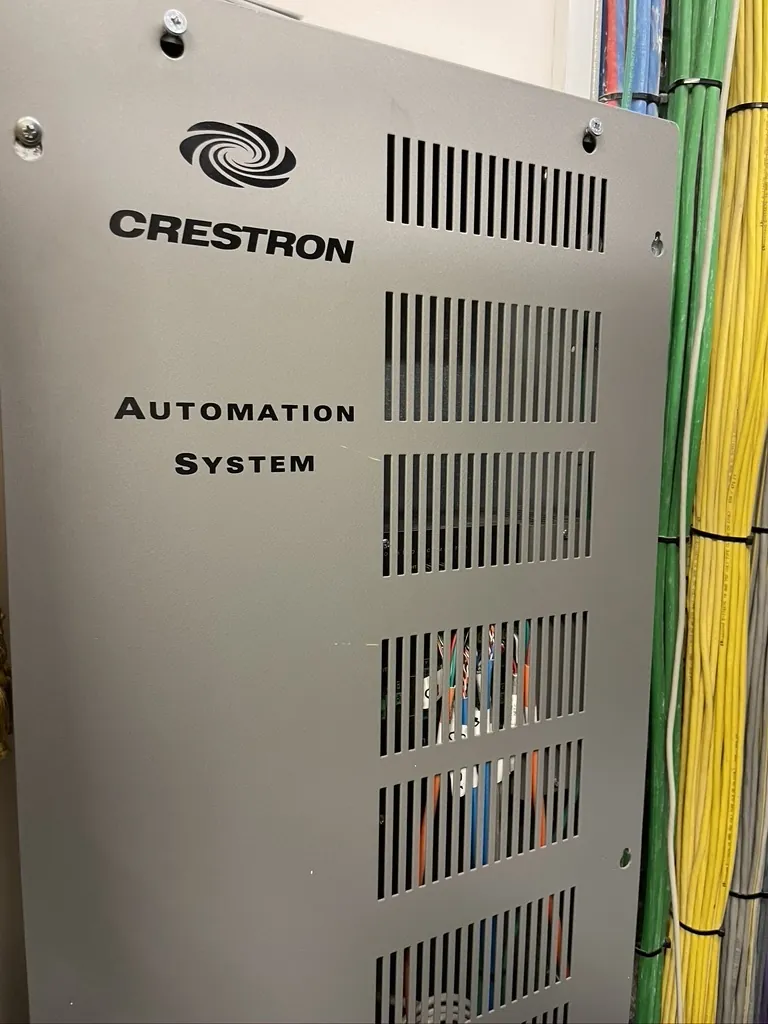
The panels and the enclosure as we found them. Neither type of panel works with Crestron Home, so both were replaced.
What stayed and what went in this Crestron upgrade
Crestron says Crestron Home is designed to work with many Crestron and third party products, and keeps a list of them in the Works with Crestron Home section of its processor documentation. Every device in the house was checked against it before anything was ordered.
| In this house | Outcome | Reason |
|---|---|---|
| Green Light lighting panels | Kept | Supported by Crestron Home, and they still worked |
| Two six room audio systems, AMP-01 and AMP-02 | Kept | Supported, so they stayed in the rack |
| Speaker, network and control cabling | Kept | Tested, re-terminated where needed and labelled |
| The old processor | Replaced | Crestron Home runs only on its own processors |
| Prodigy and older colour touch panels | Replaced | Not supported; current Crestron screens and the app take over |
| Network | Re-patched | Crestron Home, the app and every stream rely on it |
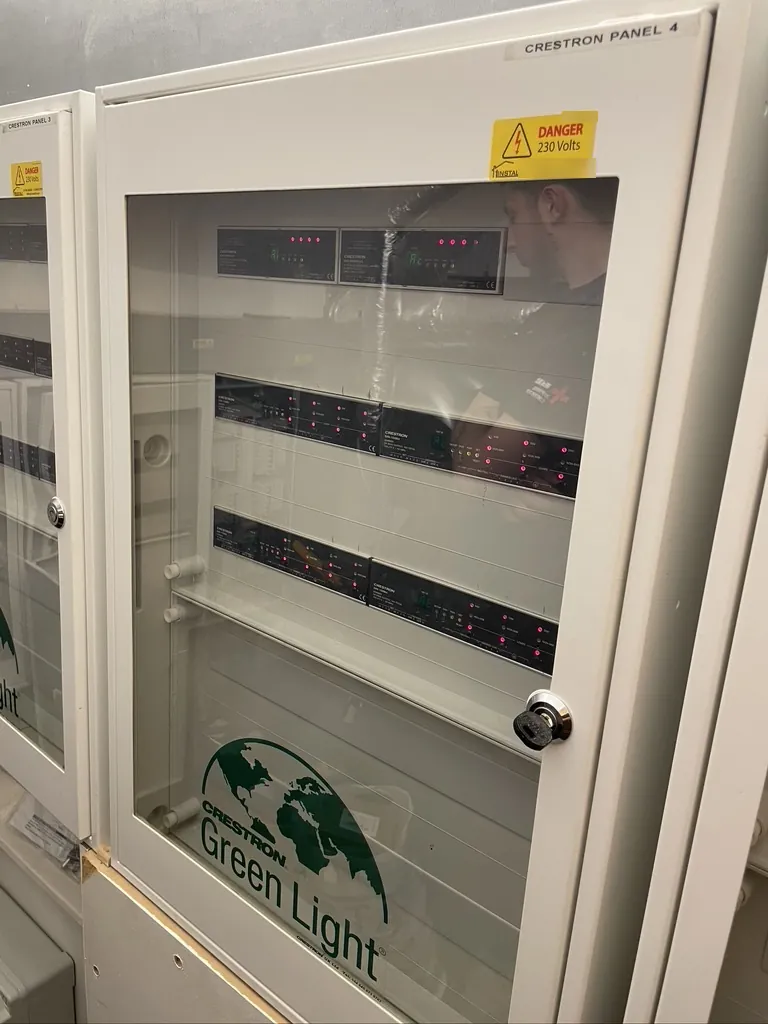
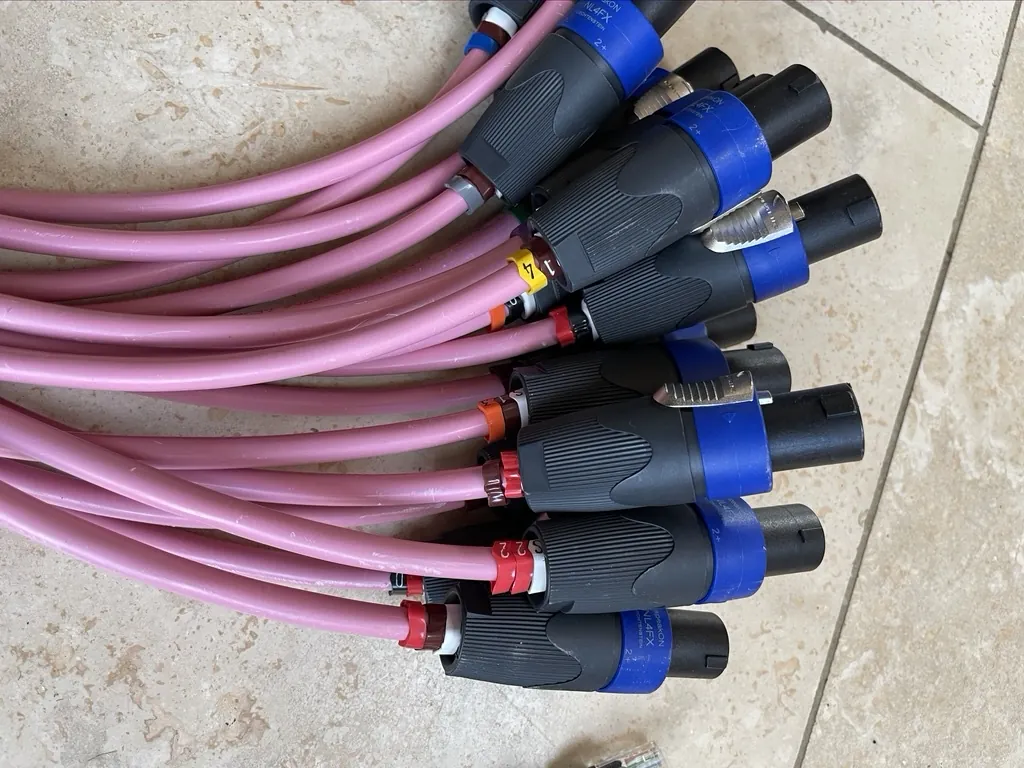
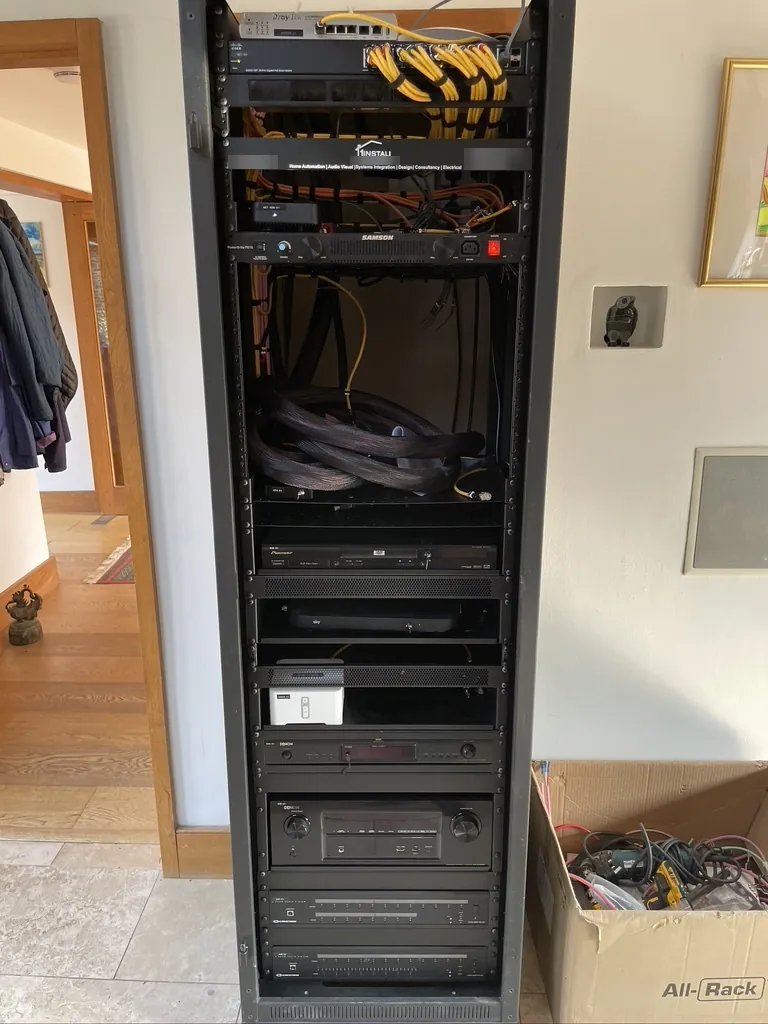
The lighting panels and the audio systems stayed. Fitting numbered speakON plugs to the speaker cables means each room can be traced back to its amplifier output.
Rebuilding and labelling the rack
The rack took the most time on site. All the leads and cables, network, control and speaker, now carry tags that match the written documentation; at the back they run in braided sleeving with ties; and the network has been patched afresh through the PoE switch that sits at the top. Whoever opens it next can follow any cable in seconds.
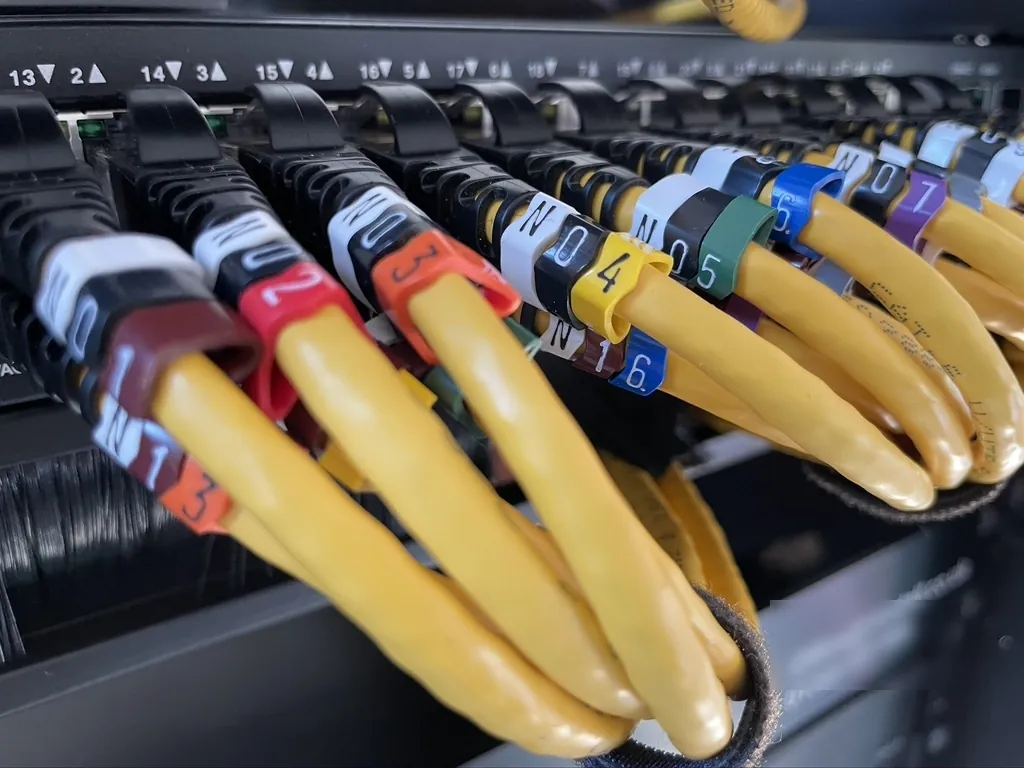
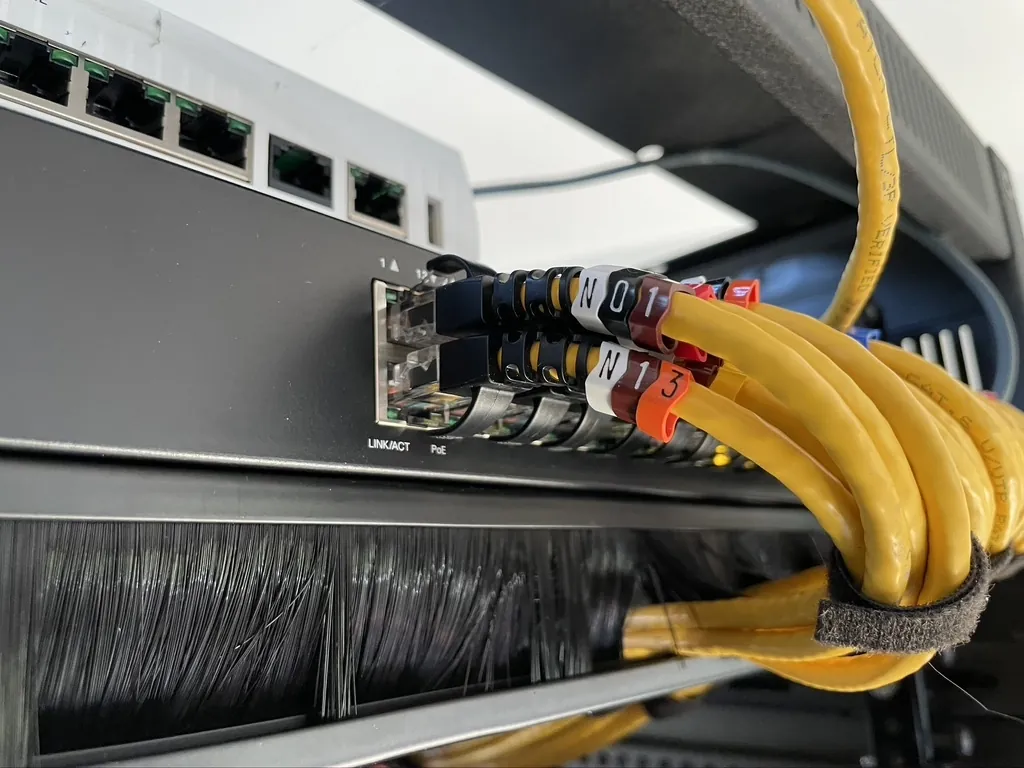
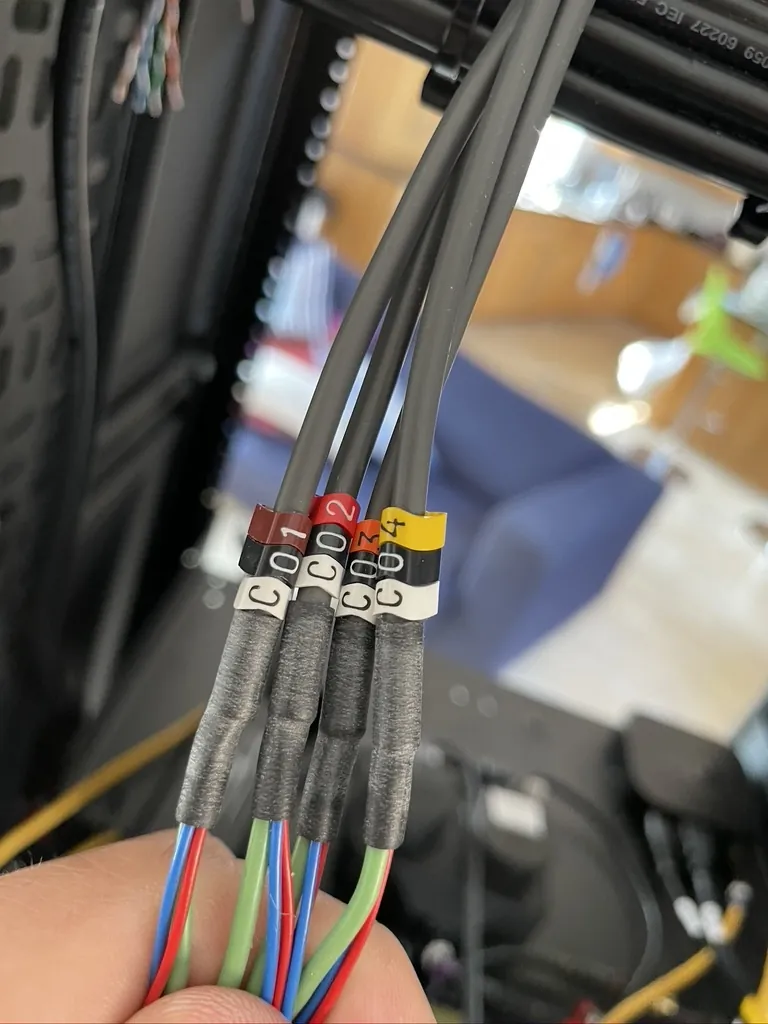
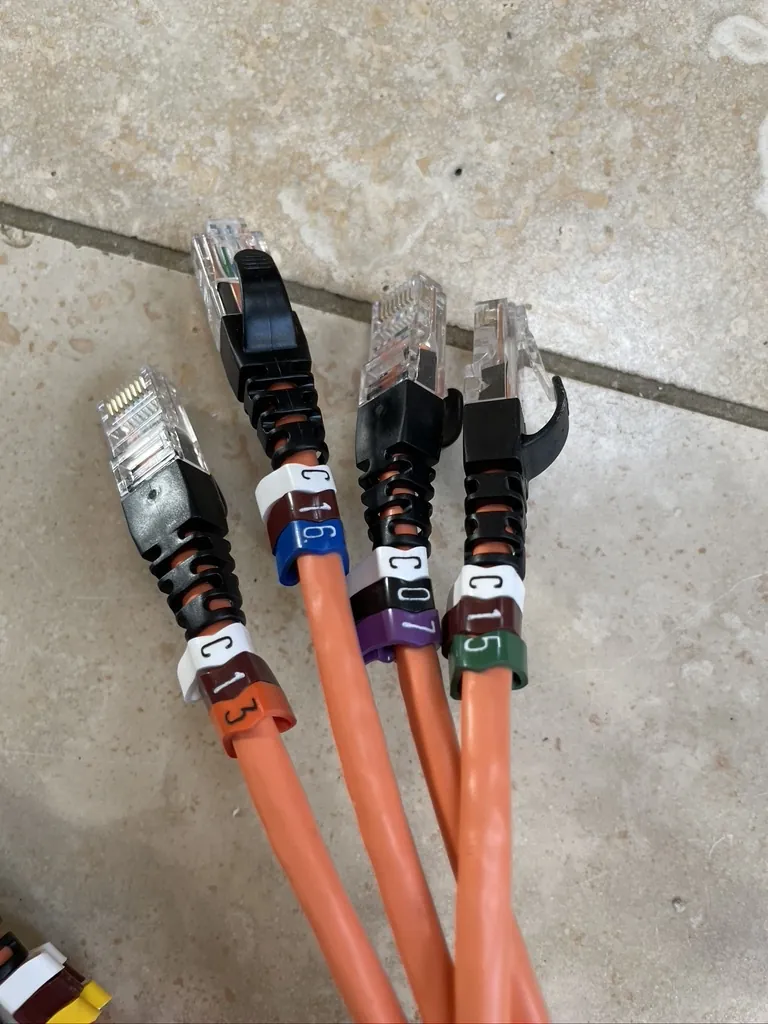
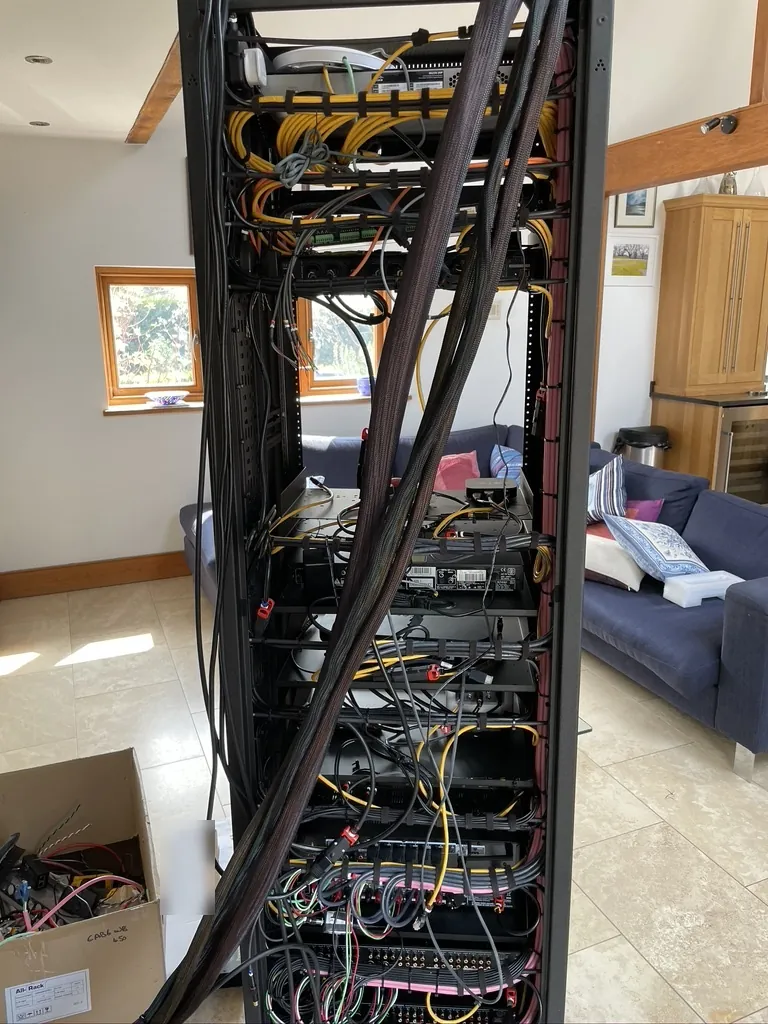
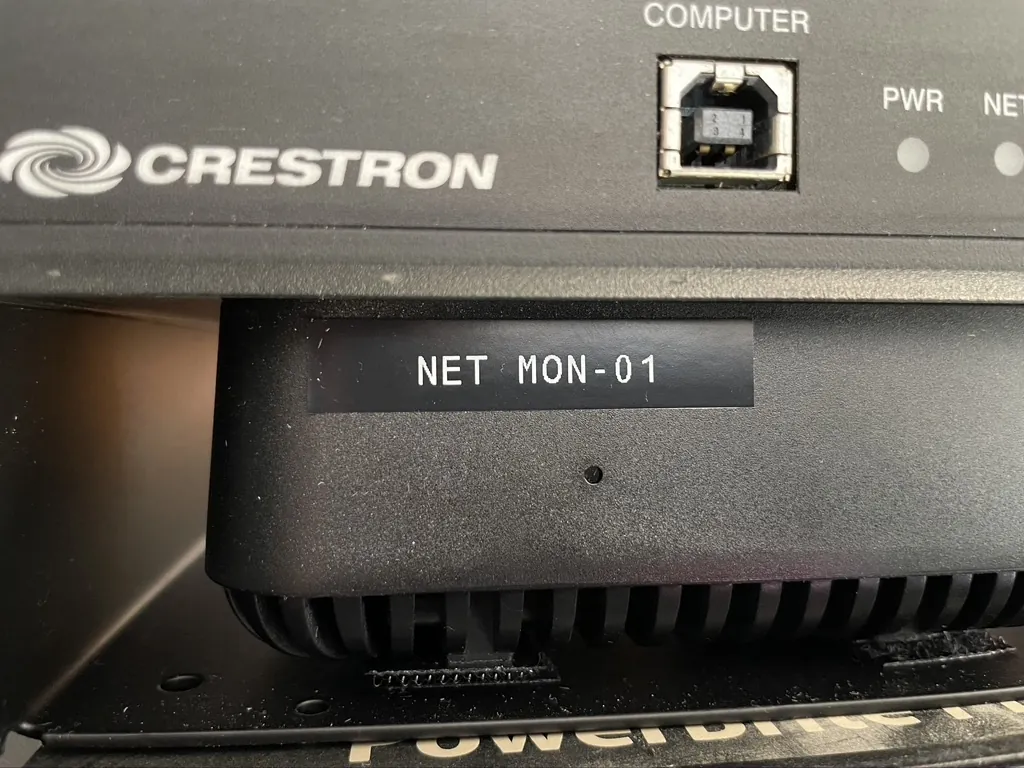
Tags on the patch leads and control cables, leads made up before fitting, the back of the finished rack and a device label that matches the documents.
How a Crestron upgrade runs
- Survey. We record each piece of Crestron equipment in the house, from the processor and panels to the lighting modules, amplifiers and gateways, find out what still works and look at the network.
- Design and price. We match that record against Crestron's list, pick the processor, decide what replaces anything unsupported and send a written proposal at a fixed price. Our survey and design step explains this stage.
- Preparation. Before we arrive, the rooms, lighting loads, scenes, music sources and keypad buttons are already configured around the way you live.
- Installation. On site the new processor goes in, the rack is tidied or rebuilt with labels throughout, the network is brought up to standard where needed and new screens or keypads take the place of unsupported panels.
- Handover. Each room is checked, lights, blinds, heating and music, the app is installed on everyone's phones and tablets, and we show you how to change a scene yourself.
- Aftercare. Remote support is available afterwards, and 1Install Care plans keep the system looked after.
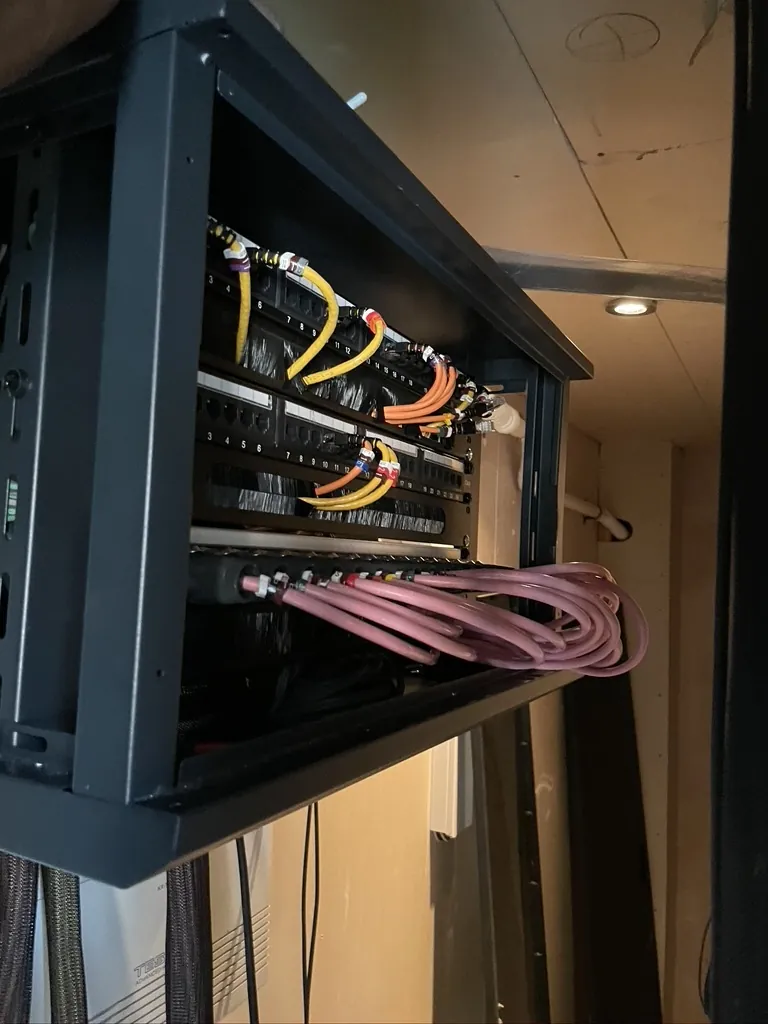
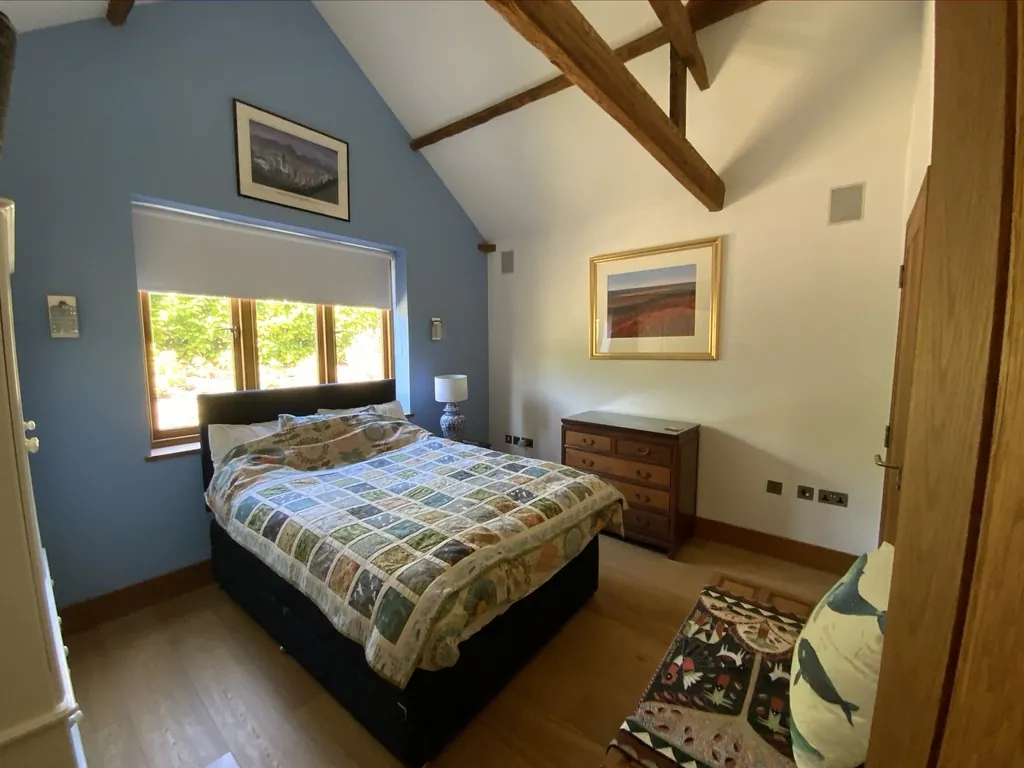
A second rack elsewhere in the house, and one of the finished bedrooms.
Signs your system is ready for a Crestron upgrade
- Every small change needs a programmer. Renaming a button or adding a room should not mean a call out and a fee.
- Screens that freeze or go blank. Older panels age, and replacement parts for them are no longer made.
- No app you can trust away from home. Crestron Home gives one app for lighting, heating, audio, video, blinds and security.
- A renovation on the way. Opening up rooms is the easiest moment to move keypads and tidy a rack.
Questions we are often asked
Do you need the original programme file for a Crestron upgrade?
No. The house is configured afresh in Crestron Home, so the old file and whoever wrote it are not needed. Drawings or notes you have kept will still speed up the survey.
Will my touch panels still work?
Some will and some will not. The Prodigy and older colour panels pictured here are not supported and were replaced, while many current Crestron screens are. You can also run the house from the Crestron Home app on phones and tablets, with or without wall screens.
Can my lighting stay?
Often, yes, as it did here with the Green Light panels. Each lighting module is checked at the survey, and only a failed or unsupported one is replaced. Our lighting control page for London covers the systems we fit today.
How long is the house without control?
Only briefly. The set up work happens before we arrive, so our days on site are spent fitting and testing, and we agree the changeover day with you.
What does a Crestron upgrade cost?
It depends on how much equipment can stay and how many panels need replacing, so you receive a fixed price after the survey. Engineer visits are £90 an hour plus VAT, with a minimum booking of four hours (£360 plus VAT).
See our Crestron page, the Crestron installer page for London and another Crestron upgrade case study, where outdated panels and remotes were replaced with Crestron Home interfaces.
Book a consultation or call our head office on 01344 937999 (London office 0208 064 0196).
- Log in to post comments