Control4 to Crestron Home is the change we are making in a large house where Control4 has run every room for about eight years without ever working consistently. Part 1 records the system as it stands, the reasons the owner wants it gone and everything the job will replace.
As an accredited Control4 dealer that also installs Crestron Home, we have no reason to run down either platform; this is simply what is happening in one house. The house is not named. The series is written for London homeowners weighing up the same decision, and it will follow the work from the first survey to the finished rooms.
How the series will run
This page will grow with the job, so the whole project stays in one place, with new photos as each stage finishes. We expect about five instalments:
- Part 1: the system before any work (you are reading it).
- Part 2: removing the Control4 equipment.
- Part 3: fitting and programming Crestron Home.
- The final part: the result, the new equipment and, with the owner's agreement, a short video of what he thinks.
| Project | Control4 to Crestron Home, Part 1 |
|---|---|
| Starting point | About eight years of Control4 in every room, with the lighting on separate Philips Dynalite hardware |
| Reason for the change | Years of inconsistent behaviour, and an interior redesign under way |
| Final site survey | 1 October 2026, to measure the curtains and blinds |
| Status | Under way, with later parts to follow on this page |
The Control4 system as it stands
It was put in by another integrator and it reaches every room. It runs the lights, the music and TV in each room, the video sent from room to room, the security system, the gate and the network, and the curtains and voiles at every window are on it too. In roughly eight years it has never behaved consistently. We have spent the last two of those years steadying it, and the owner still wants a fresh start.
How the household controls it
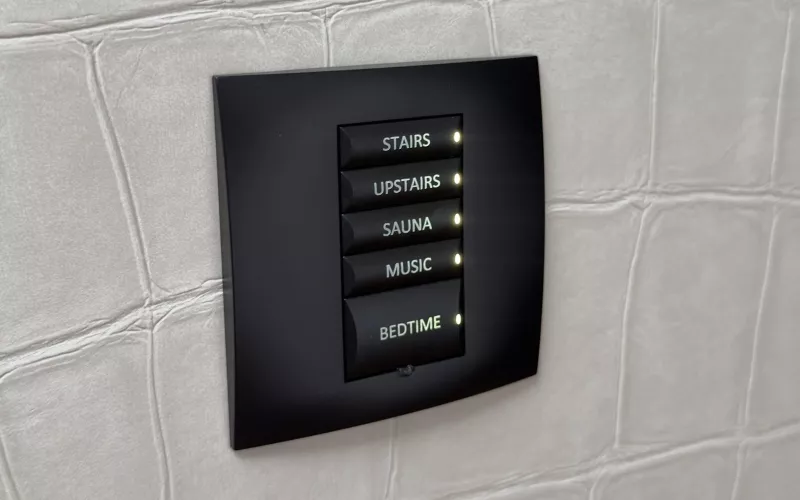
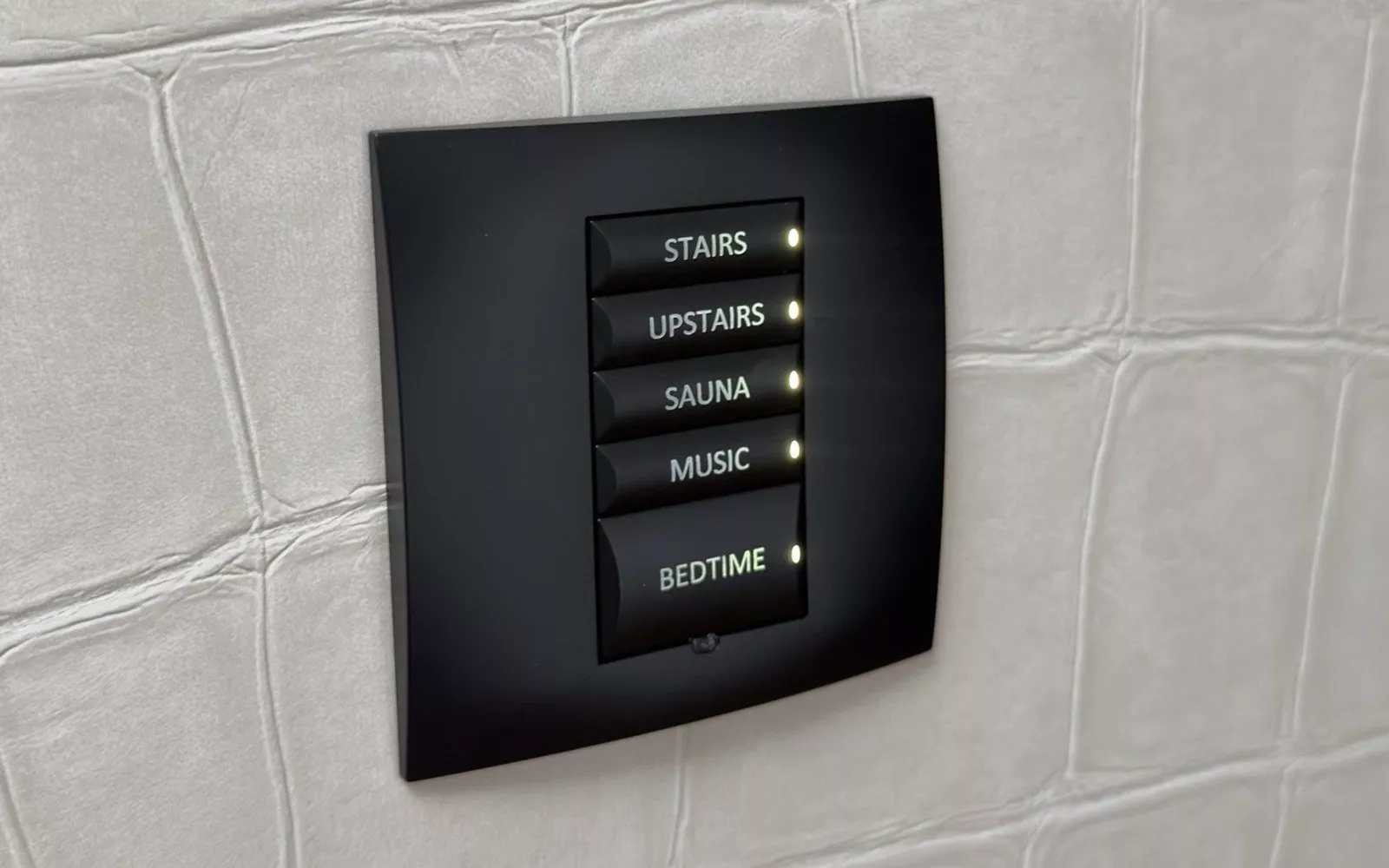
The family uses three kinds of control: keypads on the walls, a handheld remote and a touch screen. Labels on the keypads are the household's own words, from kitchen, living and bath to bedtime and off, with separate buttons for music, the TV, the curtains, the voiles and the drapes. Above the touch screen there is a Heatmiser thermostat.
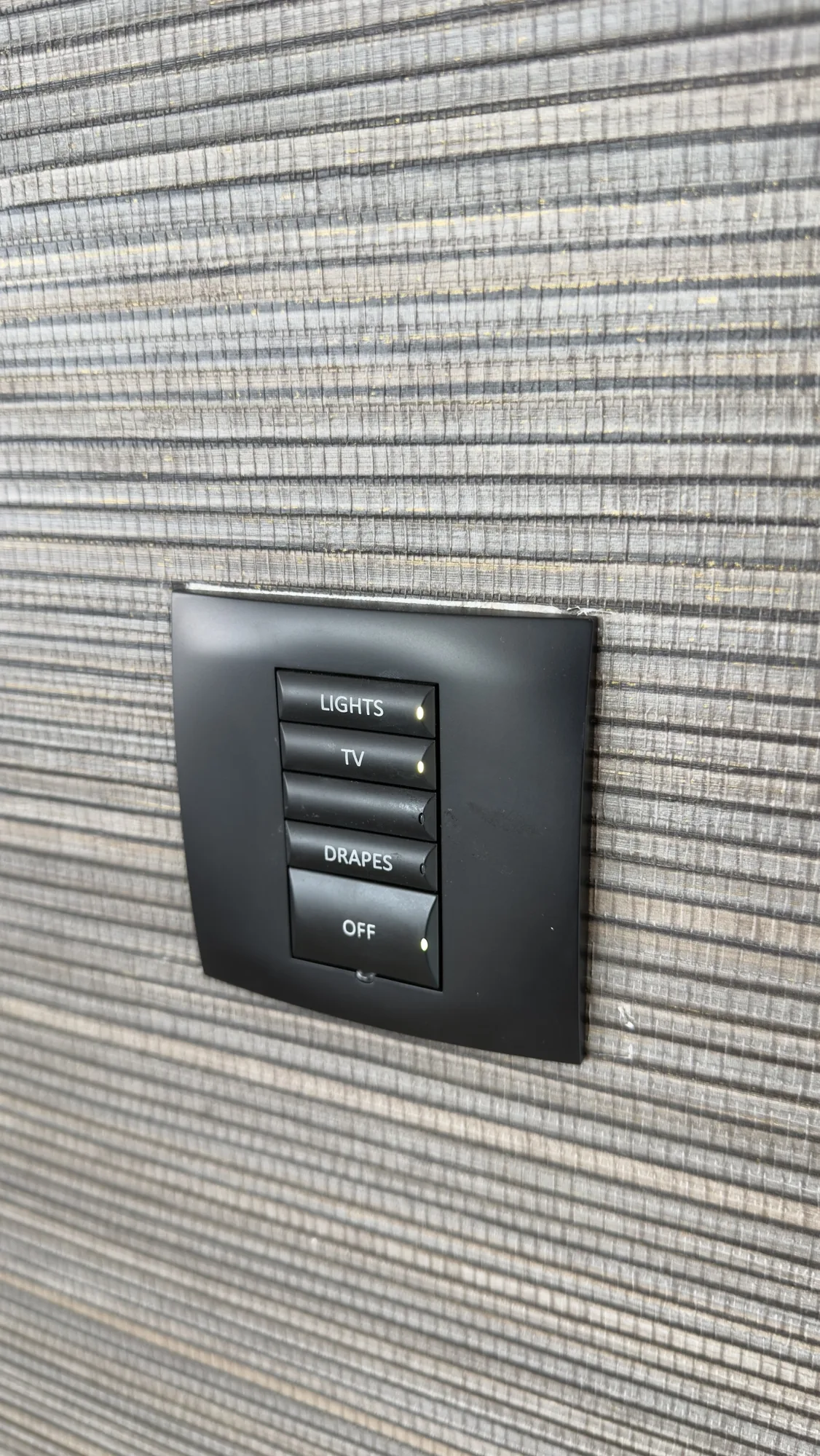
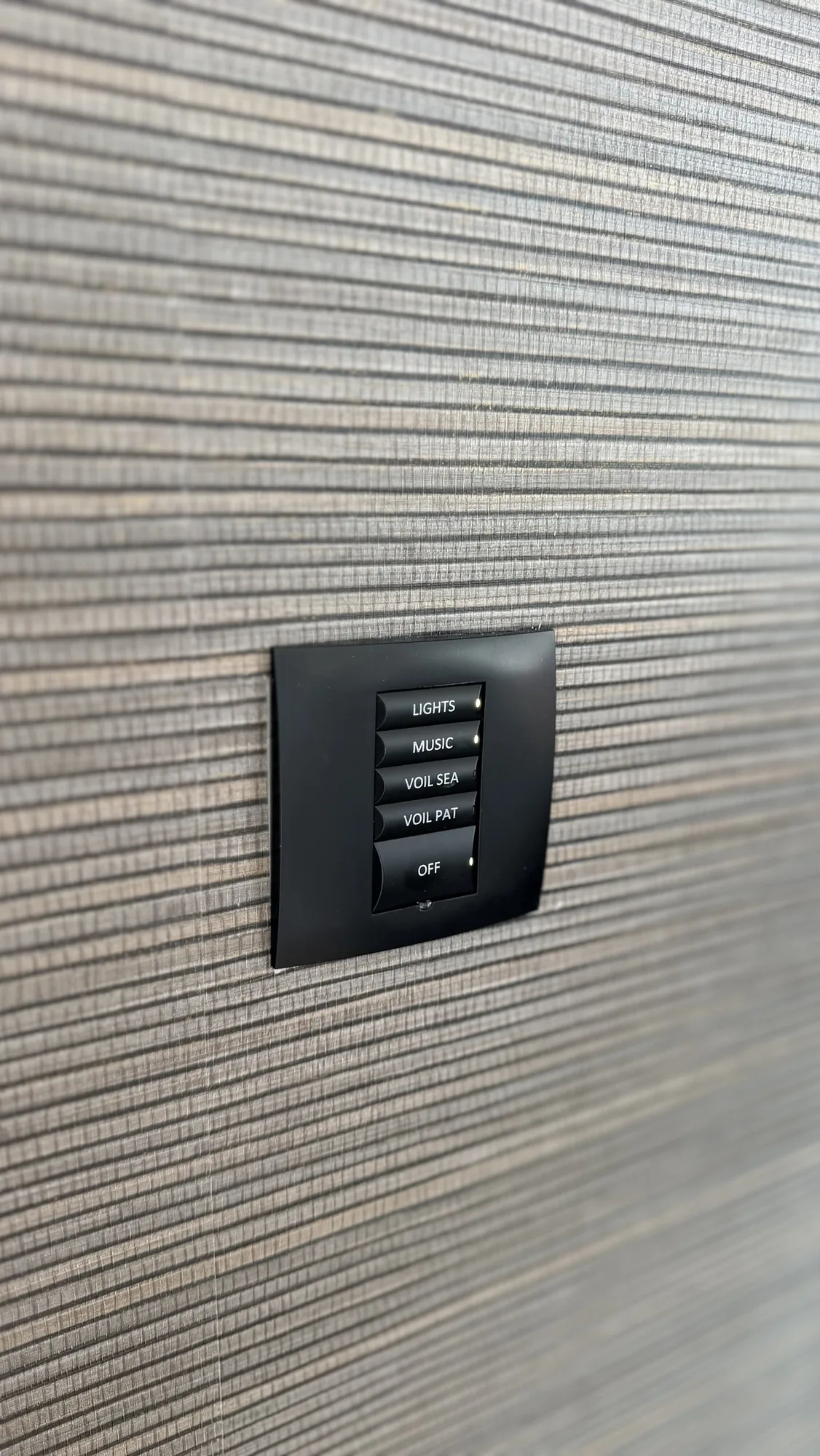
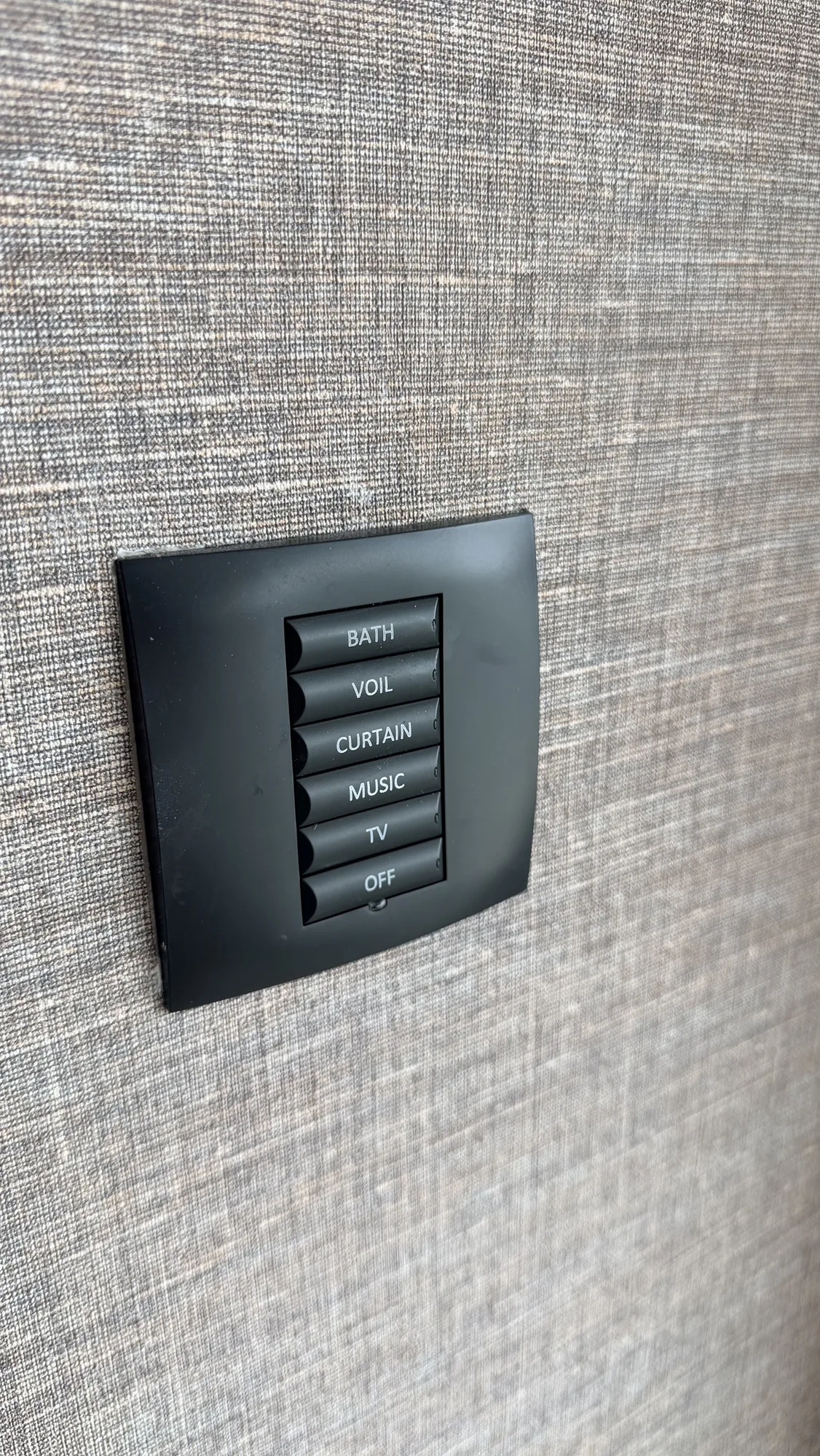
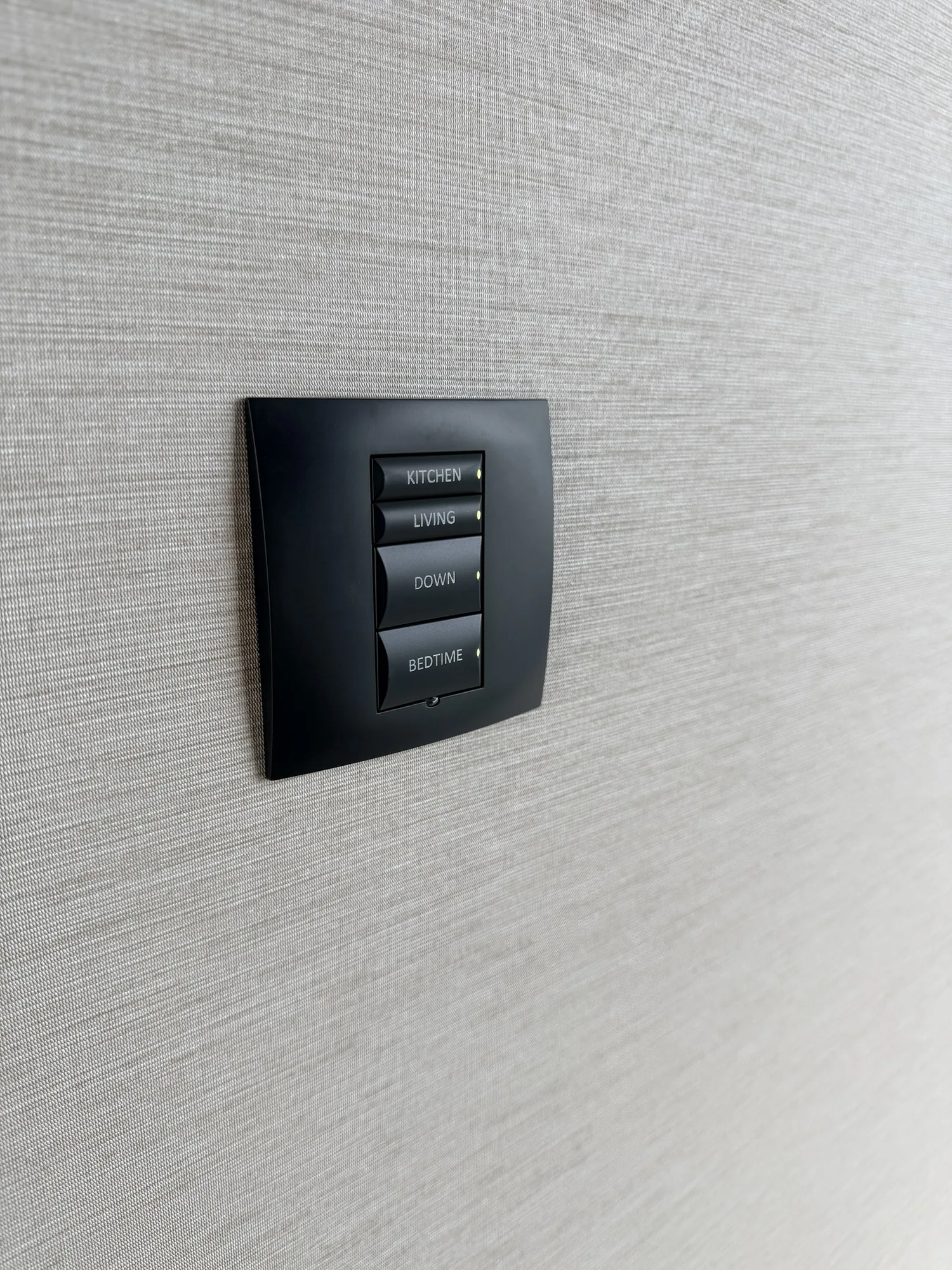
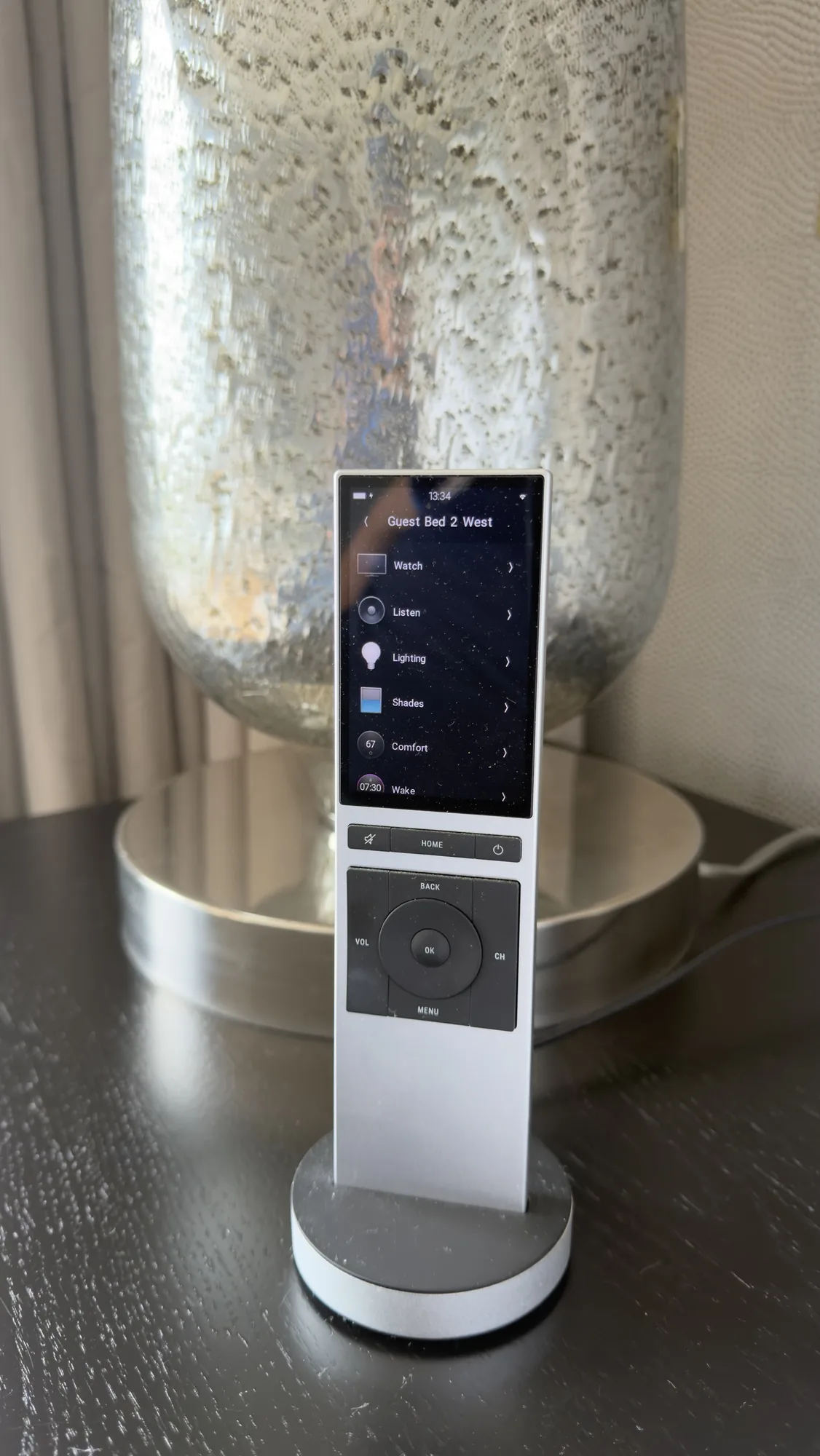
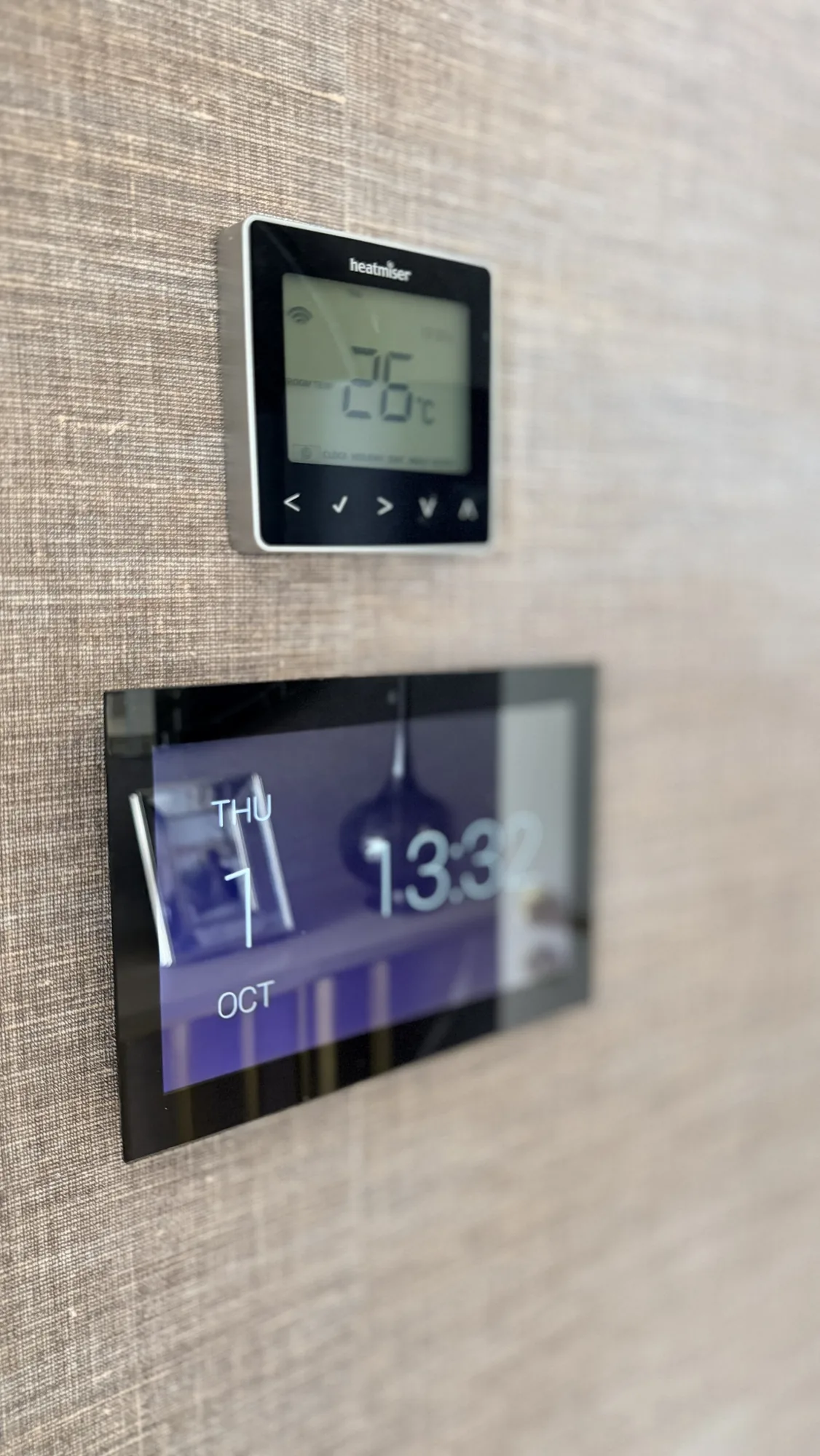
Four of the keypads, the remote in its charger and the touch screen with its thermostat.
The lighting behind the keypads
The keypads are Control4, but the lights themselves are not. The commands go to Philips Dynalite hardware in the lighting cabinets: a mains dimmer and two low voltage dimmers, eight 12 channel relay controllers labelled as switchers, a miscellaneous controller, a network gateway and a network power supply. Someone has written gym voile open and close on a label next to that miscellaneous controller. Every light therefore needs Control4 and Dynalite to agree, and when they do not, the fault could be on either side. Our Philips Dynalite page covers the work we do on these systems.
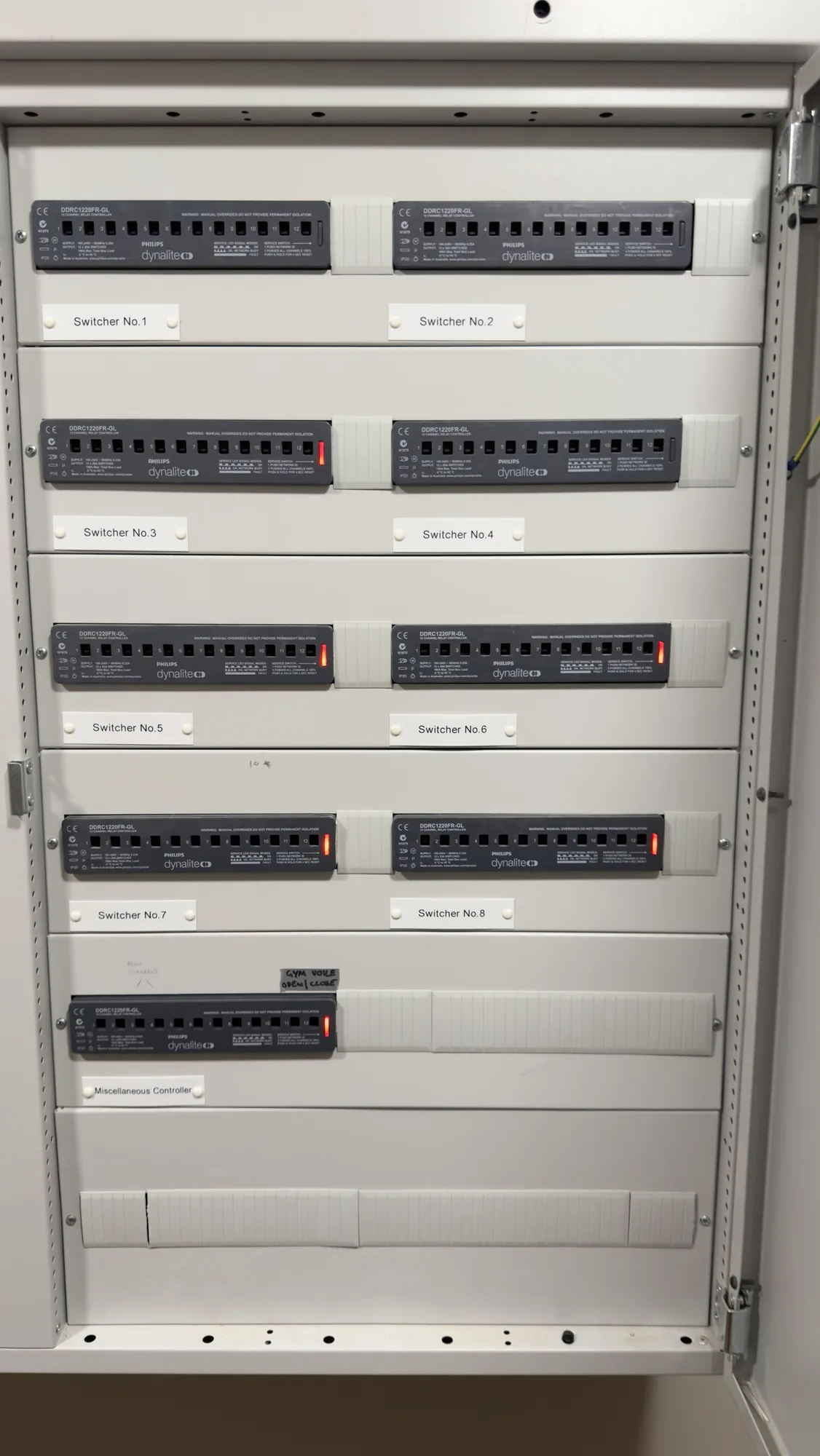
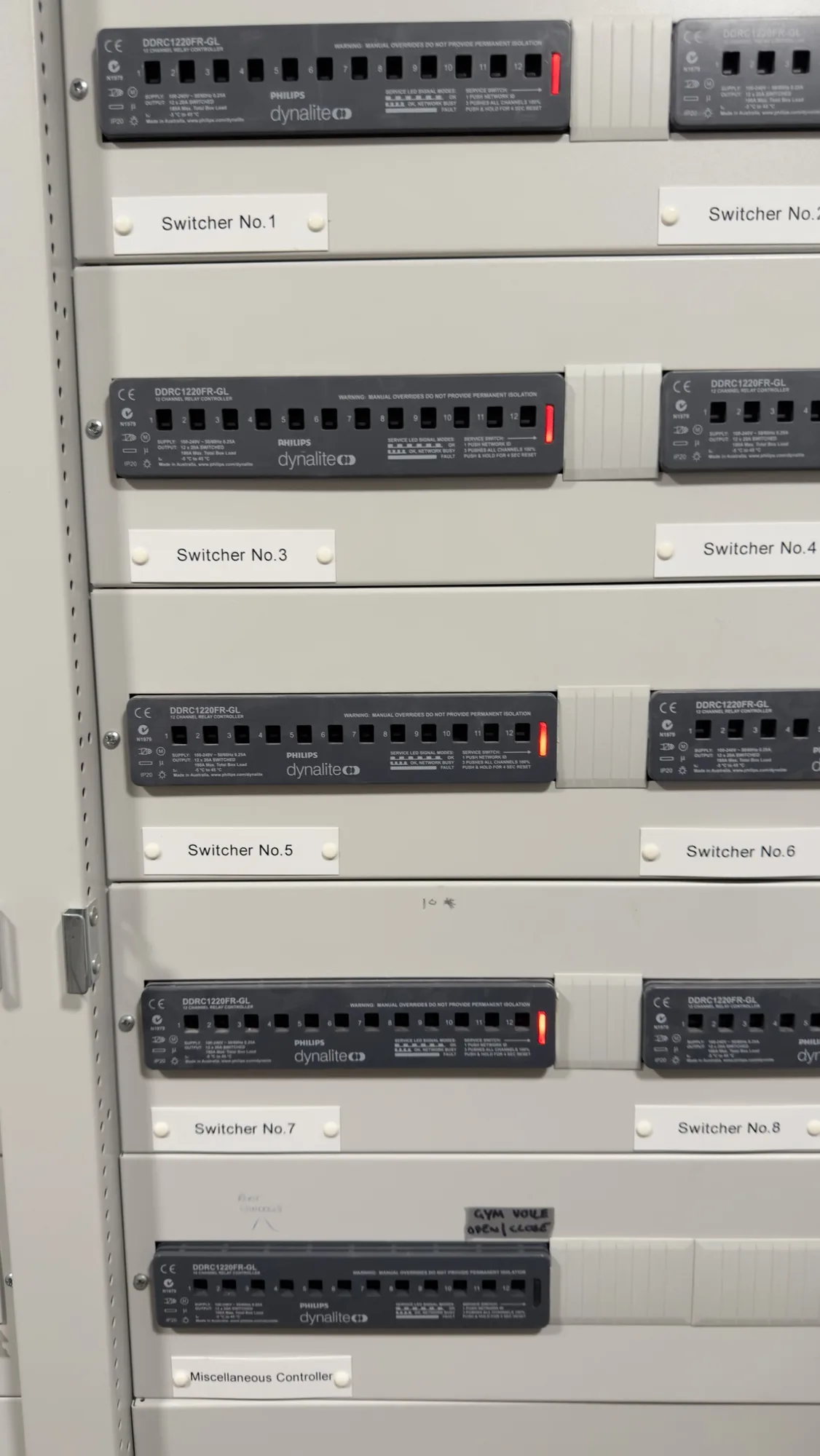
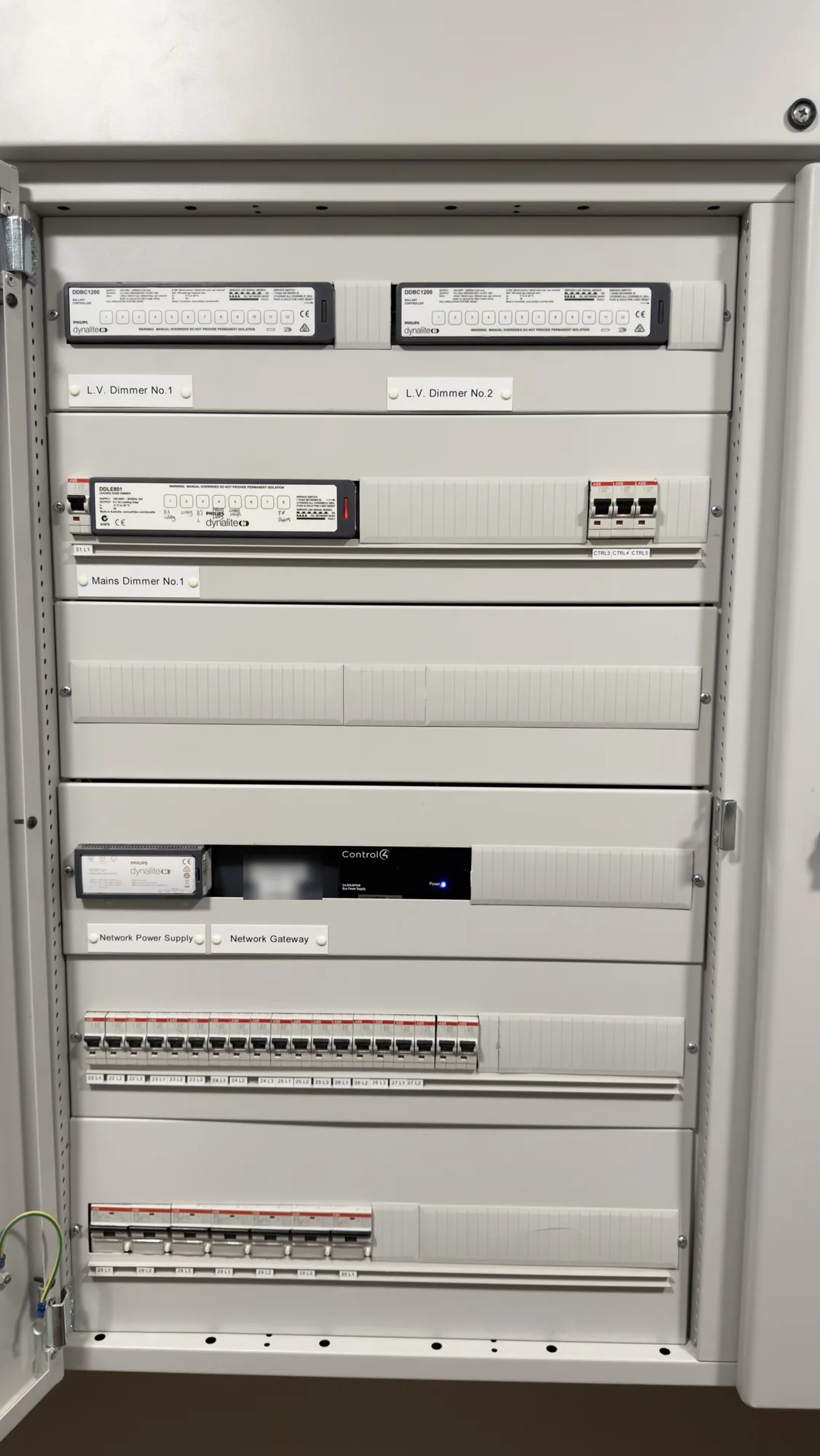
The relay cabinet, the note on the miscellaneous controller, and the dimmer cabinet.
The rack and the TV positions
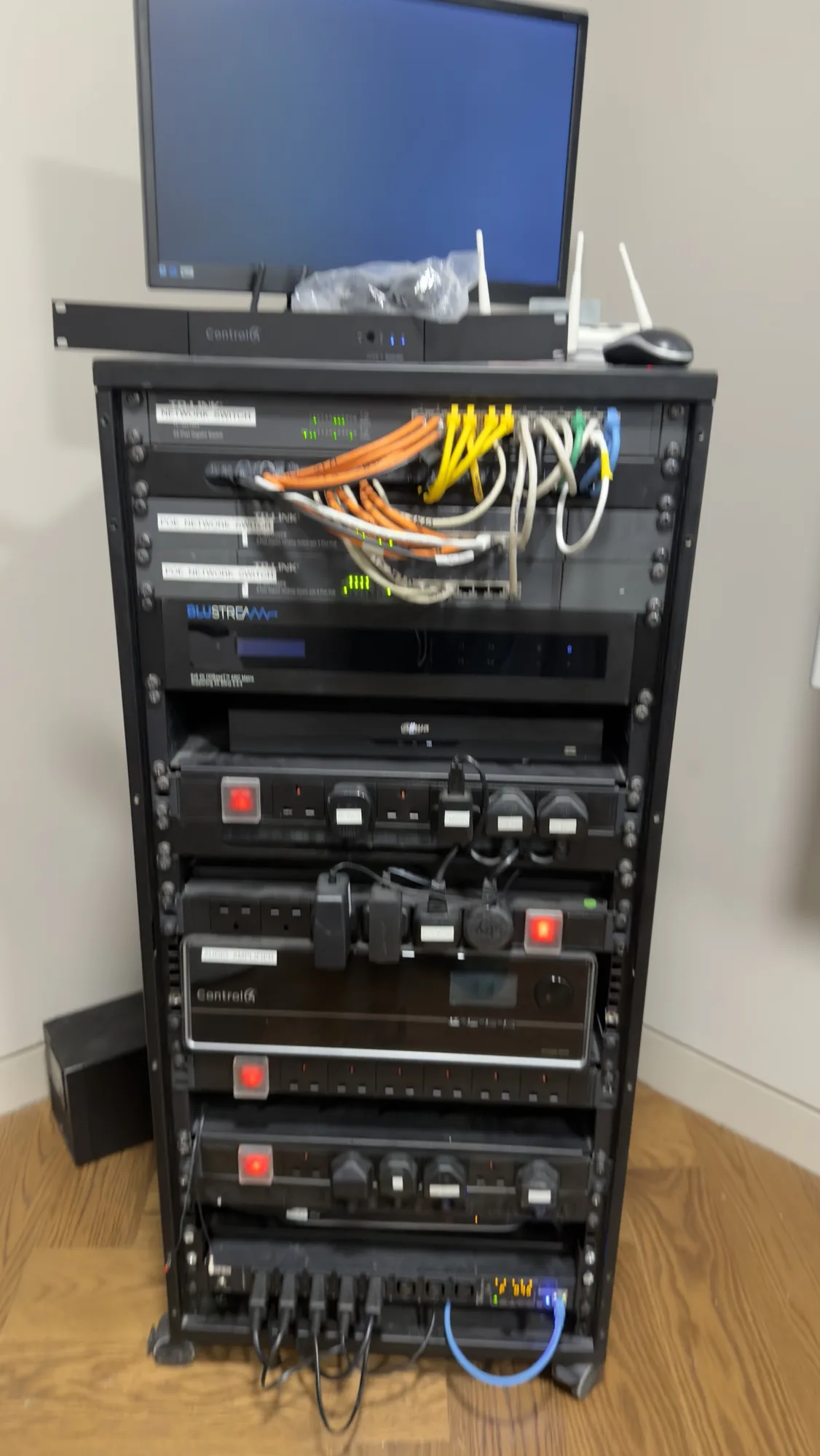
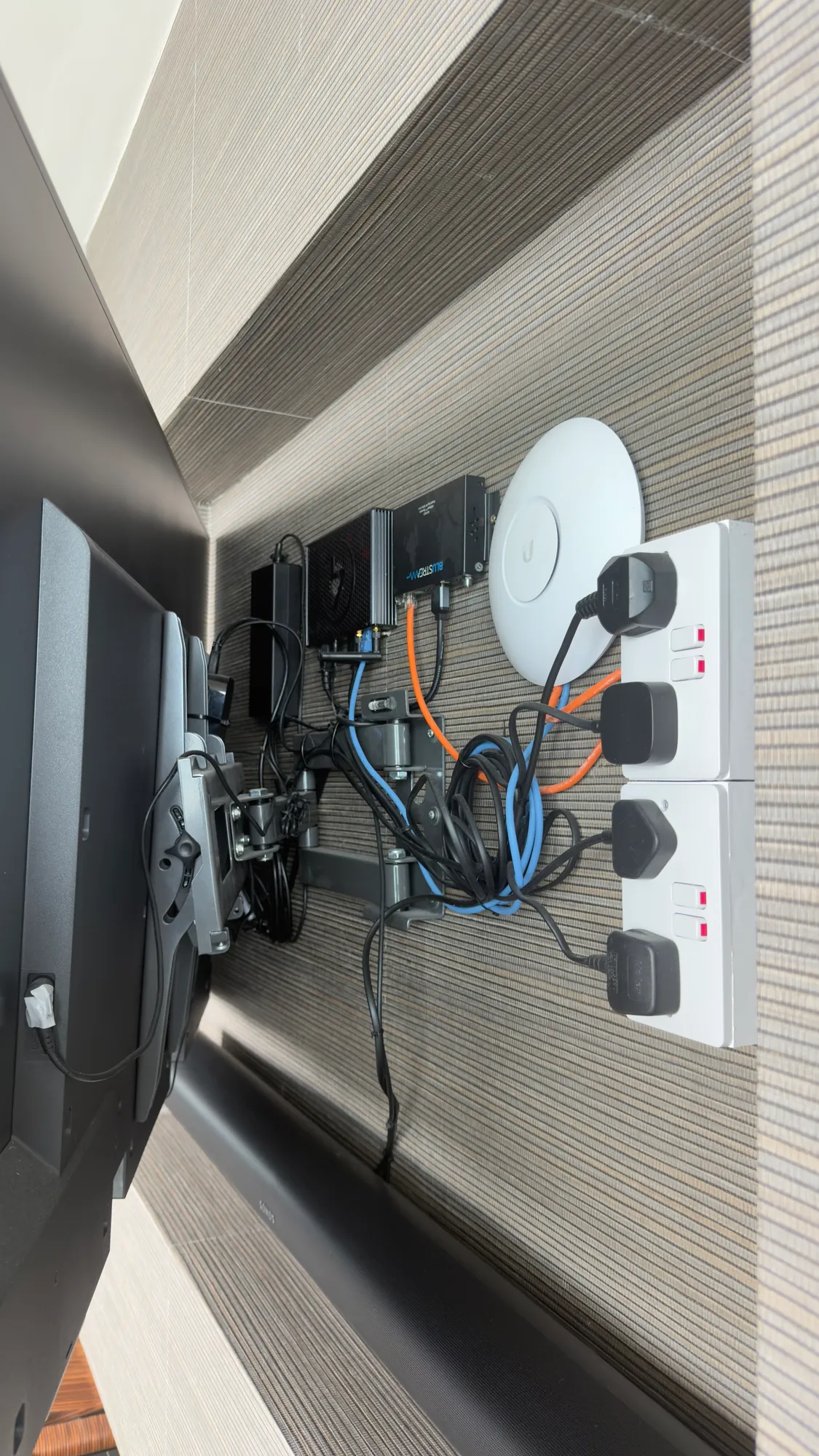
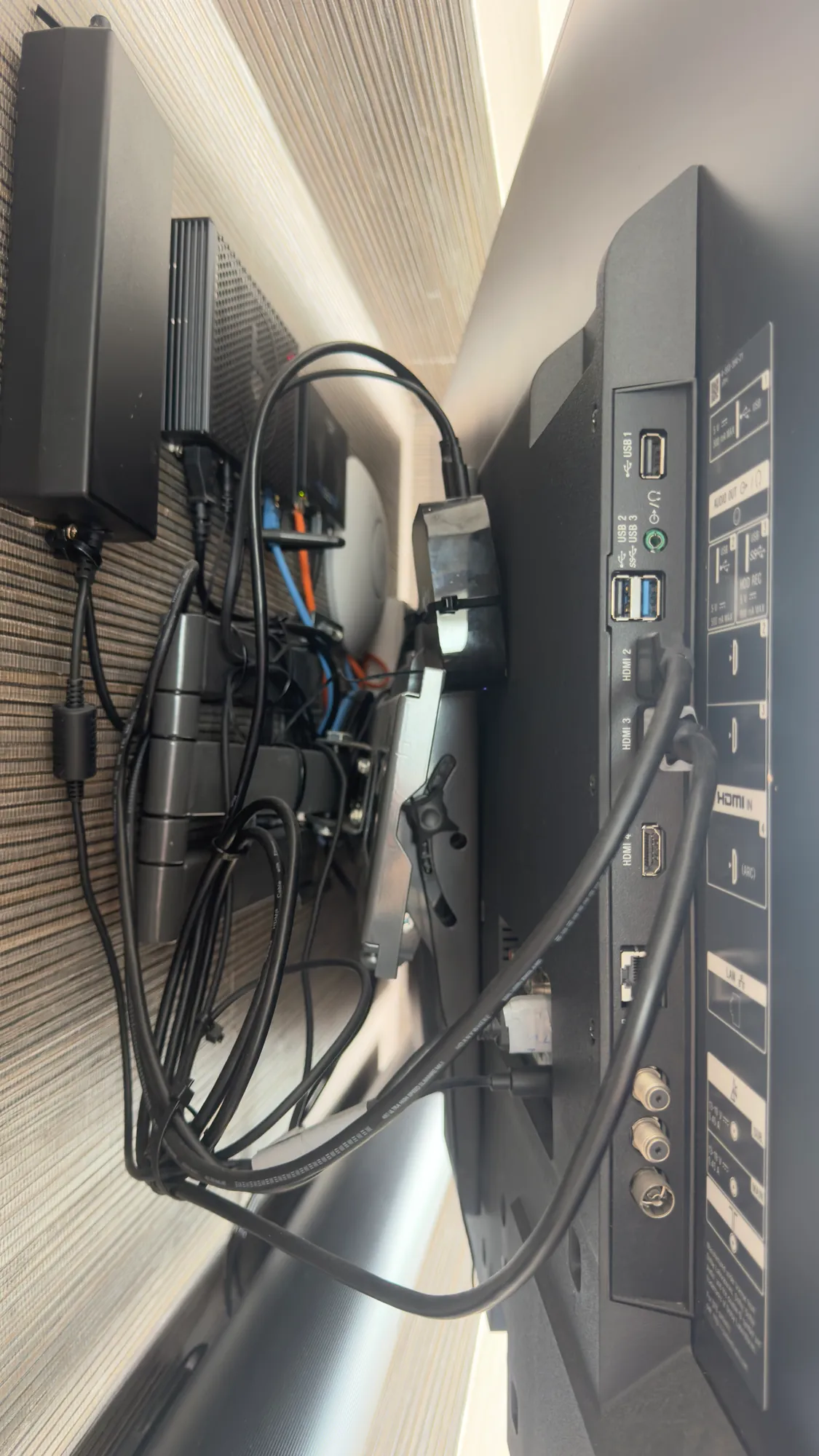
Inside the rack are the Control4 units, the switches, a Blustream unit and power strips. Patch leads are bunched across the front of the switches and power leads dangle beneath. All three switches are full, a few cables have hand written labels, and with no room left inside, the router and the main controller sit on the top of the rack. The back is a tangle, and the TV positions are much the same: in one recess, a Wi-Fi access point, a Blustream unit and power supplies are squeezed in with the sockets and a knot of leads.
The new layout: the house cables will terminate in a wall mounted rack, a short run will link it to a new floor standing rack that is labelled and simple to work on, and a single switch will do the job of the three.
Why the owner is replacing Control4 now
Two things came together. The owner is having the interior redesigned, and his patience with a system that never seems to be free of faults has run out, so the Control4 is coming out and Crestron Home is going in. Doing it during a redesign makes sense: walls and finishes are open anyway, so keypads can be repositioned, cables tidied and the equipment sorted without a second round of disruption later.
Everything the Control4 to Crestron Home change covers
| Area | The change |
|---|---|
| Curtains and blinds | Crestron curtains and blinds in place of the Control4 ones |
| Keypads | Crestron keypads at every position, moved where the redesign needs it |
| Lighting | All the DALI lighting control, the relay switching and every dimmer changed over, the mains dimmer in the downstairs cabinet among them |
| Rack | A full rebuild; the original was poorly put together |
| Network | Fresh Wi-Fi access points to replace ageing ones that do still work |
| TV positions | The cabling behind the screens tidied |
| Records | A complete record of the work |
Crestron describes Crestron Home as one simple experience from multiple control devices, on the wall, on the counter, on the couch and on your phone, and says its Configure Pro software is now the primary configuration tool for every Crestron Home project. Our post on Crestron Configure Pro explains what that changes for a homeowner.
Before you replace your own system
An unreliable system does not always need replacing. Find out where the trouble really sits first:
- The network. Ageing access points and overloaded switches produce symptoms that are easily blamed on the control system. Our home Wi-Fi and network page shows how we plan one.
- The rack. A rack without labels or cable management turns every repair into a hunt.
- Mixed makers. Where the lighting or the audio is another brand, each join between brands is another place for a fault to hide.
- The records. Without a record of what is connected where, each fault starts from scratch. Our design and documentation examples show the record we leave.
- The timing. Building work already under way makes new keypads and neater cabling far less disruptive.
Our rescue projects page explains how we assess a failing system before deciding whether to repair or replace it.
What happens next
Next comes the removal of the old system, which will appear here as Part 2 once it starts. If your own system has become unreliable, a survey will show whether it can be repaired or should be replaced, and the survey and design step is where that begins.
Questions we are often asked
What does a change from Control4 to Crestron Home involve?
The Control4 controller, keypads and interfaces are removed, Crestron equipment is fitted and every room is programmed from scratch. Cabling that is in good condition stays, and the survey tells us which that is.
Which is better, Crestron Home or Control4?
It depends on the house. For many family homes Control4 is the better value choice, while Crestron Home suits larger houses where everything has to work together, and we fit both. Our comparison of home automation systems sets out the wider choice.
Does the lighting have to change as well?
Here it does, because the lights run on separate Dynalite hardware and the owner wants one system. Where existing lighting control works well with the new platform, it can sometimes stay.
Will you work on a system that another company installed?
Yes. We test each device, fix what we can and write up what is installed before we recommend anything.
What does a survey cost?
Engineer visits are £90 an hour plus VAT, with a minimum booking of four hours (£360 plus VAT). After the survey we send a proposal with drawings before anything is installed. Our Crestron installer page for London and Control4 installer page for London cover both systems.
Book a consultation or call our head office on 01344 937999 (London office 0208 064 0196).
- Log in to post comments