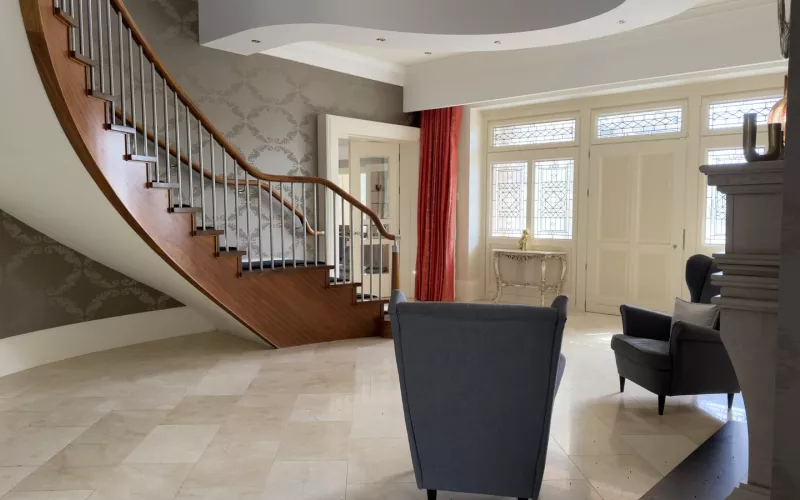
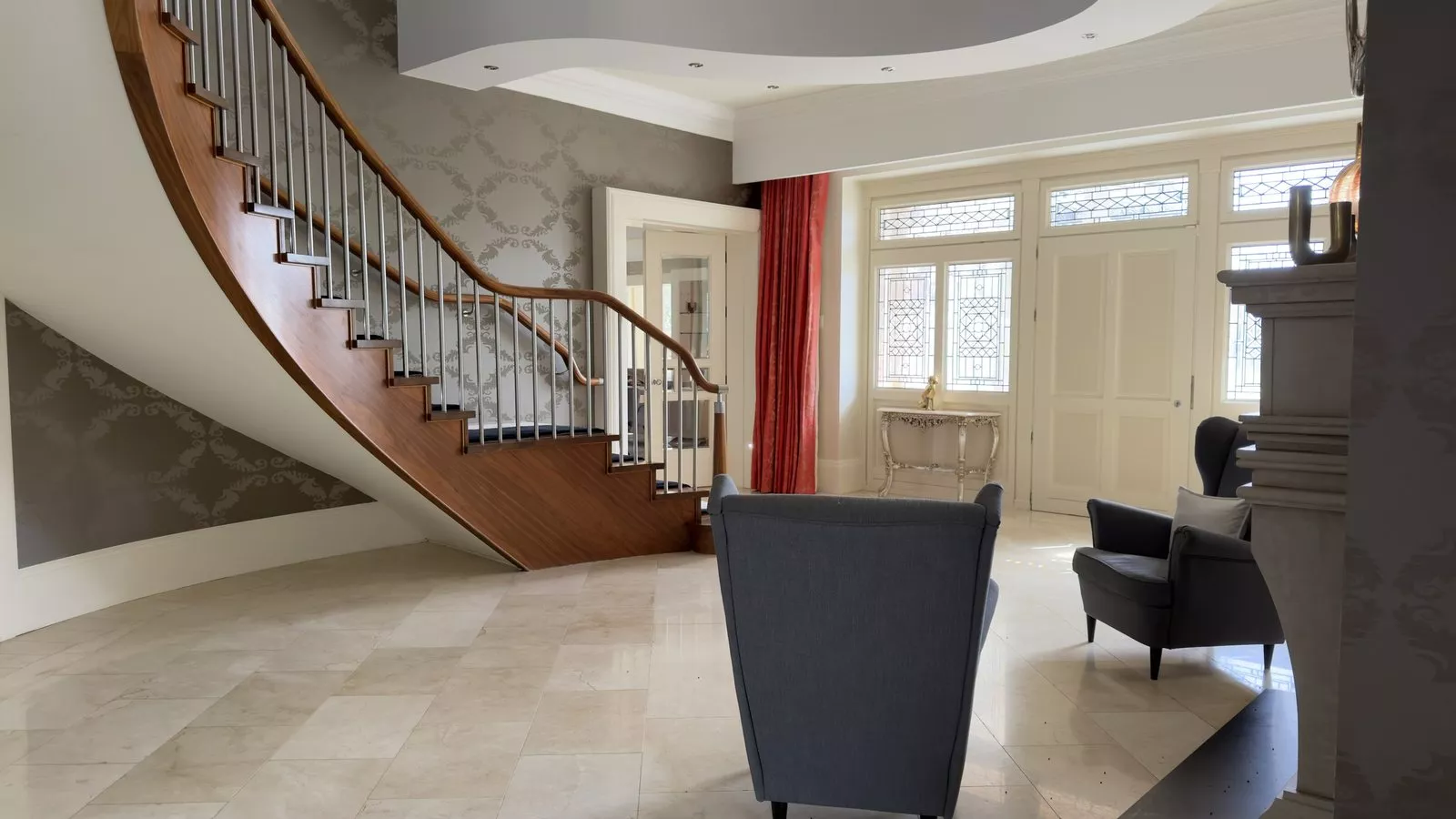
Control4 network problems usually begin in the network rather than in Control4 itself. On this job, a Control4 system more than ten years old, we replaced the router and several Wi-Fi access points, took out old access points that were still broadcasting but connected to nothing, put Starlink on the roof and updated Control4.
The house had changed hands, and the new owner inherited a system that had been in place for over a decade, with a network that misbehaved and settings nobody had written down. We take over Control4 systems that other companies installed, across London and the Home Counties, and an inherited system like this one is a typical starting point. The house is not named here.
| Project | Control4 network repair |
|---|---|
| When | Earlier in 2026 |
| What we inherited | A Control4 system installed more than ten years ago, a new owner, and trouble with the network and the way it was set up |
| What we did | Replaced the router and a few access points, removed old access points that were not connected, installed Starlink on the roof and updated Control4 |
| Status | Two more updates to come on a later visit, and they will be added to this page |
Why Control4 network problems feel like Control4 problems
Almost everything in a Control4 house talks over the network: the controller, the touch screens, the app on your phone and many of the devices they control. When the network stumbles, the owner sees a touch screen that hangs or a scene that does not run, and blames Control4. Control4's own networking best practices guide is blunt about where reliability comes from: a wired connection always runs faster and more reliably than a wireless one, and channel planning is one of the most important steps in setting up Wi-Fi. The same guide warns that brick, cement, glass and metal pipes reduce wireless signal quality, which is worth remembering in any older London house.
What we found at the house
The network equipment sat on a wall mounted frame, with switches and a patch panel above a hang of loose cables. One cable termination panel had a scorched, blackened area on it, with cables tangled around it.
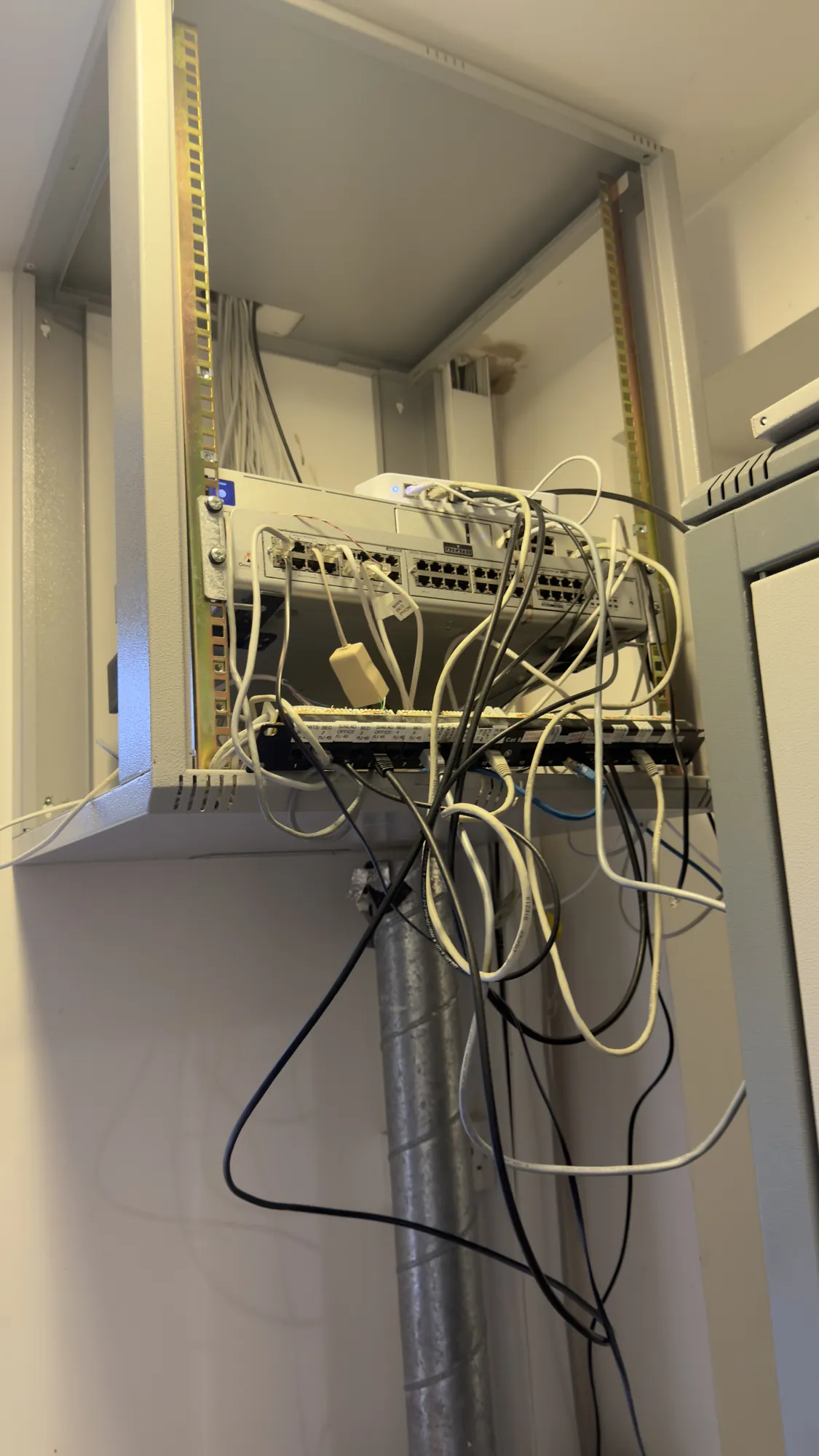
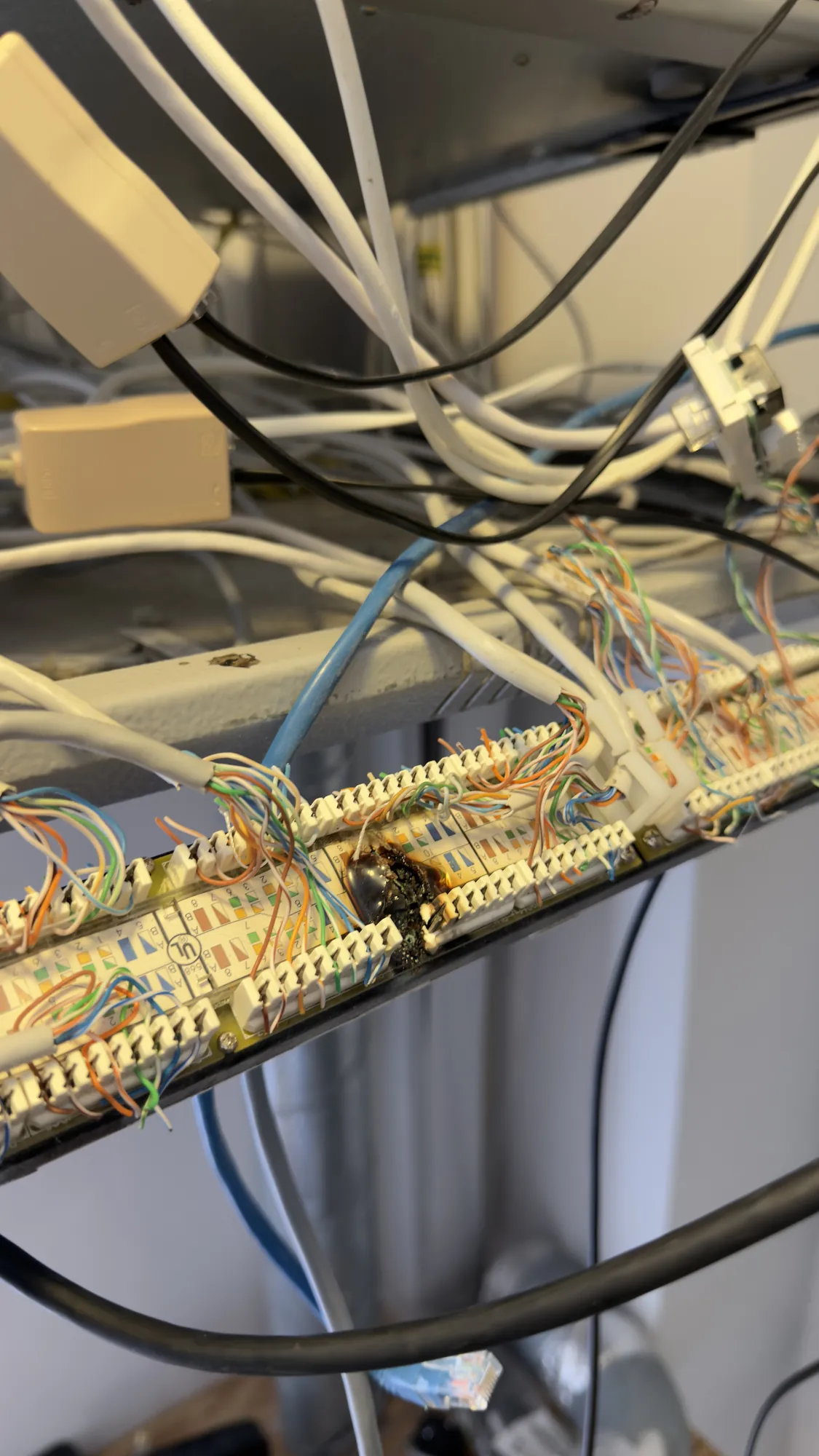
Left, the wall mounted frame; right, the scorched termination panel.
What we changed
| Item | The change |
|---|---|
| Router | Replaced with a new one |
| Wi-Fi access points | A few replaced |
| Forgotten access points | Removed: they still gave out the house's Wi-Fi name but were not connected to anything |
| Internet connection | Starlink installed on the roof |
| Control4 | The existing system updated |
The router links the house to the internet and directs the traffic between every device in it, while the access points carry the Wi-Fi into the rooms. Here are four of the access points we met, from an old one left lying on the floor to the ones fixed on a ceiling and high on a wall.
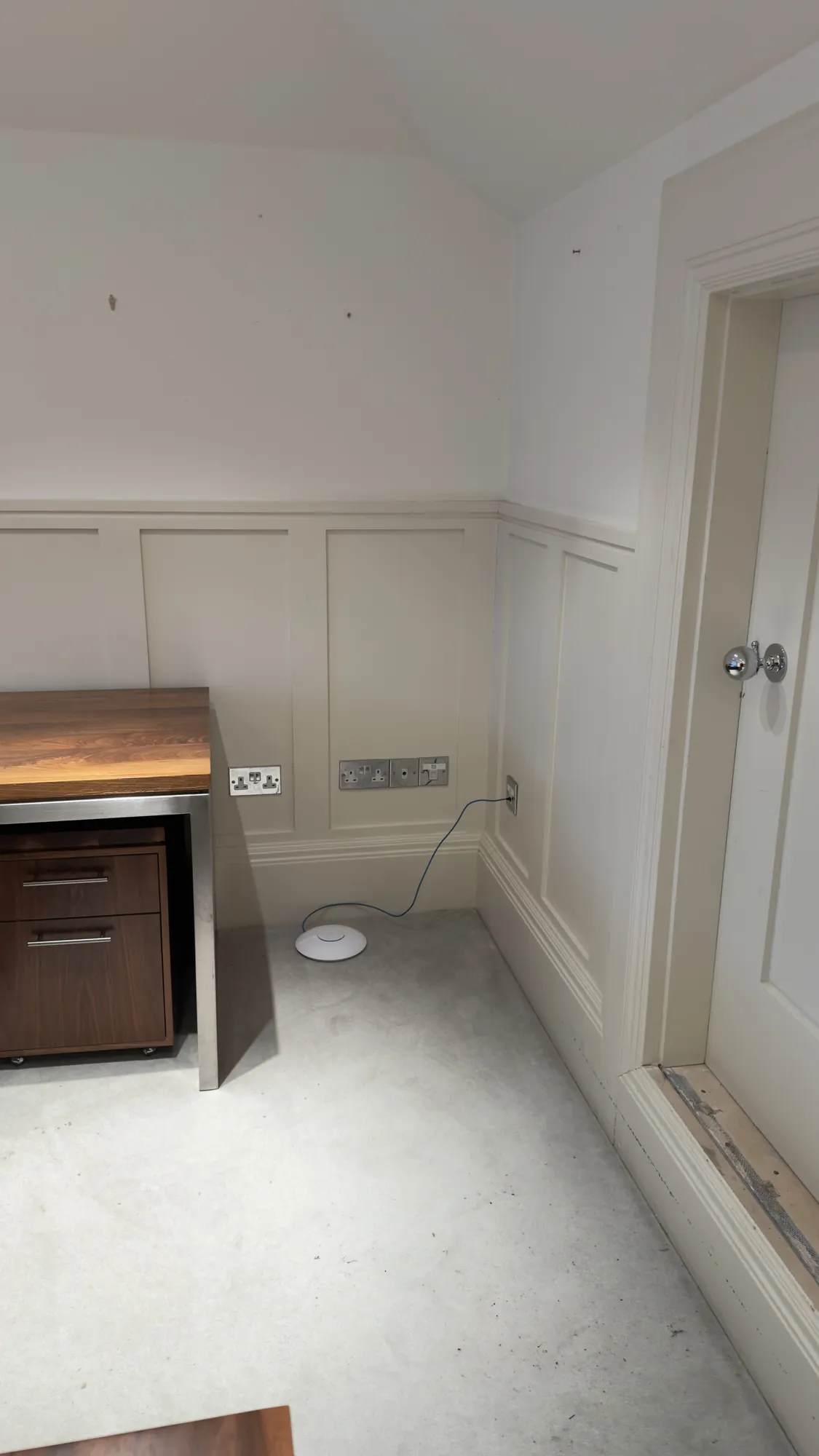
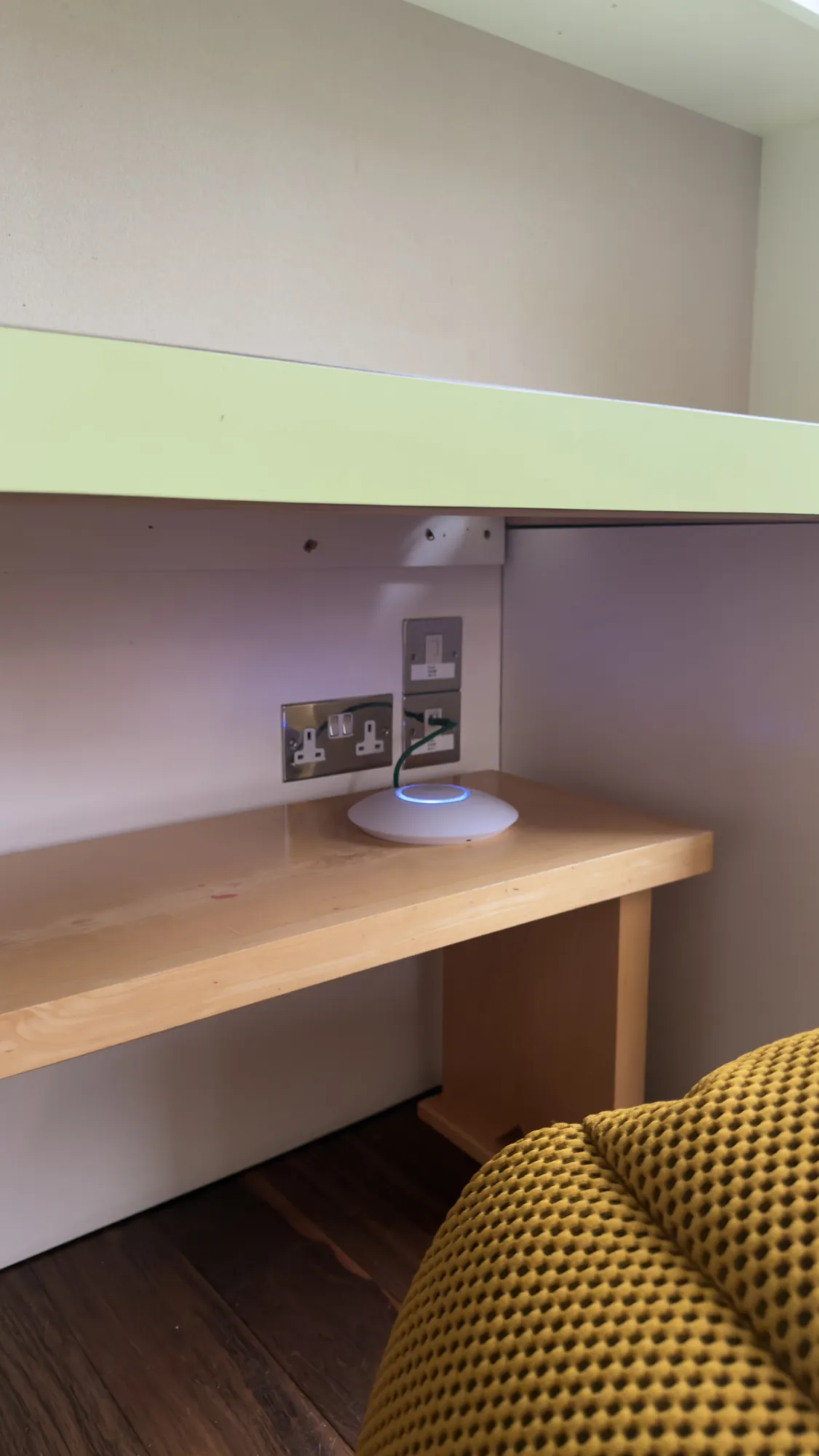
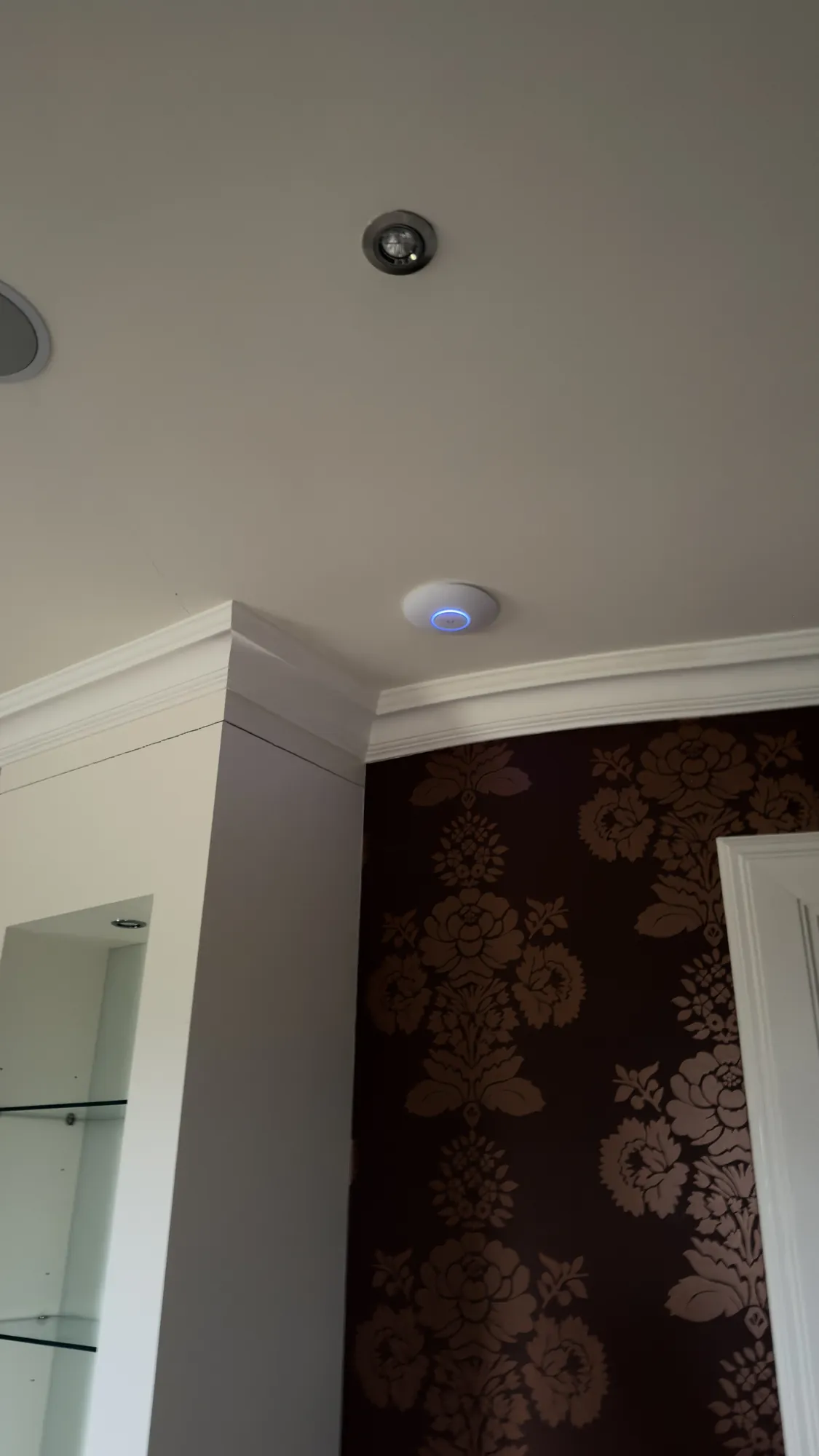
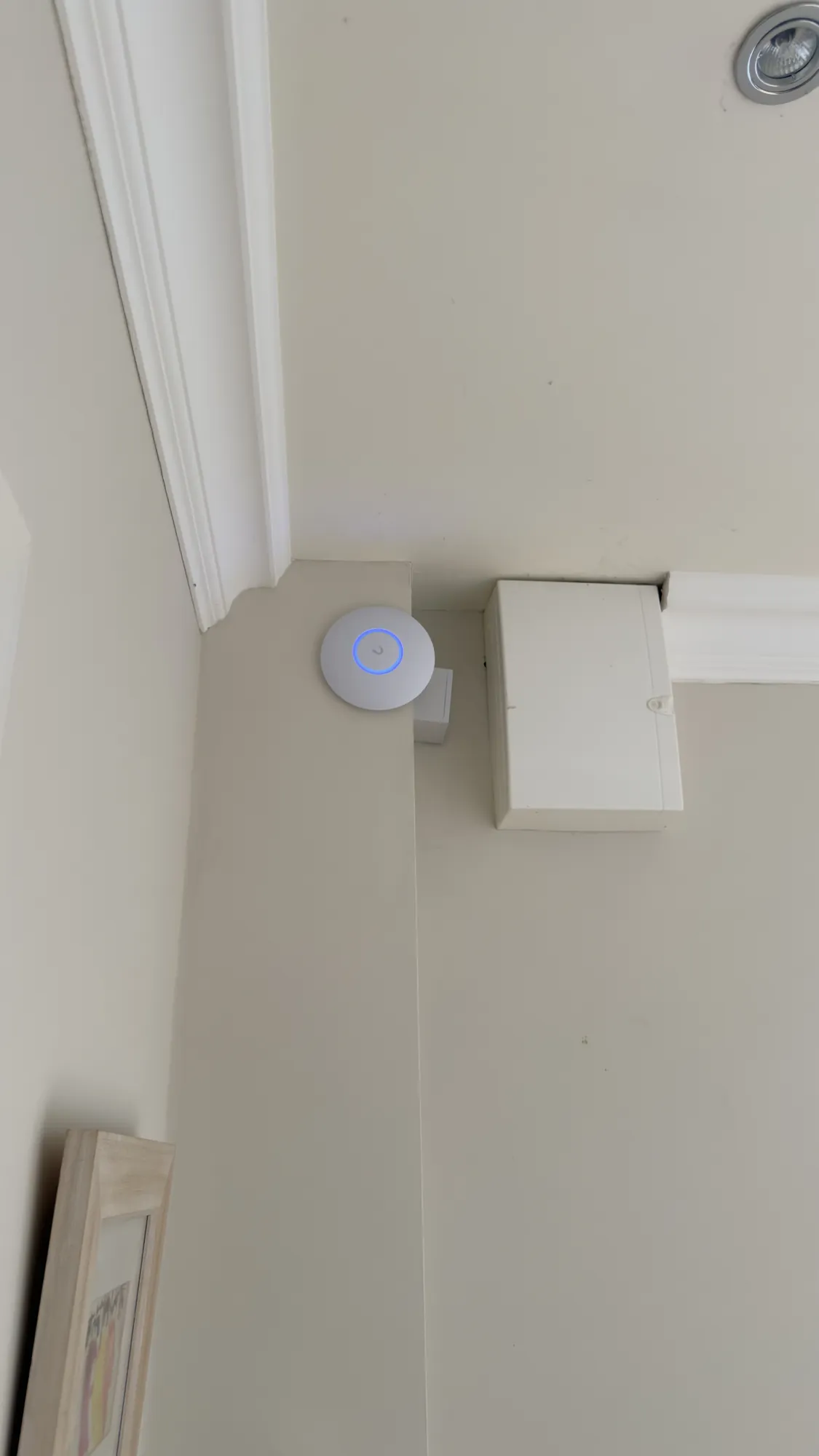
An access point does its best work fixed high and in the open, as the last two are; one lying on the floor, as the first is, gives very little coverage.
The trouble with forgotten access points
Every Wi-Fi network has a name, its SSID. In a house with several access points they all share the one name, and a phone simply joins whichever is strongest, which is what lets the Wi-Fi follow you from room to room. That only works while each access point is connected to the network behind it.
An old access point that is still switched on and still giving out the same name, but is no longer connected, looks to a phone like any other. A device that picks it shows full Wi-Fi bars and yet reaches nothing, and because it depends on which access point each device happens to choose, the fault comes and goes. Finding it means checking every access point in the house, which is why we took the forgotten ones out and left a network where every access point is known, connected and on the plan.
Starlink on the roof
We also installed Starlink, the satellite internet service, with its dish on the roof, where it has a clear view of the sky.
An older Lutron lighting system alongside
The house also has an older Lutron lighting system working next to the Control4. It is very slow and its touch panels no longer work, and the label on one enclosure reads HomeWorks 4 Series. The owner chose not to upgrade it for now, so it was left as it is. Our lighting control page for London covers the Lutron systems we install today.

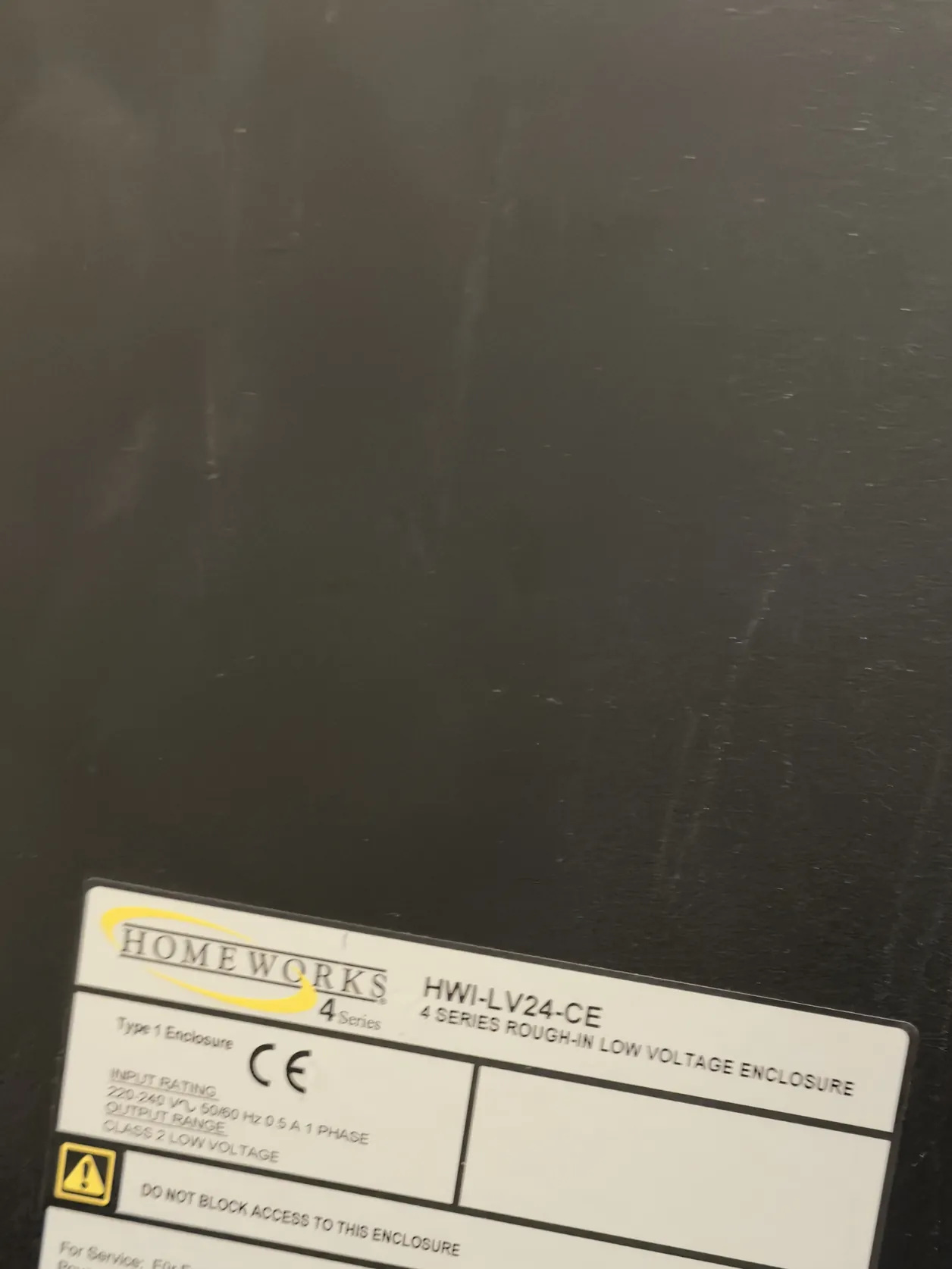
The two systems in the house: the Control4 unit and the label on the Lutron enclosure.
What happens next
We will be back to carry out two more updates, and they will be added here so the whole job stays on one page. If your own Control4 network is not behaving, the survey and design step is where we start, and our rescue projects page shows how we assess a system that has drifted over the years. For a larger rebuild, see our Henley Control4 rescue.
Is the network behind your Control4 system struggling?
- Full Wi-Fi bars and nothing loads. A device joined to an access point with nothing behind it looks connected but cannot reach anything.
- Slow touch screens and an app that drops out. The network is the first thing to check, before Control4 itself.
- Equipment nobody can explain. Access points and switches are often left behind after a refit, a change of installer or a change of owner.
- Fixed devices on Wi-Fi. Touch screens, TVs and controllers that never move are better on a cable, as Control4's guide recommends.
- No drawings. Without a record of how the network is set up, every change is guesswork; our design and documentation examples show what a proper record looks like.
Our home Wi-Fi and network page explains how we plan a network and the equipment we choose from.
Questions we are often asked
Is it Control4 or the network?
Usually the network. A struggling router, too few or badly placed access points, forgotten access points and devices on Wi-Fi that should be wired can all make Control4 look unreliable, so we check the network before changing anything in Control4.
Can a Control4 system over ten years old be updated?
Often, yes, and we updated the existing system on this job. What can be updated depends on the controller and the devices connected to it, which we check first.
Should touch screens and controllers be wired rather than on Wi-Fi?
Wherever a cable can reach them. Control4's own guidance is that a wired connection always runs faster and more reliably, so Wi-Fi is kept for the devices that move.
Can an old Lutron HomeWorks system stay alongside Control4?
Yes, a house can run both, and here the owner kept the old Lutron system for now even though it is slow and its touch panels no longer work.
What does it cost to sort out a Control4 network?
It depends on the house and what the survey finds, so we price it after the survey. Engineer visits are £90 an hour plus VAT, with a minimum booking of four hours (£360 plus VAT), and 1Install Care can look after the network afterwards.
See our Control4 installer page for London and Wi-Fi installation in London.
Book a consultation or call our head office on 01344 937999 (London office 0208 064 0196).
- Log in to post comments