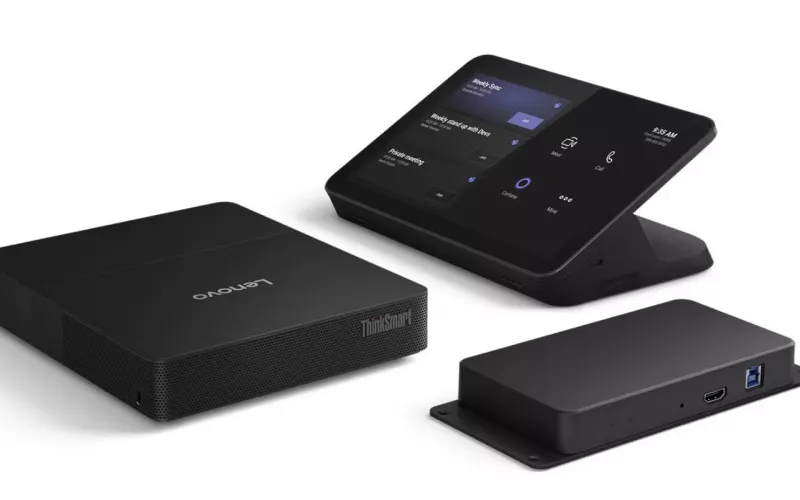
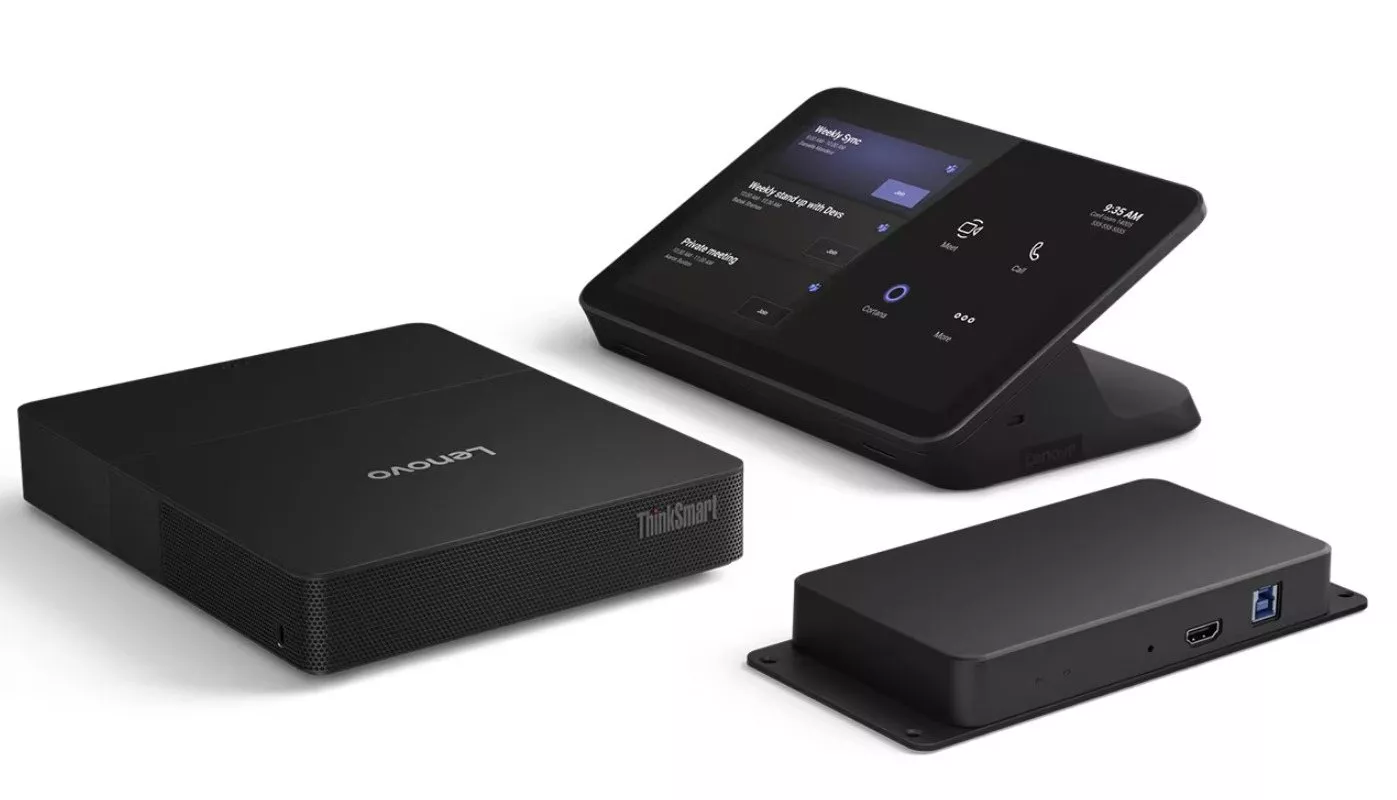
In October 2026 Biamp announced a software update for its Biamp Lenovo UC compute kits that brings camera control onto the room touch panel and lets Biamp Workplace see the Biamp cameras and video bars plugged into the compute. Existing kits can take the update as a download with no new hardware, so IT teams running these rooms in London have a job to schedule rather than a purchase to plan.
Product image: Biamp.
- Biamp announced the update in October 2026 under the title "Lenovo UC Computes: Now Managed in Biamp Workplace", covering its UCC-Lenovo kits.
- Users can pan, tilt, zoom and recall presets on Biamp cameras from the Microsoft Teams Rooms or Zoom Rooms touch panel.
- Biamp Workplace can now monitor, manage and configure the room compute and the Biamp USB cameras and conferencing bars connected to it.
- Existing devices take the update as a download, and new devices ship with it from the factory, so no hardware swap is needed.
- The UC Connect 3.0 release notes name the Vidi 250 and Vidi 280 cameras and four Parlé bars, and say BYOM enable and disable from Workplace is not yet available.
- The source is Biamp's own announcement and its UC Compute release notes.
What Biamp has changed
Biamp's announcement, titled Lenovo UC Computes: Now Managed in Biamp Workplace, covers two changes for its Lenovo based UC compute devices, usually listed as UCC-Lenovo kits.
Camera control from the touch panel. Biamp says users can control Biamp cameras directly from the Microsoft Teams Rooms or Zoom Rooms touch panel: pan, tilt, zoom and preset recall, without a separate controller or app. Biamp's own UC Compute release notes for UC Connect 3.0, dated September 2026, add that the live camera control also covers turning auto framing and tiling on or off.
Biamp Workplace sees more of the room. Biamp says Workplace can now monitor, manage and configure the room compute and also the Biamp USB peripherals connected to it, including video cameras and conferencing bars.
No hardware swap. According to Biamp, the software ships from the factory on new devices and is available as a download for existing deployments. Biamp describes it as available now.
We covered Biamp's earlier Devio UCX and Parlé news, and the SCR-10 discontinuation, in a separate post. This update is a different matter: it is about the Lenovo compute side of a Biamp room.
Which Biamp Lenovo kits and peripherals are named
Biamp sells Lenovo ThinkSmart hardware as part of its UC Compute range. Its support site groups the products as UCC-Lenovo TSC (the first generation ThinkSmart Core) and UCC-Lenovo TSC2 (ThinkSmart Core Gen 2). The Gen 2 kits for Teams and Zoom are sold as UCC-Lenovo TSC2-IP-MTR and TSC2-IP-ZOOM. Biamp's data sheet for the Teams version describes a UC compute, an Ethernet touch panel it calls the UC IP Controller with a 10.1 inch screen, and a Link Box, and says the unit comes with Microsoft Teams Rooms preloaded and Biamp UC Connect software.
In August 2026 Biamp announced that the TSC2-IP models and bundles are being replaced by TSC2D-IP versions, because Lenovo released a hardware update to the compute that adds a second LAN port.
The UC Connect 3.0 release notes are specific about scope. Here is how we read them against the announcement:
| Item | What Biamp's documents say | What to check in your rooms |
|---|---|---|
| Compute supported in Workplace | ThinkSmart Core Gen 2 units: device registration, maintenance and monitoring of devices and peripherals, firmware updates and rebooting | Which rooms run TSC2 or TSC2D kits, and which still run first generation TSC |
| Cameras named | Vidi 250 and Vidi 280 | Camera model and USB connection in each room |
| Bars named | Parlé VBC 2500a, Parlé VBC 2800, Parlé ABC 2500a and Parlé CBC 2500 CM | Bar model, and whether it connects to the Lenovo compute by USB |
| Settings in Workplace | UC profile, microphone on or off, audio source, ALS output, camera flip and mirror, max zoom, lens selection, backlight compensation and refresh rate | Who on your team should be allowed to change these remotely |
| Not yet included | Turning BYOM on or off from Workplace | Rooms where staff rely on bring your own meeting |
The release notes name Gen 2 units for Workplace support. They do not say the same for first generation TSC kits, so if your estate includes those, ask Biamp or your supplier before assuming the new features apply.
The IT manager's to-do list
Make an inventory first. List every room with a Biamp Lenovo kit, its model (TSC, TSC2-IP or TSC2D-IP, Teams or Zoom), and the Biamp camera or bar attached.
Find the update. The announcement has an Update Your Devices button for the download. Biamp's support site also carries UC Compute release notes, and the latest entry, UC Connect 3.0, describes matching features. Read those notes before running anything.
Pilot one room. Pick a room that is not booked solid, apply the update, then sit at the touch panel and try pan, tilt, zoom and a preset. Check the room still joins calls normally and the audio is unchanged.
Register in Workplace. Once the compute is registered, confirm the camera and bar appear alongside it and report health. Decide who receives alerts, so a fault in a boardroom reaches someone who can act.
Roll out in batches. Update the rest of the estate a few rooms at a time, outside busy meeting hours.
Check commercial terms. Biamp publishes Workplace pricing and licence options on its own site. We have not confirmed how they apply to UCC-Lenovo kits, so check your position with Biamp or your reseller before you plan a large rollout.
Touch panel camera control in a London boardroom
In a long boardroom, the camera view matters. A wide shot of a long table makes the far end look tiny to remote guests, and someone usually ends up walking to the display to fiddle with a remote. Presets recalled from the touch panel let the chair switch between a whole table view and a view of the presenter's end without leaving their seat.
Biamp's notes also list turning auto framing and tiling on or off as part of live camera control. Some boards prefer the camera to follow whoever is speaking; others find automatic movement distracting during formal meetings.
For smaller meeting rooms the benefit is mostly about support. If the camera and bar report into the same Workplace view as the compute, a dead camera shows up as an alert rather than as a complaint first thing on a Monday. That is the kind of thing a maintenance and support arrangement is built around.
How this fits the rest of your estate
If your London rooms are a blend of Biamp Lenovo kits and other video conferencing hardware, the Workplace change does not replace your Teams Rooms management in Microsoft's tools: it adds a Biamp view of the Biamp parts. Keep both in mind when you decide where alerts go.
If you are planning new rooms, the August change means new Gen 2 kits from Biamp should be TSC2D-IP models, and Biamp says the new software ships on new devices. Our Teams Room installation service and project process cover planning, cabling for the IP controller and Link Box, and commissioning. For a quick budget across several meeting rooms, our quote builder is a starting point.
1Install designs, supplies and installs meeting rooms, Teams Rooms and video conferencing systems. If you would like a second pair of hands to inventory rooms or plan the rollout, we can help.
Questions we are often asked
Do we need to buy new hardware to get this?
Biamp says no: existing devices can take the update as a download, and new devices come with it installed. Check that your compute model is one Biamp's release notes name.
Does it work with Zoom Rooms as well as Teams Rooms?
Biamp's announcement says camera control works from the Microsoft Teams Rooms or Zoom Rooms touch panel. The release notes describe camera control for Biamp's UC MTR plugins, so if your rooms run Zoom it is worth confirming the detail with Biamp for your exact kit.
Which cameras and bars show up in Workplace?
The UC Connect 3.0 release notes list Vidi 250, Vidi 280, Parlé VBC 2500a, Parlé VBC 2800, Parlé ABC 2500a and Parlé CBC 2500 CM. The announcement itself describes the peripherals concerned as Biamp USB peripherals connected to the room compute, including video cameras and conferencing bars.
Is anything missing from this release?
Yes, one item. Biamp's release notes state: "BYOM enable/disable from Biamp Workplace is not available in this release."
Does this replace the Devio or Parlé news from earlier?
No. That earlier story was about Devio UCX, Parlé and the SCR-10. This one is about the Lenovo compute kits and how Workplace manages them with their Biamp peripherals.
Book a consultation or call our head office on 01344 937999 (London office 0208 064 0196).
- Log in to post comments