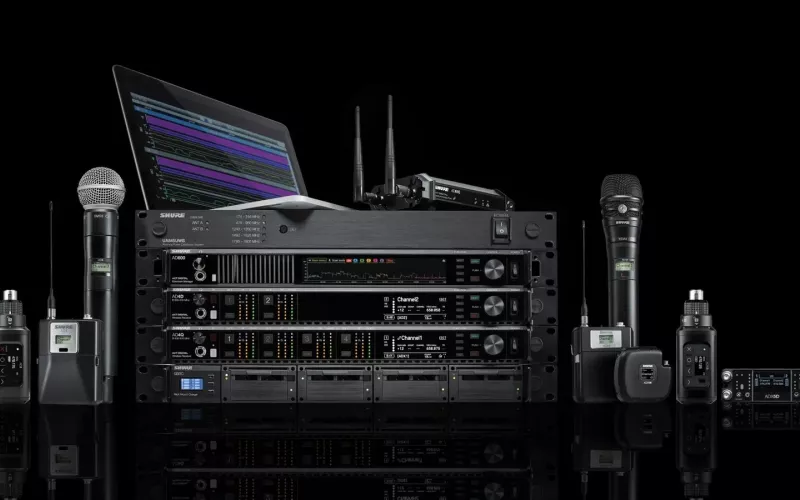
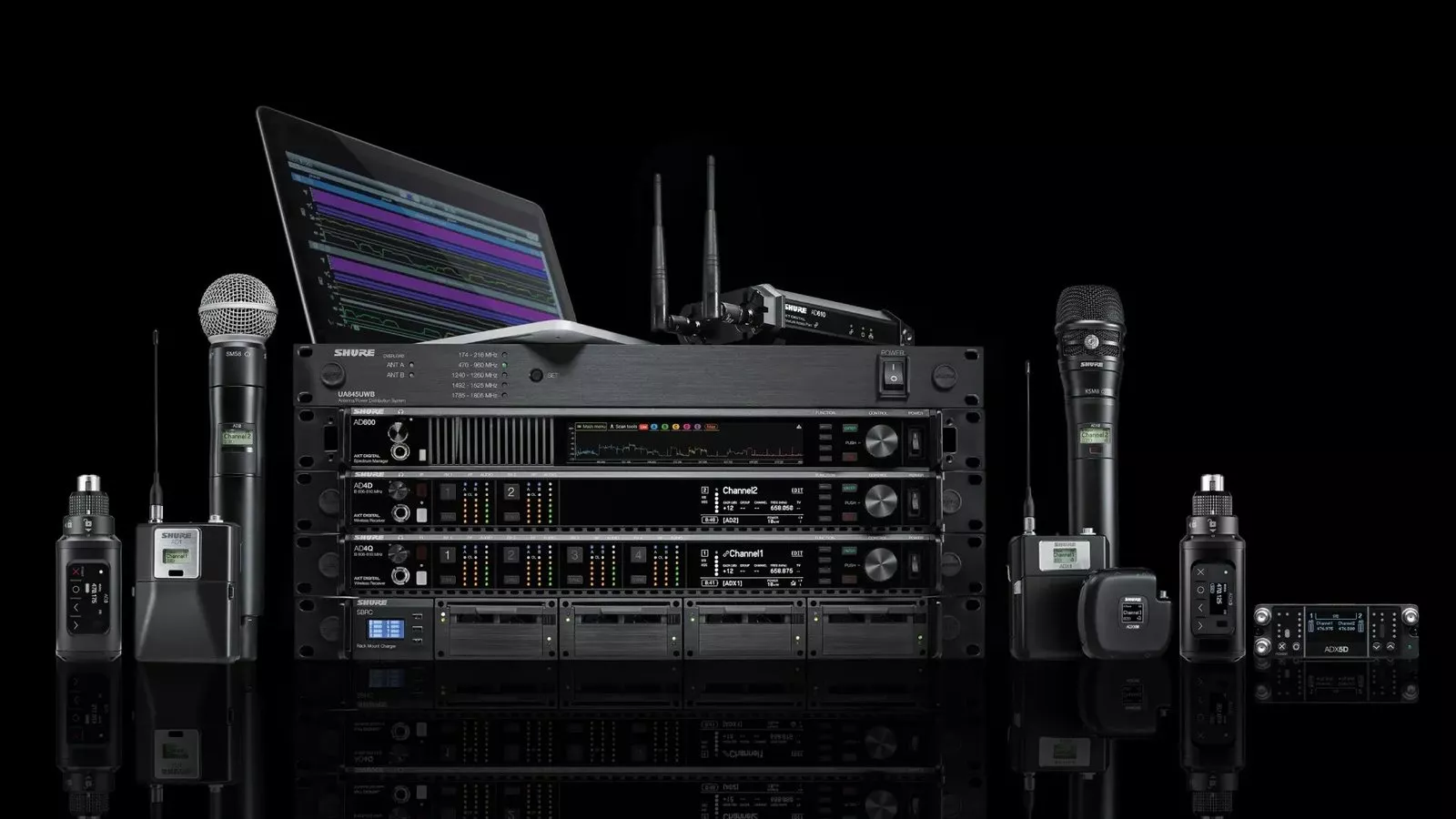
Shure Axient Digital version 1.6 adds Channel Linking for the AD4Q, AD4D and ADX5D receivers (and the ANX4 in Axient Digital mode), plus Preferred Access Point for systems with more than one AD610 ShowLink access point. Shure announced the software update in a release dated 7 October 2026, and says it is available now through the Shure Update Utility.
Product image: Shure.
- Shure announced Axient Digital version 1.6 in a newsroom release dated 7 October 2026.
- Channel Linking works across compatible receivers: the AD4Q, AD4D, ADX5D and the ANX4 scalable receiver running in Axient Digital mode.
- Linked secondary channels take their frequency, transmitter registration, encryption information and channel name from a primary channel, according to Shure.
- Preferred Access Point lets supported Axient Digital transmitters be pointed at a chosen AD610 access point in systems with several AD610 access points.
- Both features are available now in version 1.6, downloaded through the Shure Update Utility desktop application, Shure says.
- The source is Shure's own newsroom release, which names stadiums, arenas, convention centres and parade routes as typical large coverage uses.
What Shure announced in Axient Digital 1.6
Axient Digital is Shure's wireless microphone system for professional audio, the kind of system you might find in a West End theatre rack room, a large conference venue by the Royal Docks or an arena production desk. The 1.6 software release adds two features aimed at owners of the listed receivers and AD610 access points.
Channel Linking. Shure describes this as a way to build more resilient wireless systems across several receivers. One channel acts as the primary, and secondary channels on other compatible receivers inherit its key settings automatically: frequency, transmitter registration, encryption information and channel naming. Shure's AD4D user guide explains the practical result: when channels are linked, one transmitter can move between multiple receivers. The same guide says a channel link group consists of one primary channel and up to eight secondary channels.
Preferred Access Point. ShowLink is Shure's control link between the receivers and the transmitters on stage. Shure's AD610 product page says the access point provides a wireless ShowLink connection between linked transmitters and receivers and enables real time remote control of ShowLink enabled transmitters. Where a venue uses several AD610 units, version 1.6 lets the operator direct supported transmitters to a preferred access point. Shure says this makes ShowLink control more predictable for large venues.
Shure's Nick Wood, Associate Vice President of Marketing and Product Management, put it this way: "Leading the industry means taking inspiration from users and putting more control in their hands."
Which London venues should care about Shure Axient Digital 1.6
This is a live sound and large venue update rather than a meeting room one. It matters most where radio microphones need to work across a big footprint, or where a production runs a backup receiver chain. In London that typically means:
- Theatres and concert halls with a main and spare receiver rack.
- Conference centres and exhibition venues in east and west London, where presenters walk between halls.
- Arenas and stadium hospitality suites.
- Churches with large naves or several worship spaces.
- Corporate headquarters in the City and Canary Wharf with an auditorium, town hall space or divisible event floor.
If your building has a single AD4D in a boardroom and one presenter, Channel Linking is unlikely to change much day to day. If you run several receivers across zones, it is designed to cut repeated setup. Shure says that by reducing repetitive configuration tasks, Channel Linking streamlines deployment and maintenance across distributed and redundant receiver networks.
What to check before you update
Shure's documentation is clear on a few points, and they are worth reading before anyone opens the update tool on a show day.
| Check | What Shure's documentation says |
|---|---|
| Receiver and transmitter firmware | The AD4D user guide says that when you update receiver firmware, you should update your transmitters to the same firmware version to ensure consistent operation. |
| All receivers on the same level | The guide's network troubleshooting section says all receivers must have the same level of firmware revision installed. |
| Channel Linking prerequisites | Linked receivers must share the same transmission mode, frequency diversity mode, RF band and encryption mode. Changing any of these after linking removes the link group. |
| Power and network during the update | Shure cautions that receiver power and network connections must be maintained during a firmware update, and the receiver should not be turned off until the update is complete. |
| Transmitter updates | The IR sync windows on the transmitter and receiver need to be aligned, and Shure says alignment must be held for the whole update cycle. |
Shure's documents do not set out a rule about when to update. Our plain advice, as installers, is to treat any firmware change on a show critical radio system like a change to the rigging: do it in a quiet period, with enough time to run a full line check and a walk test before the next performance or event, and never in the middle of one. Keep a note of the version each receiver and transmitter was on before you start.
How Channel Linking fits a London building
Large footprint venues. Picture a conference centre in King's Cross where a keynote speaker starts in the main hall and walks through to a breakout area served by a different receiver. Channel Linking is aimed at that kind of movement, with the secondary receiver already carrying the right frequency and encryption details.
Redundant racks. A theatre or a large church that runs a spare receiver chain can keep both racks aligned without typing the same settings twice. Fewer manual steps means fewer mismatched channel names on the night.
ShowLink coverage. In a big venue with several AD610 access points, Preferred Access Point gives the engineer more say in which access point controls a given transmitter. That matters when access points are placed in different parts of a building and you want control traffic to follow the layout you planned.
Network design. Axient Digital receivers are networked devices, so the update is also a good prompt to check that your AV network is documented and labelled. Our wired and wireless systems page covers how we approach this, and our London AV installers page covers our wider AV services.
If you also use Shure's monitoring software, our earlier post on the Shure WAVETOOL 4 update covers that release. For speech in meeting spaces rather than stages, see our audio conferencing page, and for ongoing checks on installed systems our maintenance and support service.
The full details are in Shure's newsroom release on Axient Digital 1.6. The details here are correct at the time of writing; feature support can change between versions, so read Shure's release notes before you update.
Questions we are often asked
How do I get the Shure Axient Digital 1.6 update?
Through the Shure Update Utility desktop application. Shure says Channel Linking and Preferred Access Point are available now in version 1.6.
Which Shure receivers support Channel Linking?
The AD4Q, AD4D and ADX5D, plus the ANX4 scalable receiver when it is operating in Axient Digital mode, according to Shure.
Do I need an AD610 to use Preferred Access Point?
Yes. Shure says the feature applies to systems with multiple AD610 access points, letting supported transmitters be directed to a preferred one.
Does ShowLink carry the microphone audio?
No. Shure's Wireless Workbench help says ShowLink transmits control data such as RF frequency, gain and device names, but not audio.
Should I update the receivers and the transmitters together?
Yes. Shure's AD4D guide says transmitters should be updated to the same firmware version as the receiver to ensure consistent operation.
Can 1Install help plan an Axient Digital update for a London venue?
Yes. 1Install designs, supplies and installs meeting rooms, Teams Rooms and video conferencing systems, alongside wider AV, and we can talk through your setup. See how we work first if you like.
Book a consultation or call our head office on 01344 937999 (London office 0208 064 0196).
- Log in to post comments