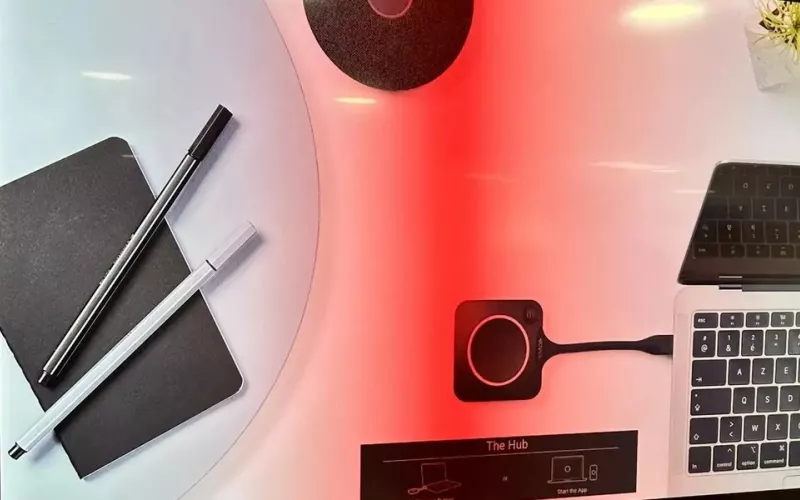
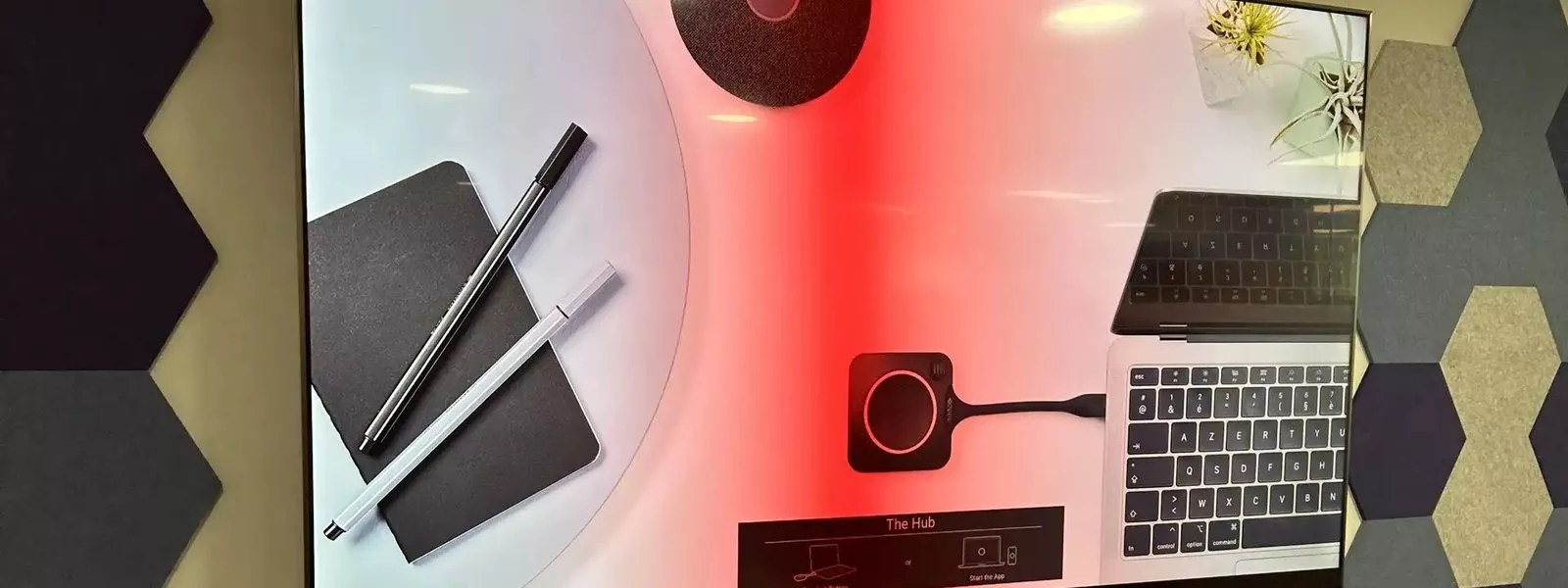
Jabra Reach is a new extender that lets someone plug a laptop into one USB-C cable at the meeting table and use the room's display, camera, microphones and speakers. Jabra announced it on 2 September 2026, and it matters because it replaces the usual mix of long cables and adapters between the table and the screen with a single network cable run.
What Jabra announced
Jabra, part of the GN group, describes Reach as a single cable BYOD extension system for video meeting rooms. BYOD means bring your own device: the meeting runs on the laptop someone carries in, and the room lends it a large screen, a proper camera and proper audio. According to GN's press release of 2 September 2026, one USB-C connection carries video, audio, USB and, if you want it, power for the laptop.
Holger Reisinger, senior vice president of Jabra's video business unit, put the problem simply: "Walking into a room and connecting your own laptop should be the simplest thing in the world, but too often it isn't."
AV Interactive (avinteractive.com) carried the story the same day; the facts here come from Jabra's release and its product page.
How Jabra Reach works
Reach is two small boxes joined by one network cable. Jabra's product page calls them the front of room box, which sits by the display, and the centre of room box, which sits at the table.
- At the table: one USB-C socket for the laptop, carrying USB data, the laptop's video output and power, plus a second USB-C socket listed as an optional 100 W charging input.
- At the display: an HDMI 2.0 output to the screen and two USB-A ports for the room's camera and audio devices.
- Between the two: a single cable using HDBaseT, an established standard for sending video and data over network cable. Jabra gives a maximum of 100 metres and a picture of up to 4K at 60 frames a second, and says Cat 6a is required to reach 100 metres at that resolution.
Jabra says the system is driverless, with no additional drivers to install on the laptop, and lists the two most recent versions of Windows or macOS, or ChromeOS, as the requirements. The release describes concealed ports and secured cables, so the table end can be fixed in place.
The devices Jabra lists as verified are its PanaCast 50, PanaCast 50 and 55 VBS, PanaCast 40 VBS and PanaCast U30, the Speak2 75 speakerphone and the Huddly IQ camera. Mr Reisinger's statement goes further, saying Reach works with any video bar or room system. For anything not on the verified list, we would test before committing a room to it.
Who it suits in a London office
Reach is for rooms where the laptop runs the meeting:
- Mixed platforms. A firm whose clients send invitations on Teams, Zoom, Google Meet and Webex can join all of them from the laptop, with the same room equipment each time.
- Visitors. A client or an adviser can plug in their own machine without being given access to your systems.
- Rooms with no room computer. A small room with a USB video bar and a screen becomes a working meeting room with one cable on the table.
It does not replace a fixed Microsoft Teams Room, which has its own calendar, touch panel and join button. The two can work together, though. Jabra says that where a PanaCast video bar is set up for Microsoft Teams Rooms on Android or for Zoom Rooms, Reach lets the host choose between presenting into the room's own meeting and using the room's camera and audio for a BYOD session from the laptop.
The practical appeal is the cable route. One Cat 6a cable from the table to the screen is far easier to pull through a floor box or existing containment than a bundle of HDMI and USB extenders, which matters in a leased office where you cannot chase the walls as you please.
What to plan before you order Jabra Reach
- The cable. Measure the real route from the table to the display, not the straight line, and plan for Cat 6a. HDBaseT extenders are normally wired as a direct link between the two boxes, so allow a dedicated cable and do not assume it can pass through the office network. We confirm the wiring with Jabra before the cable goes in.
- The display. It needs a free HDMI input.
- The room devices. Note which camera, video bar and speakerphone each room has, and check them against the devices Jabra has verified.
- The laptops. Jabra's specification shows the laptop connection using the video output of the USB-C port. Not every USB-C port carries video, particularly on older machines, so check the laptops your staff and visitors use.
- Power. The front of room box has its own power input, so it needs a socket behind the display. Laptop charging is optional: Jabra's specification says the USB-C power adapter that charges the laptop is not in the box and must be bought separately. It plugs into the table unit, so allow for one and for a socket at the table.
- Management and warranty. Jabra's specification lists management through its Jabra Plus platform with the PanaCast U30 and the PanaCast 40, 50 and 55 VBS, and points to its Jabra Direct software for updating Reach in other setups. The warranty is two years.
The PanaCast firmware updates
Alongside Reach, Jabra announced four additions for its PanaCast range. They arrive as firmware updates, which Jabra says will roll out across the range through the end of 2026: People Count, which Jabra says gives insight into how rooms are used; Custom Wallpaper, which puts your own branding on the room display; Web UI over USB, a browser based way to set up and manage a device; and CLI functionality, a command line for IT teams with many devices to deploy.
Price and availability
Jabra says Reach goes on sale on 5 October 2026 at a US list price of $899. The release gives no UK price, and Jabra's UK product page shows no price, only a contact sales button. Treat the dollar figure as a guide to where the product sits, not as a UK price. We will quote once UK pricing and stock are confirmed.
How 1Install can help
We design and install meeting rooms and video conferencing systems for offices across the capital, working as AV installers in London. For a BYOD room that means surveying the cable route, checking your displays, cameras and laptops against what Reach supports, then installing and testing the system. If you are weighing a BYOD room against a full Teams Room, our meeting room quote builder lets you budget both, and our maintenance and support service looks after the rooms afterwards.
Questions we are often asked
What is Jabra Reach?
Jabra Reach is a two box extender for bring your own device meeting rooms. A laptop plugs into one USB-C cable at the table and gets the room's display, camera, microphones and speakers, with the link to the screen carried over a single network cable of up to 100 metres.
Does Jabra Reach replace a Microsoft Teams Room?
No. A Teams Room has its own computer or Android device, calendar and touch panel, while Reach is for meetings run from a laptop. Jabra says the two can be combined in rooms with a PanaCast video bar running Teams Rooms on Android or Zoom Rooms.
Will it work with the camera and speakerphone we already have?
If it is on Jabra's verified list, yes: the PanaCast 50, PanaCast 50 and 55 VBS, PanaCast 40 VBS, PanaCast U30, Speak2 75 and Huddly IQ. Jabra says Reach works with any video bar or room system, but we would test anything else before relying on it.
How much does Jabra Reach cost in the UK?
Jabra has published a US list price of $899 and an on sale date of 5 October 2026. It has not published a UK price, and its UK page shows a contact sales button instead of a price. Ask us for a quote once UK pricing is confirmed.
Book a consultation or call our head office on 01344 937999 (London office 0208 064 0196).
- Log in to post comments