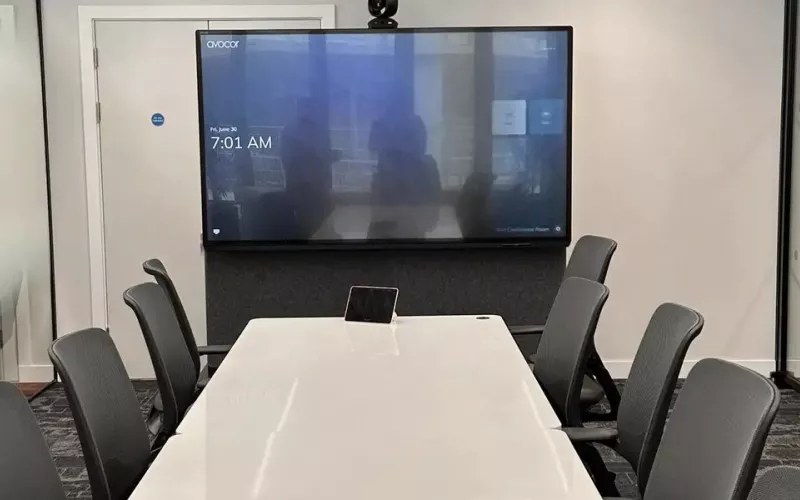
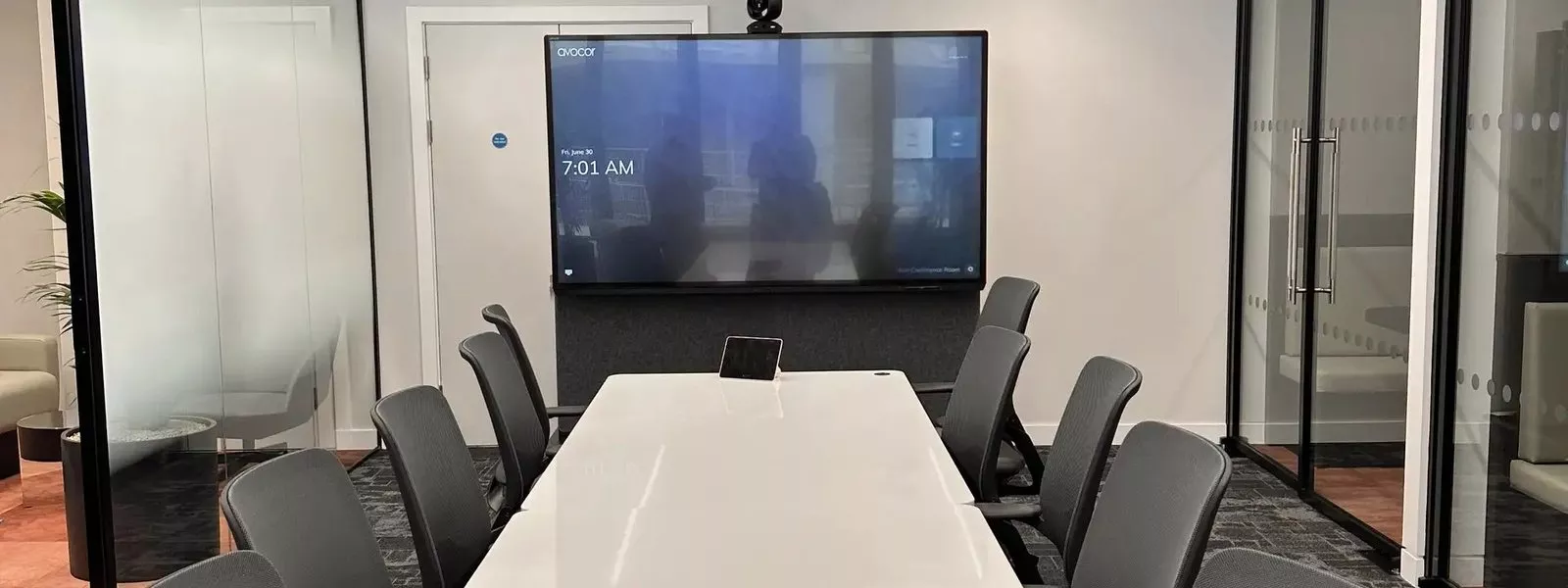
Crestron has announced Collab Engine, a single device that runs Microsoft Teams Rooms, handles wireless sharing from guests' laptops and controls the room. For London offices that currently stack a meeting computer, a wireless presentation unit and a control processor in every room, it promises a much simpler setup, with availability scheduled for the first quarter of 2027.
Crestron published the news on 3 November 2026 in a press release that describes Collab Engine as a scalable collaboration platform for Teams Rooms and bring your own device (BYOD) meetings. It joins the Collab family Crestron started earlier this year with Collab Compute. Below we explain what has been announced, how the two models differ, and what a London business should think about now if it is planning meeting room work for next year.
What the Crestron Collab Engine is
Most meeting rooms we work on in London are built from several boxes. There is a Teams Rooms computer, a wireless presentation receiver for visitors, a control processor for the screen, blinds and lighting, and often a separate unit to move video around the building. Each one has its own firmware, its own management tool and its own way of failing on a Monday morning.
Collab Engine brings those jobs together. Crestron says it combines conferencing, content distribution and room control on one common hardware platform, and that the same platform scales from a small huddle space up to a large training room. It is certified for Microsoft Teams Rooms, and it runs on Android using the Microsoft Device Ecosystem Platform, known as MDEP, which Crestron says brings enterprise security and IT management tools that corporate teams already know.
Two ways to run a room: Teams Rooms mode and AirMedia mode
The device has two operating modes, and this is the part that will interest most London office managers.
- Microsoft Teams Rooms mode gives a native Teams experience, with one touch join for scheduled meetings. This suits firms that have standardised on Teams and want every room to behave the same way.
- Crestron AirMedia mode turns the room into a wireless presentation and conferencing space for whatever laptop walks in. A visitor or a member of staff can share and join from their own device, whichever meeting platform they are using.
The second mode matters in London, where many of the rooms we look after host clients, agencies and partners who arrive with their own laptops and their own preferred platform. Having both modes on the same hardware gives a facilities team one product to stock and support rather than two.
Collab Engine 4100 and Collab Engine 4200
Crestron is launching two models. The last column below is our own view of where each one fits, not Crestron's wording.
| Model | What it includes | Where we would use it |
|---|---|---|
| Collab Engine 4100 | Conferencing, wireless sharing and an integrated Crestron 4 Series control system | Huddle spaces and standard meeting rooms where the equipment stays in the room |
| Collab Engine 4200 | Everything in the 4100, plus built in DM NVX AV over IP distribution | Larger meeting rooms, training rooms and floors where video needs to travel over the network |
The integrated 4 Series control system is the important detail for us as installers. It means the box that runs the meeting can also switch the display, dim the lights, lower the blinds and recall room scenes, without a separate processor in the ceiling void or the comms cupboard. The DM NVX connection on the 4200 ties the room into the AV over IP systems that many London buildings already use for reception screens, divisible rooms and overflow spaces. We covered the newest DM NVX hardware in our post on the Crestron DM NVX 370.
Camera and audio that adapt to the room
Collab Engine works natively with Crestron Intelligent Video and Crestron Intelligent Audio. Crestron says Intelligent Video keeps people in frame as they move around, and Intelligent Audio is tuned to the layout and acoustics of the room. In practice that should mean fewer calls where the far end sees an empty chair, or hears the person at the back of the table as a faint echo. Both are problems we see often in glass walled London offices with hard floors and high ceilings.
Managing many rooms with XiO Cloud
For multi room estates, Collab Engine connects to Crestron XiO Cloud for central deployment, monitoring and management. An IT team can see which rooms are online, push settings and updates, and spot faults before users report them. Combined with MDEP on the device itself, Crestron is clearly aiming at IT departments that want meeting rooms managed like any other company device. If you would rather hand the monitoring to us, our 1Install Care support plans cover exactly this kind of ongoing room support.
When Collab Engine will be available
Availability is scheduled for the first quarter of 2027, according to trade press reports of the launch, and Crestron has not published pricing. Until units are shipping we would not rip out rooms that work today. We would, however, factor Collab Engine into any London fit out or refurbishment planned for 2027, especially where you are about to buy separate Teams Rooms computers, wireless presentation units and control processors.
What London offices should do now
- List your rooms by type. Note which are Teams only, which host visitors on other platforms, and which already use DM NVX. That shows where the 4100 or the 4200 would fit.
- Check your licences. A room in Teams Rooms mode will still need the right Microsoft Teams Rooms licence.
- Talk to IT early. MDEP and XiO Cloud both touch the corporate network and device management, so involve the IT team before the design is fixed.
- Look at the whole room. Because control is built in, the lighting, blinds and display can all be designed around the same device.
Our process page explains how we survey, design and hand over a room, and our Teams room installation in London page covers the conferencing side in more detail.
Questions we are often asked
Is the Crestron Collab Engine available to buy now?
Not yet. Crestron announced it on 3 November 2026 and availability is scheduled for the first quarter of 2027. We can plan rooms around it now so they are ready when it ships.
Does Collab Engine replace a Teams Rooms computer?
It is certified for Microsoft Teams Rooms and runs Teams natively in its Teams Rooms mode, so a room built around it does not need a separate Teams Rooms computer.
Can guests share from their own laptops?
Yes. In AirMedia mode the room is set up for wireless presentation and conferencing from guests' own devices, across meeting platforms.
What is the difference between the 4100 and the 4200?
Both include an integrated Crestron 4 Series control system. The 4200 adds built in DM NVX AV over IP distribution for sending and receiving video over the network.
Will it work with the Crestron equipment we already have?
The 4200 is designed to join DM NVX systems, and both models use Crestron 4 Series control. We check the exact equipment in your building at survey stage before we confirm how it fits together.
How much will Collab Engine cost?
Crestron has not published pricing. Once it does, we will include it in a full room quote with installation, programming and support.
For more on how we design Crestron systems for businesses, see our Crestron page and our AV installers in London page. Our post on Q-SYS Teams Rooms certification shows how another platform is approaching the same rooms.
Book a consultation or call our London office on 0208 064 0196 or our head office on 01344 937999.
- Log in to post comments