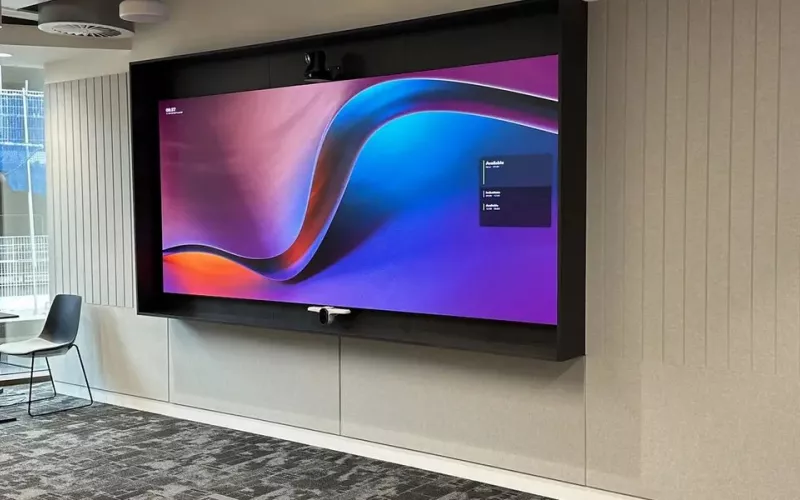
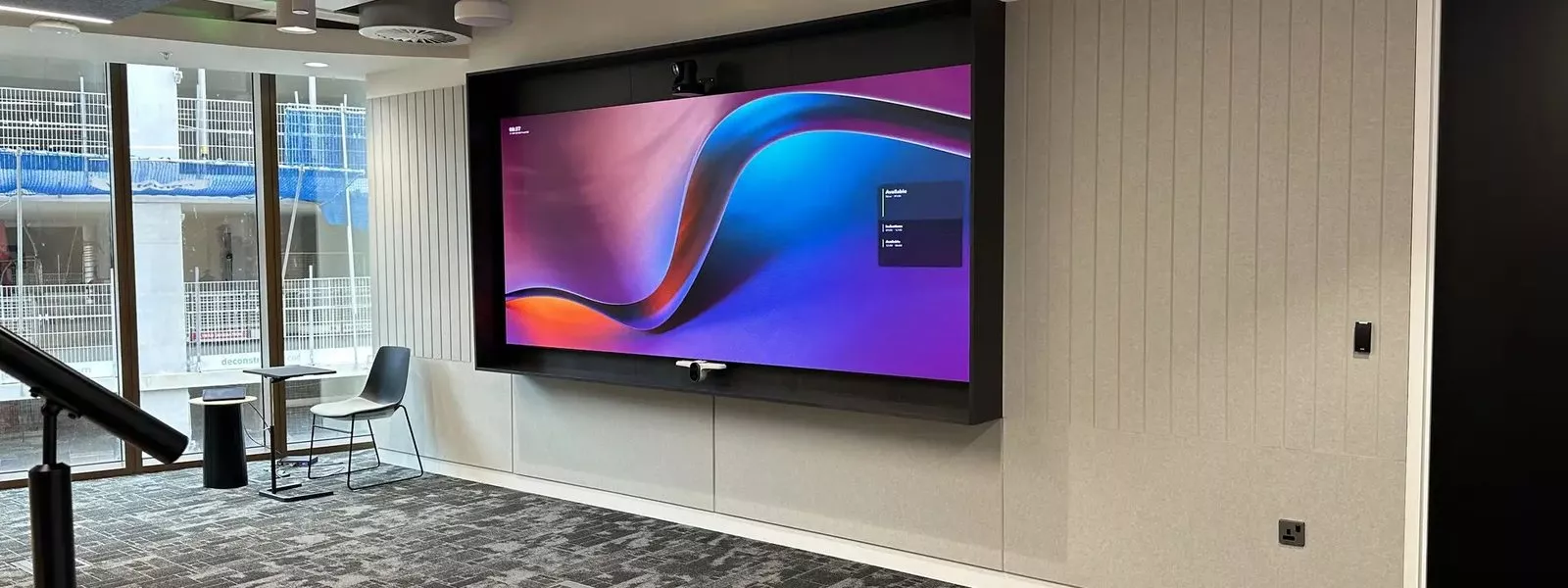
Interactive displays for London schools and offices only work as well as the network and the wall behind them, so plan the data point, the Wi-Fi and the fixing before you choose a brand or a size. Then pick the panel for the room: what people will do on it, how they will share to it and whether it needs to join video calls.
Plenty of interactive panels end up as expensive televisions. The panel itself is rarely the problem: sharing drops out, the pen lags, the screen sits too high for the people using it, or nobody was shown how it works. This guide goes through the decisions that make a panel a success, for classrooms and for meeting and training rooms in London.
Start with the network, not the screen
Most of what makes an interactive panel useful, from wireless sharing to cloud whiteboards and software updates, relies on the network. The Department for Education's digital and technology standards for schools and colleges do not include a standard for classroom displays, but they do include standards for network cabling and for wireless networks, telling schools to use the latest wireless network standards for performance, coverage, management and security. Those two standards decide whether a panel works on a busy Monday morning.
For offices the same logic applies. A wired data point behind each panel and Wi-Fi that copes with a full room are worth more than any extra feature on the screen.
Choosing interactive displays for each London room
| Room | Common size | Main use | What to add |
|---|---|---|---|
| Infant or junior classroom | 65 or 75 inch | Teaching, pupils writing on the board | Height adjustable stand or a lower fixing |
| Secondary classroom or lab | 75 or 86 inch | Teaching, video, annotation | Visualiser, wireless sharing for the teacher |
| Lecture or sixth form room | 86 inch or a projector | Presentations to a large group | Microphone and speakers, a second screen |
| Office meeting room | 65 or 75 inch | Hybrid meetings and whiteboarding | Camera and microphones, or a certified meeting board |
| Training room | 86 inch | Trainer led sessions | Confidence screen, room audio |
Built in system or slot in PC
Most panels run their own Android based system for whiteboarding, browsing and sharing. Many also take a slot in PC at the back, which turns the panel into a large Windows touch screen. Schools and offices with a managed IT estate often prefer the slot in PC, because it is updated and secured like every other computer.
Touch, pens and feel
Try writing on a panel before you buy it. Look for a pen that tracks closely, easy switching between pen, finger and palm erase, and enough touch points for several people at once. These details decide whether staff use the board every day.
Safety and accessibility
A large panel on a wall is a heavy object in a room full of people, so the fixing, the cable management and the position all matter. Keep cables inside the wall or in neat trunking so nobody trips over them. Leave a clear space in front of the board so pupils and presenters are not squeezed against furniture. Make sure the lower part of the screen can be reached by everyone who needs it, including wheelchair users, which is why height adjustable stands are popular in primary schools and in shared rooms.
Glare matters too. A panel opposite a large window can be hard to read in the afternoon, so check the light at the survey and, where needed, add blinds or move the board to another wall.
Sharing that works every time
Pick one main way to share in each room and stick to it across the building: the panel's own wireless app, a sharing button that plugs into the laptop, or a cable at the desk. We set it up, test it with your laptops and phones, and keep a cable as the fallback. Our page on wired and wireless systems for education covers the network side.
Fitting panels in London buildings
London schools range from Victorian board schools with high solid walls to new academy buildings with lightweight partitions, and offices from period townhouses to glass towers. A large panel is heavy, so we choose the fixing for the wall: anchors into masonry, backing plates in stud walls, or a floor standing mount where the wall cannot take the load. We remove old projectors and whiteboards, make good the wall and ceiling, and work in the holidays or out of hours so teaching and work carry on.
When the panel joins video calls
In an office, the panel is often also the screen for hybrid meetings. Either add a good camera and microphones that the laptop uses, or choose a certified meeting board that joins Teams calls on its own. Our Teams Rooms installation page for London explains how we plan those rooms, and the interactive displays for business page shows what we supply.
Training and support
On the day we show staff how to start a lesson or meeting, share a screen and save a whiteboard, and leave a one page guide in the room. Afterwards, 1Install Care keeps the panels updated and supported. For schools, our interactive displays for education page has more detail.
Questions we are often asked
Are interactive displays better than projectors?
For most classrooms and meeting rooms, yes: brighter with the lights on, no lamps to replace and no shadows when writing. Projectors still suit very large halls.
What size do we need?
It depends on the distance to the furthest seat. Most classrooms suit 75 or 86 inches and most meeting rooms 65 or 75 inches. We measure at the survey.
Will it work on our school network and filtering?
Usually, yes. We agree the set up with your IT team or provider before the install so sharing and updates are not blocked.
Can you mount a panel on a partition wall?
Yes, with backing plates or a floor stand that carries the weight.
Do you install during the school holidays?
Yes. Most school installs are booked for half term or the summer break.
Whether you are equipping a London classroom or a meeting room, we will help you choose interactive displays that suit the room and set them up so people want to use them. For other office AV, see our London AV installers page.
Book a consultation or call our head office on 01344 937999 (London office 0208 064 0196).
- Log in to post comments